Predictive Analytics in Payroll: How Tax Advisors Avoid Costly Mistakes
Discover how predictive analytics reduces error rates in payroll, saves costs, and transforms your payroll from reactive to proactive.
Ready for payroll that finally takes the pressure off?
Leave your contact details - we will get back to you shortly.
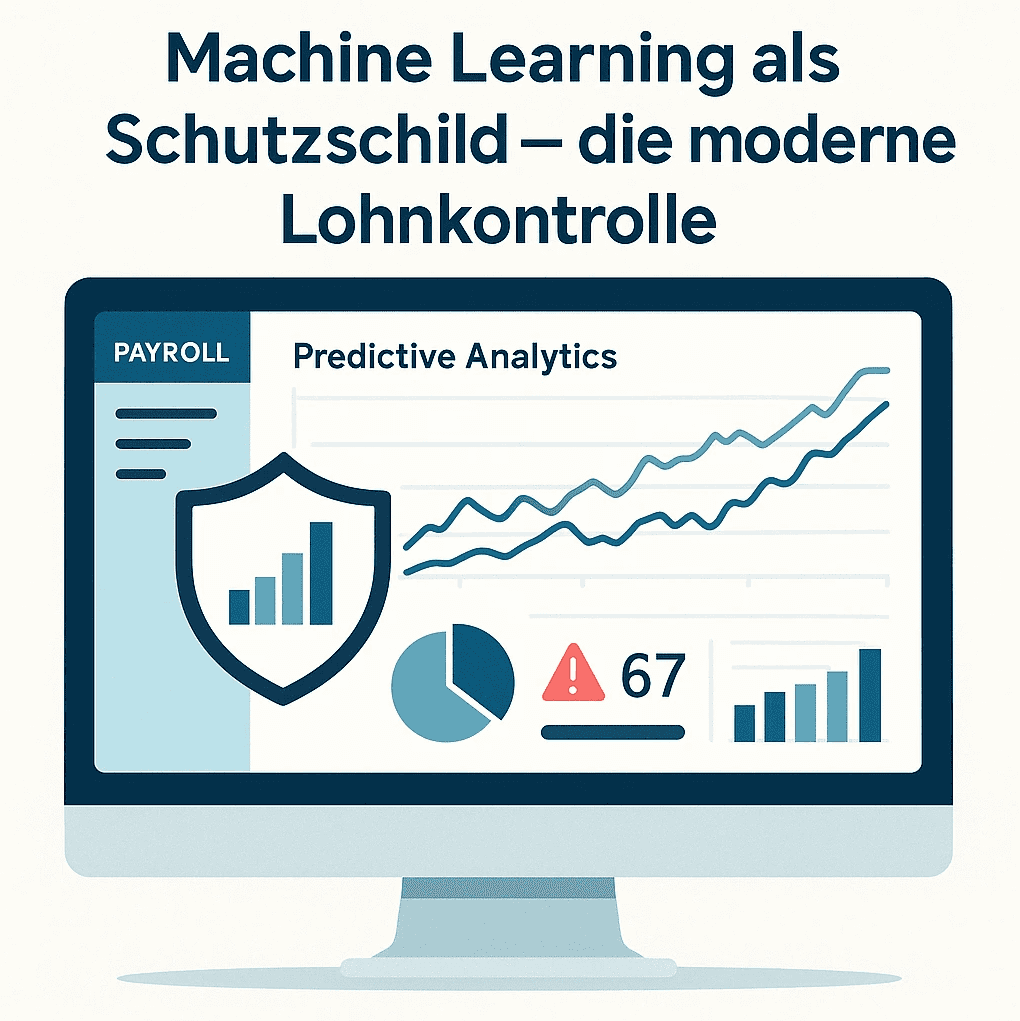
Predictive Analytics in Payroll: How Tax Advisors Avoid Costly Mistakes
A 24,000-Euro Mistake That Should Not Have Happened

It is a typical gray November day in Schleswig-Holstein. On the conference table of a medium-sized company lies a notice from the German Pension Insurance. Title: "Demand for Employee Contributions to Pension Insurance". Amount: just under 24,400 euros. Due immediately.
The Trigger: A single payroll error that has gone unnoticed for years. A 65-year-old employee was treated in payroll like a "pensioner without insurance". Only employer contributions to the pension insurance were paid for him, while employee contributions were omitted. The problem: the employee had never applied for a pension, so he wasn't actually receiving any pension payments. From a social security perspective, he was fully liable for contributions.
The tax consulting firm that took over the payroll relied on a few basic data – date of birth, social security number, health insurance. No one asked for a pension notice, and no one questioned the classification, although the date of birth clearly showed: This is someone of retirement age. Years later, during an audit, the mistake was discovered. The pension insurance demanded the complete employee contributions for three years plus late fees. In the end, the case ended up in the Schleswig Higher Regional Court (Judgment of 30.11.2018, Az. 17 U 20/18). The court's message is clear: whoever takes on payroll must actively ensure the correct social security status – and bears the responsibility when things go wrong.
According to current surveys, 18 to 22 percent of all payrolls in Germany contain errors. Most of these do not reach the Higher Regional Court. But they cost time, money, trust, and in some cases five-digit amounts. This is precisely where Predictive Analytics comes into play: instead of relying solely on human diligence and classic plausibility checks, it uses data and pattern recognition to detect such errors before they even enter the payroll.
Predictive Analytics: More Than Just Automatic Plausibility Checking
Predictive analytics utilizes historical data and statistical algorithms to recognize patterns and predict future events. Unlike a simple plausibility check that merely queries predefined rules, such a system learns from past payrolls.
Specifically, this means: The software analyzes millions of payslips and identifies which inputs, deviations, or configurations typically lead to errors. As soon as a similar pattern appears in a current payroll, the system issues a warning.
The Five Most Common Sources of Error in Payroll
1. Typographical Errors and Transposed Numbers in Manual Entries
A study shows: 43 percent of tax consulting firms use Excel spreadsheets for parts of payroll.
2. Outdated Tax Classes and Allowances
An employee gets married and switches from tax class I to IV but forgets to report the change. Another one has a second child, but the child allowance is not adjusted. Such oversights are often only noticed during the tax declaration.
Predictive Analytics helps through:
Tracking Life Events: If a change in marital status is registered in the HR system, the payroll system automatically suggests: "Check tax class?"
ELStAM Reconciliation: Automatic reconciliation with the electronic income tax deduction characteristics database reveals discrepancies between reported and actual tax class.
Anomaly Detection: If a married employee suddenly is paid in tax class I despite being in class III for the last 18 months, a warning is issued.
3. Complex Overtime and Supplement Calculations
Shift work and bonuses are particularly error-prone. The regulations are complex and vary according to collective bargaining agreements:
• Sunday work: 50 percent premium (§ 6b EStG)
• Night work (11 PM to 6 AM): 25 percent premium
• Holiday work: up to 125 percent premium
There are also industry-specific collective agreements with their own regulations.
Machine Learning validates:
Regulatory Compliance: The system knows all legal and collective agreement premium rates and checks them automatically.
Anomaly Detection: If an employee suddenly claims 67 hours of overtime (previous month: 5), there is a warning. Either there is an extraordinary effort involved (then there should be an approval) or there is an error.
Consistency Check: Did the employee work on a Sunday, but no Sunday premium was calculated? The system recognizes the discrepancy.
4. Incorrect Social Security Notifications
An already departed employee for whom pension contributions are mistakenly still being paid. A forgotten notification when changing health insurance. Duplicate notifications for the same person. The consequences range from fines to costly additional payments.
A specific case from 2024: A firm in Hamburg mistakenly reported a working student as a full-time employee. Result: 8,400 euros in additional payment for too much paid pension contributions, plus 1,200 euros in fines.
ML-based monitoring prevents such errors:
Status Monitoring: Is the employment contract still active? Does the exit date match the last payroll?
Duplicate Detection: Algorithms identify when the same social security number appears multiple times in a notification.
Employment Status Check: Working students, mini-jobbers, mid-jobbers each have different social security obligations. The system checks whether the reported status corresponds to working hours and salary.
5. Outdated Master Data
Employees move, and the new address is not entered. Bank account changes, and salary lands in the old account. Working hours are reduced from 40 to 30 hours but the system still shows full-time.
Particularly problematic: Many such errors are only noticed when it is too late. The salary has already been transferred, tax certificates have already been created, notifications have already been submitted.
Predictive Analytics detects:
Data Currency: "Bank account unchanged for 5 years?" could indicate that master data is not being maintained. The system suggests asking the employee.
Failed Transaction Detection: If a SEPA transfer fails, the system immediately marks the employee for a master data check.
Address Plausibility: If the ZIP code does not match the city or an address is incomplete, a warning is issued.
Technical Background: How Machine Learning Works in Payroll Software
Phase 1: Training the Model
The ML model needs training material. The more extensive the data base, the more accurate the predictions. Ideally:
• At least 12 to 24 months of historical payrolls
• Documented errors: Which payrolls had to be corrected? For what reason?
• Metadata: Industry, company size, applicable collective agreements, regional peculiarities
An important point: The system learns not only from its own firm data but can also use anonymized industry data. Large providers like DATEV or ADP train their models with millions of payrolls from thousands of companies.
Phase 2: Pattern Recognition
The software analyzes the training data and identifies correlations. Here are some practical examples:
"In 91 percent of cases where an employee had more than 200 hours of overtime, the premium rate was calculated incorrectly."
"Payrolls created on Fridays after 3 PM contained 28 percent more errors than those created on Tuesday mornings." (Hint about time pressure and declining concentration)
"When an employee's salary deviates by more than 35 percent from the previous month and no special payment is marked, in 76 percent of cases, there is an error."
These patterns are not hard-coded but are discovered by the algorithm itself.
Phase 3: Real-Time Monitoring
During the processing payroll, the system monitors every entry. Based on the learned patterns, it assesses the error probability in real-time:
Low Risk (0 to 20 percent): No warning, normal processing.
Medium Risk (21 to 60 percent): Yellow marking for review. The payroll is not stopped but flagged for manual inspection.
High Risk (61 to 100 percent): Red warning with detailed justification. Processing is halted until a staff member reviews the entry.
Crucial: The system explains why it issues a warning. Instead of just reporting "error possible," it shows the three most important factors: "Salary deviates by 47 percent from the average (weight: 65 percent), tax class does not match the marital status (20 percent), no overtime despite full-time (15 percent)."
This transparency is also legally relevant: In liability issues, it must be traceable how a decision was made.
Phase 4: Continuous Learning
The model improves with each payroll. Two scenarios:
False Positive: The system issued a warning, but there was no error. The model learns: "This pattern was harmless" and adjusts its weighting.
False Negative: An error was overlooked. During later correction, this information is fed back to the system: "A warning should have been issued here." The model tightens its criteria for similar cases.
Important for firms: This feedback should happen systematically. If a staff member rejects a warning, they should document the reason. This information makes the system better.
Data Protection: What Does the GDPR Allow?
The GDPR allows the processing of personal data when it is necessary for the fulfillment of a contract.
What Does Predictive Analytics Cost for Tax Firms?
Established providers like DATEV offer ML modules as add-ons. Modern providers, such as project b., have integrated control modules that ensure a maximum degree of accuracy.
Is the Investment Worth It? An Example Calculation
Medium-sized tax firm with 22 employees, 58 clients, 920 payrolls per month
Current Situation:
• Error rate: 19 percent (= 175 erroneous payrolls per month)
• Average correction time: 32 minutes per error
• Internal hourly rate: 68 euros
• Monthly error costs: 175 × 0.53 hours × 68 euros = 6,307 euros
• Annual error costs: 75,684 euros
With Predictive Analytics (conservative estimate):
• Software costs: 3.20 euros per payroll per month = 2,944 euros monthly = 35,328 euros annually
• Error reduction: 58 percent (average value from practice reports)
• Saved error costs: 75,684 × 0.58 = 43,897 euros
• Net savings: 43,897 - 35,328 = 8,569 euros per year
Additional benefits that are hard to quantify:
• Lower liability risk
• Higher client satisfaction and lower churn rate
• Time savings can be used for client acquisition or better service
• Less stress for employees, lower turnover
The calculation shows: Already from about 600 to 700 payrolls per month and an error rate above 12 percent, the investment pays off within 12 to 18 months.
Implementation in Five Steps
Step 1: Conduct Error Analysis
Before you invest in new software, you should know the current state precisely. Document over three months:
• How many corrections are needed? (Absolute number and error rate)
• Which types of errors occur most frequently?
• How much working time is spent on corrections?
• Were there liability cases, additional payments, or fines?
• How many client complaints are due to errors in payroll?
This analysis not only shows whether an investment is worthwhile but also which features of the software are particularly important.
Step 2: Compare and Evaluate Providers
Not all payroll software providers have ML modules. When evaluating, you should check:
German Payroll: Is the software specifically designed for German laws, collective agreements, and social security rules? International standard solutions are often unsuitable.
Integration: Are there interfaces to your existing software? DATEV firms need DATEV-compatible solutions.
References: Are there clients from the tax advisor sector? What are their experiences?
Transparency: Can the system explain why it warns? "Black box" solutions are legally problematic.
GDPR Certification: Is there a data processing agreement in place? Where is the data stored? (EU servers are mandatory)
Support: Is there German-speaking support? How quickly does the provider respond to technical issues?
Step 3: Start Pilot Project
Do not implement the software firm-wide immediately. Start with 8 to 12 selected clients, preferably those with complex payrolls (shift work, many overtime hours, commissions).
Run the system in parallel for three months:
• The normal payroll proceeds as usual
• The ML system issues warnings but does not intervene
• Document: How many warnings? How many were justified? How many errors were overlooked?
This test phase shows whether the software delivers on its promises. At the same time, your employees can get to know the functionalities without being under time pressure.
Step 4: Train Employees
The best software is of no use if your employees do not know how to work with it. Training should include the following points:
• What do the different warning levels mean? (Green/Yellow/Red)
• When should a warning be taken seriously, and when can it be ignored?
• How is a decision to disregard a warning documented?
• How is feedback given to the system so it can learn?
• What to do in case of false positives (unnecessary warnings)?
Plan at least half a day's training for each employee. Experience shows that teams take 4 to 6 weeks to work comfortably with the new system.
Step 5: Rollout and Optimization
After a successful pilot phase, you can gradually transfer all clients to the new system. Recommendation: 10 to 15 clients per week so that your employees are not overwhelmed.
Important: Machine learning models are not static. They need to be retrained regularly because laws, collective agreements, and processes change. Schedule an update every 6 to 12 months.
Continuously monitor after the rollout:
• Has the error rate actually decreased?
• How has working time for corrections developed?
• Are there fewer client complaints?
• Do your employees feel supported or patronized by the system?
Only with this continuous evaluation can you ensure that the software provides the desired benefits.
Outlook: Where is Technology Heading?
The next three to five years will bring further leaps in development:
Automatic Corrections Instead of Just Warnings
Instead of saying "Here could be an error," the software suggests: "Did you mean 48 instead of 480 hours? Correct with one click." The staff member only needs to confirm.
Deep Integration with Client Systems
The payroll software automatically queries the client's time tracking system: Were the reported overtime hours actually recorded? Do the vacation days match? Such cross-checks significantly increase security.
Proactive Compliance Warnings
If the contribution assessment ceiling increases, the system warns months in advance: "23 employees at 12 of your clients will be affected. Recommendation: Schedule consultation meetings."
Voice Control and Natural Language Processing
Tax advisors can ask in natural language: "Why is Weber's payroll this month 340 euros higher?" and receive a comprehensible answer instead of cryptic codes.
Industry-Specific Models
Today, most systems train using general payroll data. In the future, there will be specialized models: one for crafts, one for retail, one for IT companies. These can recognize industry-specific errors even better.
The question is not whether these technologies will come, but when they will become standard. Firms that enter now gain valuable experience and gain a competitive advantage.
Conclusion
Predictive Analytics in Payroll is no longer a vision of the future but an available technology. The figures speak a clear language: Error rates of 18 to 22 percent are neither economically viable nor compatible with the duty of care expected from tax advisors.
Three factors make the use of machine learning increasingly indispensable:
First, the growing complexity. New tax laws, hybrid work models, cross-border employment, continuously changing social security rules. Manual error-free work is hardly feasible anymore.
Second, the liability risk. Tax advisors are liable for errors in payroll. With increasing additional payments and fines, error prevention becomes a matter of survival.
Third, technological maturity. Cloud platforms, improved algorithms, and decreasing costs make ML economically attractive for medium-sized firms as well.
Firms that enter now benefit multiple times: Fewer errors mean less liability risk. More efficient processes create time for client consulting and acquisition. More satisfied clients remain loyal to the firm longer.
By 2027, Predictive Analytics in Payroll will be as commonplace as the electronic submission of tax returns today. The question is not whether but when you will enter the field.
Checklist: Is Predictive Analytics Worth It for Your Firm?
☐ Your error rate is above 10 percent
☐ You process more than 400 payrolls per month
☐ Digital payroll data from at least 12 months is available
☐ Budget for 3 to 5 euros per payroll is available
☐ Your team is open to new technologies
☐ You had at least one liability case in the past 12 months
☐ Clients occasionally complain about errors
☐ Your payroll software provides interfaces for ML modules
References
The following sources were used in this article and are linked in the text:
ADP Research Institute (2024): Global Payroll Complexity Report - Error Rates in Payroll
https://www.adp.com/resources/articles-and-insights/articles/p/payroll-compliance.aspxPersonio (2024): HR Study Germany - Digitalization in Payroll
https://www.personio.de/hr-lexikon/lohnabrechnung/DATEV (2024): Digital Payroll and AI-supported Audit Procedures
https://www.datev.de/web/de/datev-shop/personalwirtschaft/lohn-und-gehalt/Federal Ministry of Labor and Social Affairs (2024): Guide to Artificial Intelligence and Data Protection in Personnel Management
https://www.bmas.de/DE/Arbeit/Digitalisierung-der-Arbeitswelt/kuenstliche-intelligenz.htmlBitkom (2024): AI in Corporate Practice - Study on Machine Learning in HR and Finance
https://www.bitkom.org/Themen/Digitale-Transformation-Branchen/Kuenstliche-Intelligenz
All sources last accessed on: 20.11.2025
What is predictive analytics in payroll?
Predictive analytics uses AI and machine learning to predict and prevent errors in payroll before they occur.
When is predictive analytics worth it?
With about 200 employees, predictive analytics is practically always worthwhile, provided that the current error rate is above 3%.
What data does Predictive Analytics require?
The system requires at least 12-24 months of historical wage data for meaningful forecasts. The more historical data, the more precise the prediction.
Finn R.
Further articles

·
Payment
Werkstudent Gehalt 2026: Stundenlohn, Abzüge, Netto-Rechnung
Was verdient ein Werkstudent 2026? Stundenlöhne nach Branche, Abzüge im Detail, Netto-Beispielrechnungen und Arbeitgeberkosten auf einen Blick.
·
Payment
Personalfragebogen: Vorlage, Pflichtangaben und Datenschutz 2026
Personalfragebogen für neue Mitarbeiter: Pflichtangaben, unzulässige Fragen, DSGVO-konforme Vorlage und Muster für Vollzeit, Minijob und Werkstudenten.

·
Payment
Betriebsnummer beantragen: Schritt-für-Schritt-Anleitung für Arbeitgeber
Betriebsnummer beantragen in 3 Schritten: Online-Antrag beim Betriebsnummern-Service, Bearbeitungsdauer und was Sie als Arbeitgeber wissen müssen.

·
Payment
Kurzfristige Beschäftigung 2026: Der komplette Guide für Arbeitgeber
Kurzfristige Beschäftigung 2026: 70-Tage-Regel, SV-Freiheit, Meldepflichten und Lohnsteuer. Inkl. Berufsmäßigkeitsprüfung und Unterschied zum Minijob.
·
Payment
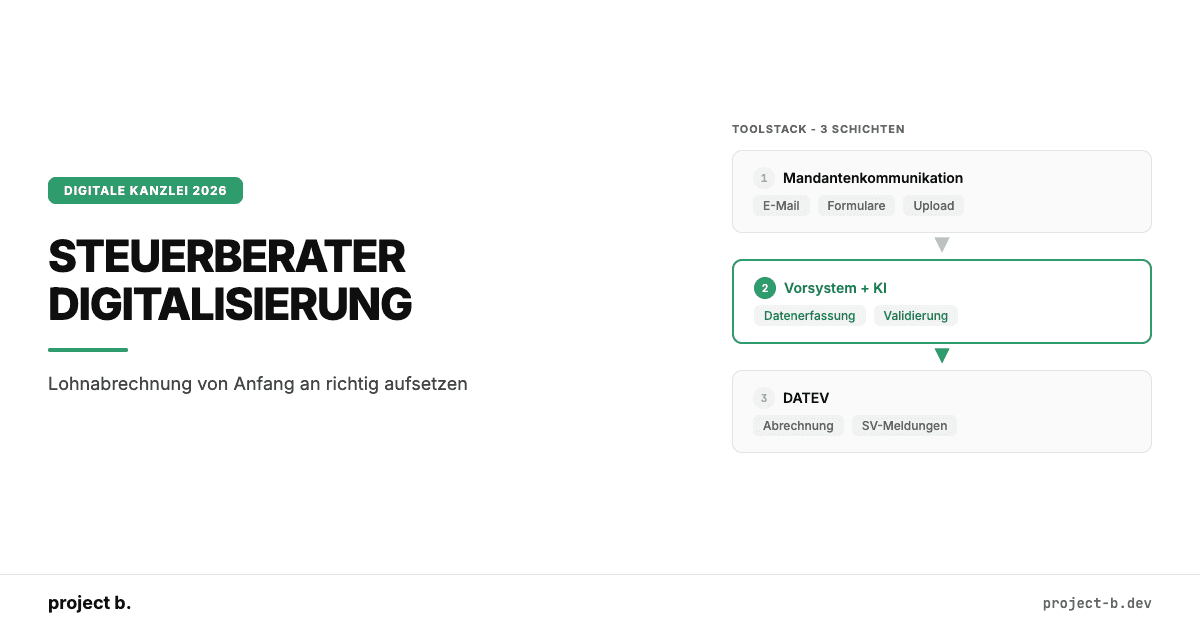
Steuerberater Digitalisierung: Wie neue Kanzleien Lohnabrechnung von Anfang an richtig aufsetzen
No need to spend time changing colors and styles manually. Our component & layouts are styled out of the box
·
AI
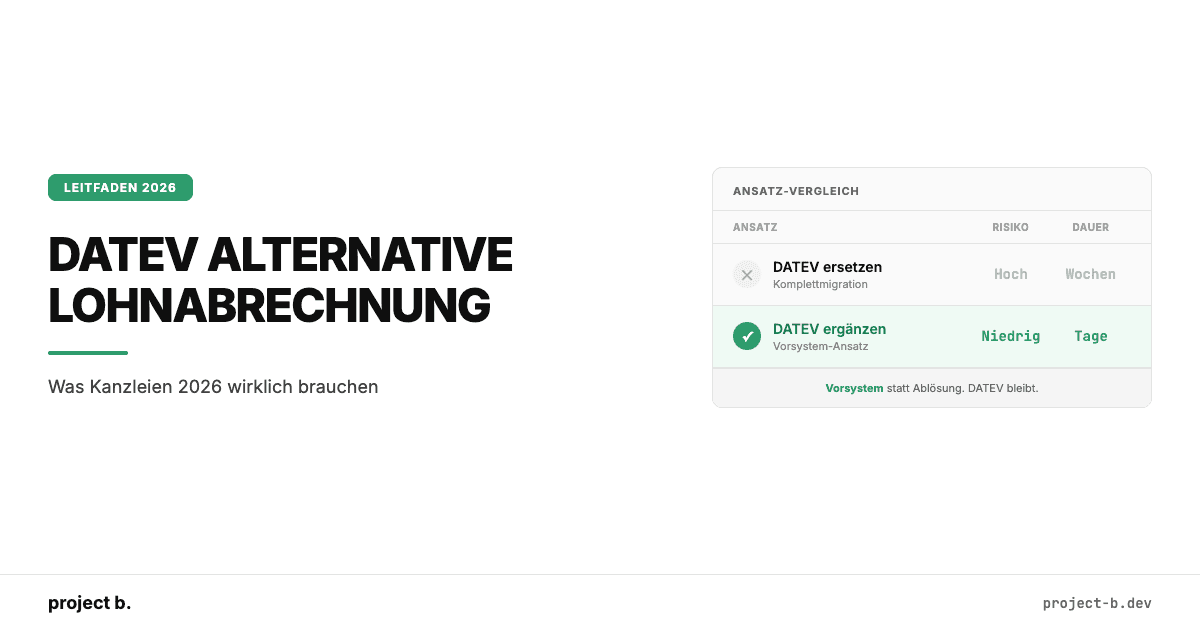
DATEV Alternative Lohnabrechnung: Was Kanzleien 2026 wirklich brauchen
DATEV Alternative für die Lohnabrechnung gesucht? Warum ein Vorsystem sinnvoller ist als ein kompletter Wechsel. Mit Kostenvergleich und Praxisbeispiel.
·
AI
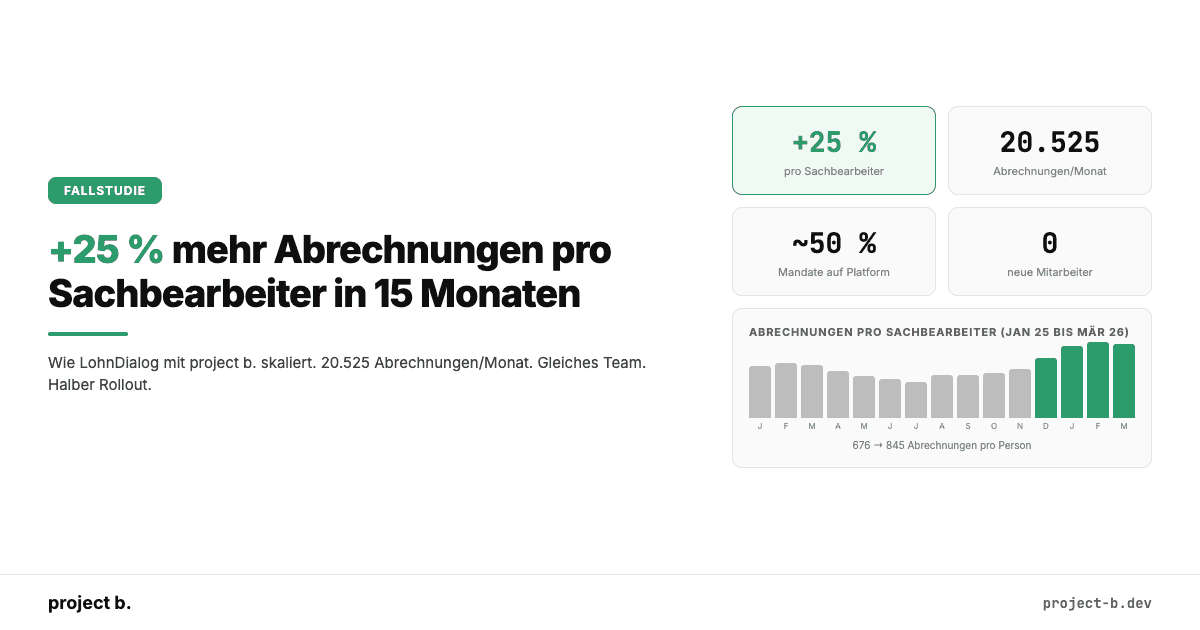
+25 % mehr Abrechnungen pro Sachbearbeiter: Wie LohnDialog mit project b. skaliert
LohnDialog verarbeitet 20.525 Abrechnungen pro Monat mit 24 Sachbearbeitern. Kein neues Personal. +25 % Effizienz nach 15 Monaten. Die Zahlen im Detail.
·
AI
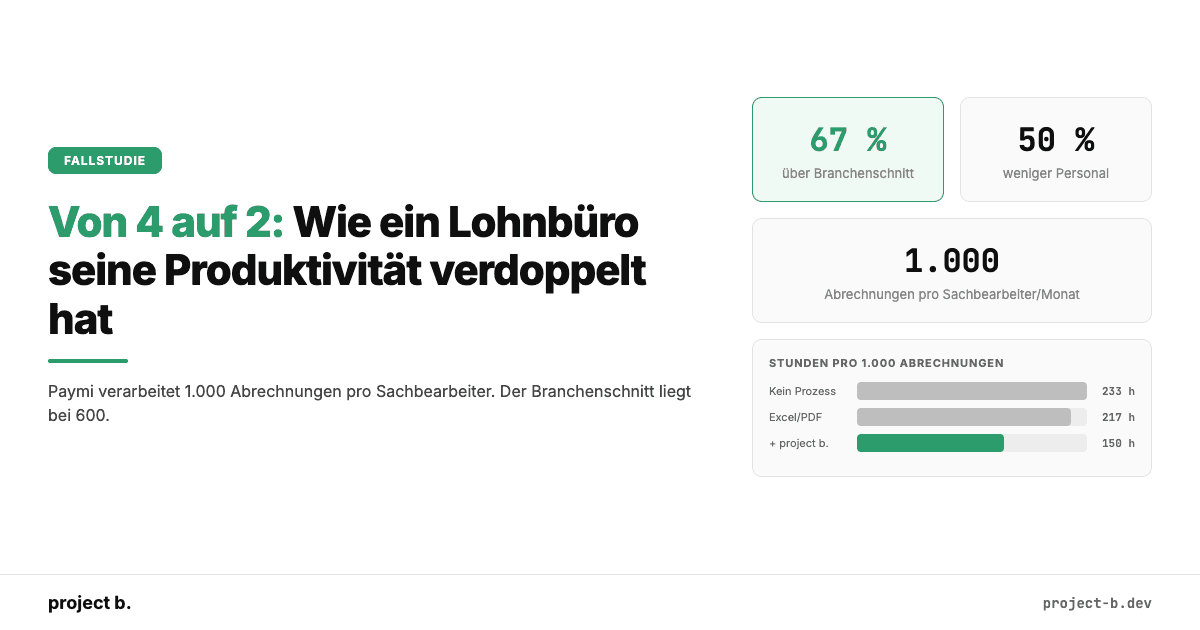
Von 4 auf 2: Wie ein Lohnbüro seine Produktivität verdoppelt hat
Wie der PSP Paymi mit project b. von 4 auf 2 FTEs reduzierte und 1.000 Abrechnungen pro Person verarbeitet. 67 % über Branchenschnitt. Mit Zahlen.

·
Payment
Zollprüfung Pflege 2026: Was die FKS kontrolliert und wie Sie sich vorbereiten
Was die Finanzkontrolle Schwarzarbeit in Pflegeeinrichtungen prüft: Mindestlohn, Arbeitszeiterfassung, Dokumentation. Bußgelder bis 500.000 EUR und wie Sie sich schützen.
·
Payment
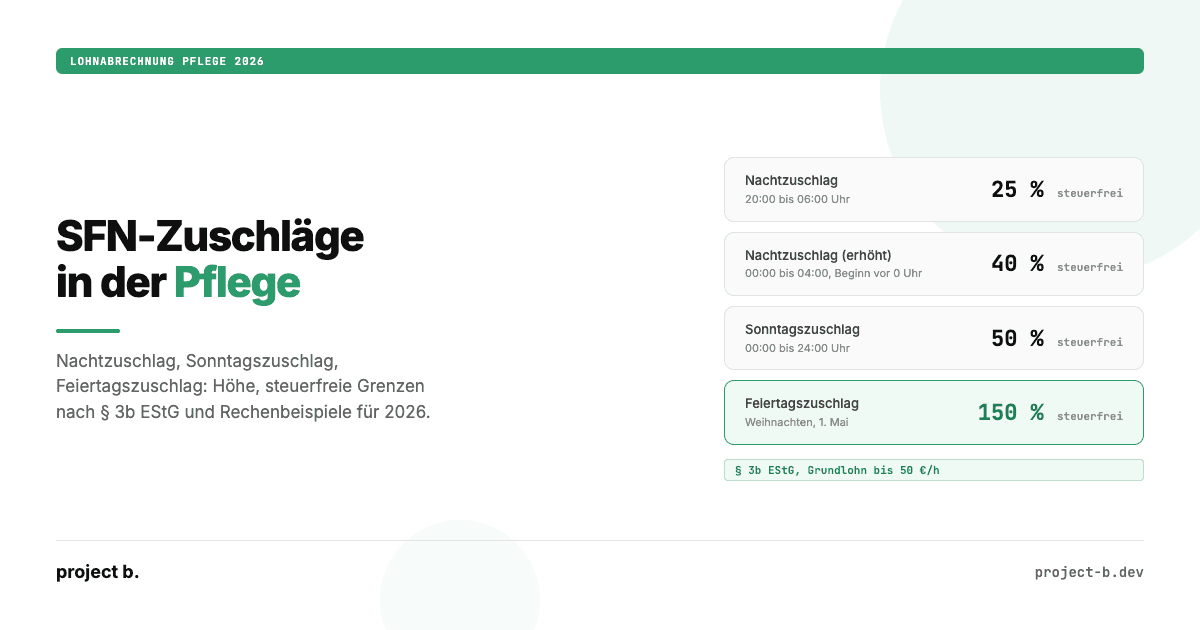
Zuschläge Pflege 2026: Nacht-, Sonntags- und Feiertagszuschläge korrekt abrechnen
Nachtzuschlag, Sonntagszuschlag, Feiertagszuschlag in der Pflege 2026: Höhe, steuerfreie Grenzen nach § 3b EStG, Rechenbeispiele und typische Abrechnungsfehler.

·
Payment
Pflegemindestlohn 2026: Alle neuen Sätze, Tabellen und Eingruppierungsregeln
Pflegemindestlohn 2026 ab 1. Juli: 16,52 bis 21,03 Euro pro Stunde. Alle drei Qualifikationsstufen, Eingruppierungsregeln und was Arbeitgeber jetzt umsetzen müssen.
·
Outsourcing
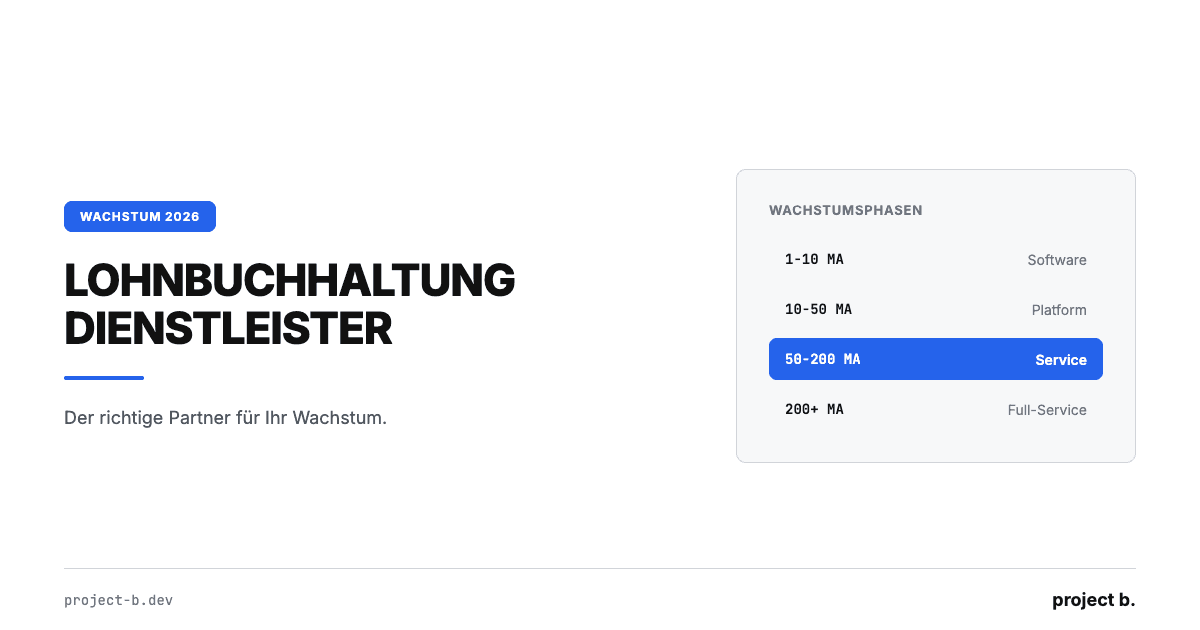
Lohnbuchhaltung Dienstleister: Der richtige Partner für Ihr Wachstum
Lohnbuchhaltung Dienstleister finden, der mit Ihrem Unternehmen wächst. Kosten, Phasenmodell und 5 Kriterien für skalierbare Lohnabrechnung ab 4 €/MA.

·
Outsourcing
Günstige Lohnabrechnung: Qualität muss nicht teuer sein
Günstige Lohnabrechnung ab 4 €/Mitarbeiter: Kostenvergleich Software, Steuerberater und Outsourcing mit TCO-Rechnung und konkreten Spartipps für KMU.

·
Outsourcing
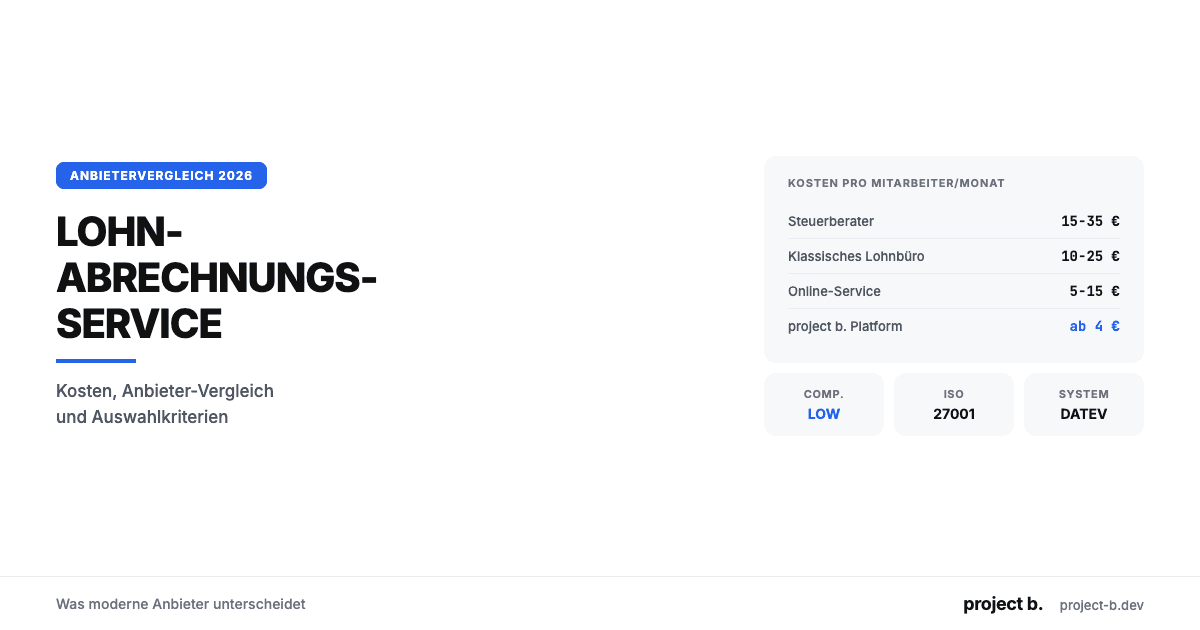
Lohnabrechnung Dienstleister Vergleich: Die Optionen 2026
Lohnabrechnung Dienstleister Vergleich 2026: 4 Kategorien, 10 Kriterien, echte Preise ab 4€/MA. Finden Sie den passenden Payroll-Partner für Ihr Unternehmen.
·
Outsourcing
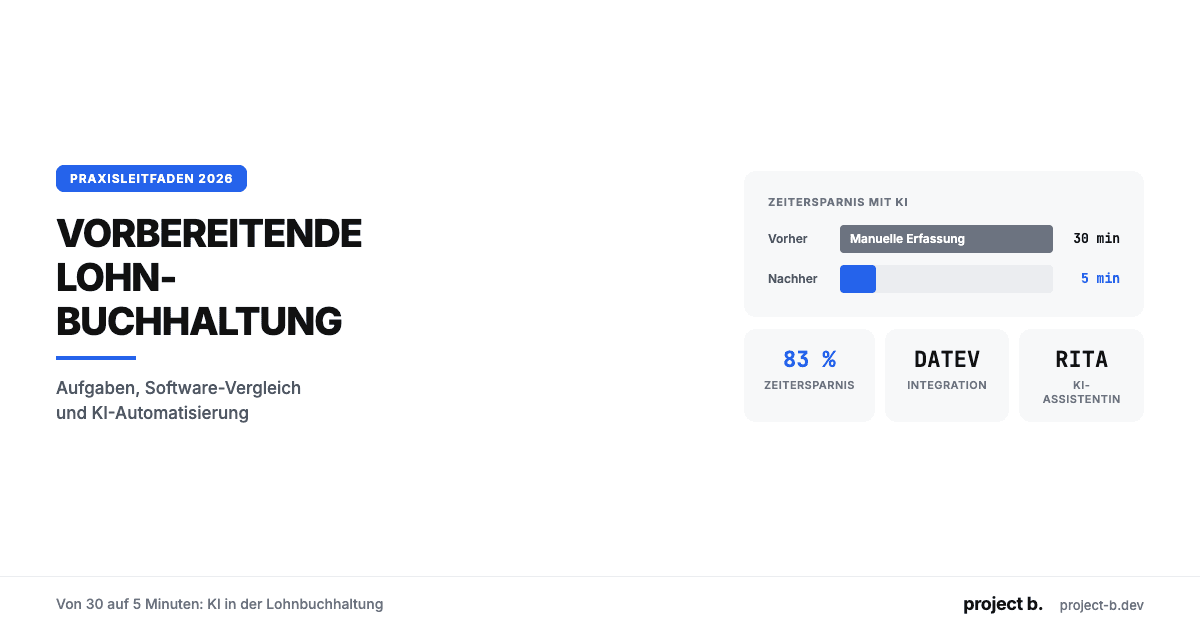
Lohnabrechnungsservice: Was moderne Anbieter unterscheidet
Lohnabrechnungsservice gesucht? Kosten ab 6 €/MA, Anbieter-Vergleich, Online vs. vor Ort und worauf Sie bei der Auswahl achten sollten. Jetzt informieren.
·
Outsourcing
Vorbereitende Lohnbuchhaltung: Von 30 auf 5 Minuten
Was ist vorbereitende Lohnbuchhaltung? Aufgaben-Checkliste, DATEV-Integration, Software-Vergleich und wie KI den Zeitaufwand von 30 auf 5 Minuten senkt.

·
Outsourcing
Lohnbüro Berlin: Professionelle Lohnabrechnung in der Hauptstadt
Lohnbüro in Berlin gesucht? Leistungen, Kosten (ab 6 €/MA), 7-Punkte-Checkliste und warum LohnDialog mit project b. Technologie die smarte Wahl ist.

·
Outsourcing
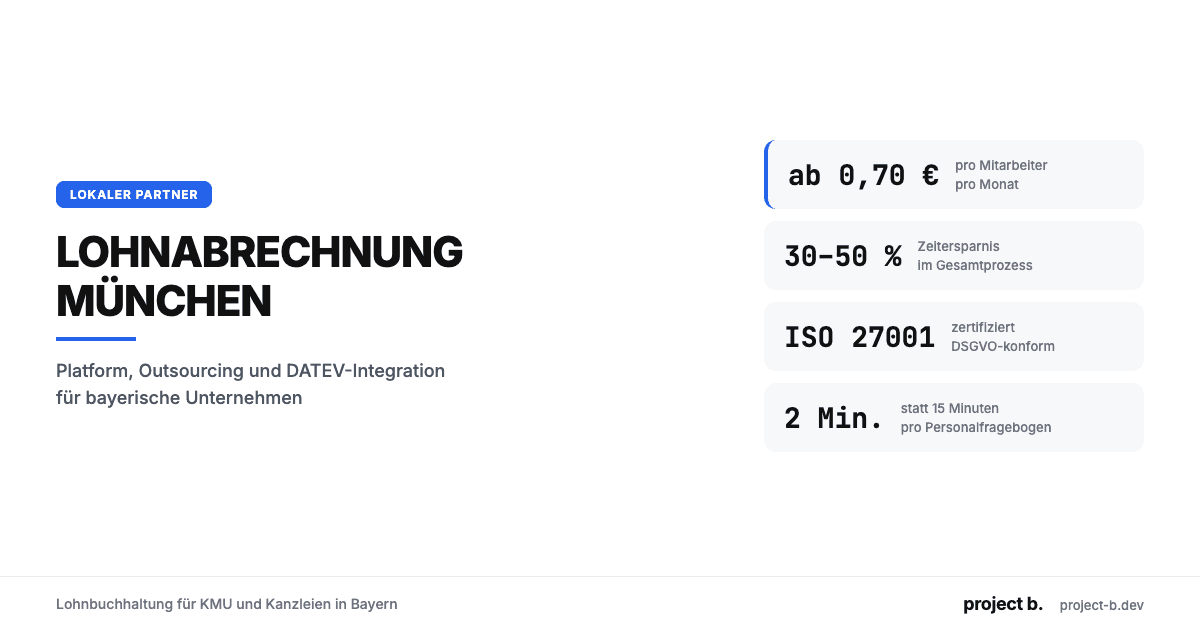
Lohnabrechnung Berlin: Ihr Payroll-Partner in der Hauptstadt
Lohnabrechnung in Berlin mit LohnDialog und project b. Lohnbüro-Service, DATEV-Integration, ab €10/MA. Persönliche Betreuung vor Ort.
·
Outsourcing
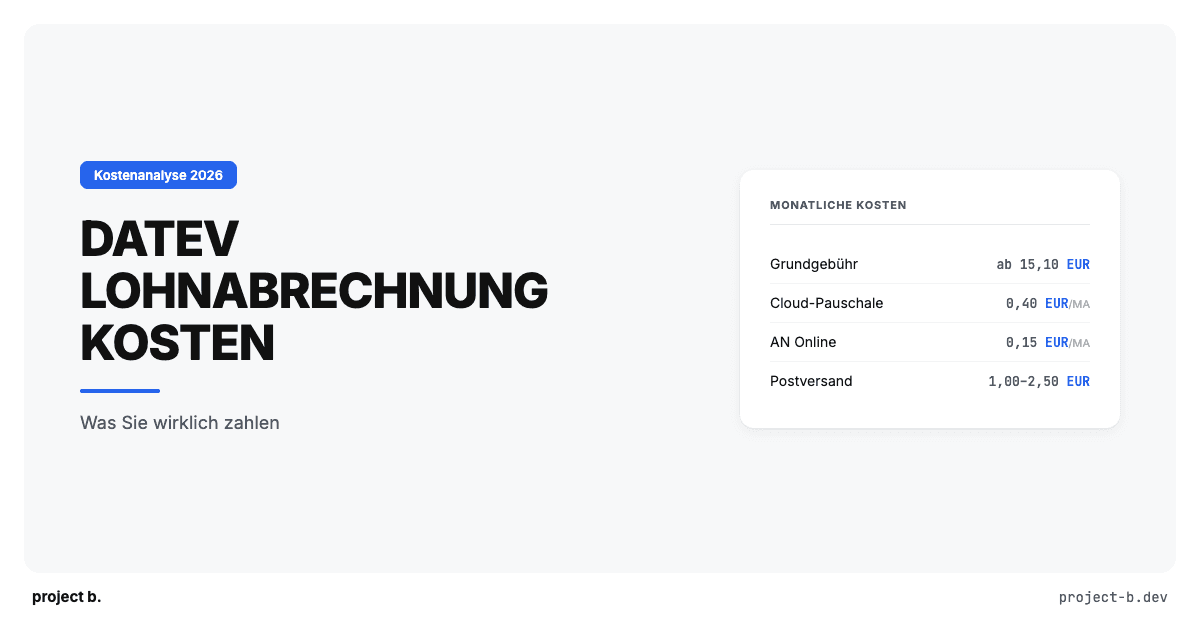
Lohnabrechnung München: Lohnbuchhaltung für KMU & Kanzleien
Lohnabrechnung in München ab €0,70/MA/Monat. Platform oder Outsourcing, DATEV-Integration, ISO 27001. So finden Sie den richtigen Partner.
·
Outsourcing
DATEV Lohnabrechnung Kosten: Was Sie wirklich zahlen
Was kostet eine Lohnabrechnung mit DATEV? Preise pro Mitarbeiter, versteckte Zusatzkosten, Vergleich mit Alternativen. Mit konkretem Rechenbeispiel.

·
Outsourcing
Steuerberater Lohnbuchhaltung: Mehr Mandate ohne mehr Personal
Als Steuerberater mehr Lohnmandate betreuen, ohne proportional Personal aufzubauen? So reduzieren digitale Vorsysteme den Aufwand pro Mandat.

·
Outsourcing
Lohnabrechnung für Steuerberater: Platform vs. Outsourcing
Lohnabrechnung als Steuerberater selbst abrechnen oder auslagern? Vergleich beider Modelle mit Kosten, Aufwand und Praxisbeispiel.

·
Outsourcing
Externe Lohnbuchhaltung: Vorteile, Ablauf und Kosten
Externe Lohnbuchhaltung ab 10 EUR pro Mitarbeiter. Vorteile, typischer Ablauf, Kostenvergleich und worauf Sie bei der Auswahl des Dienstleisters achten sollten.

·
Outsourcing
Digitale Lohnabrechnung: So funktioniert sie in der Praxis
Digitale Lohnabrechnung rechtssicher einführen. Vorteile, DSGVO-Anforderungen, Software-Vergleich und Schritt-für-Schritt-Anleitung für die Umstellung 2026.
·
Outsourcing
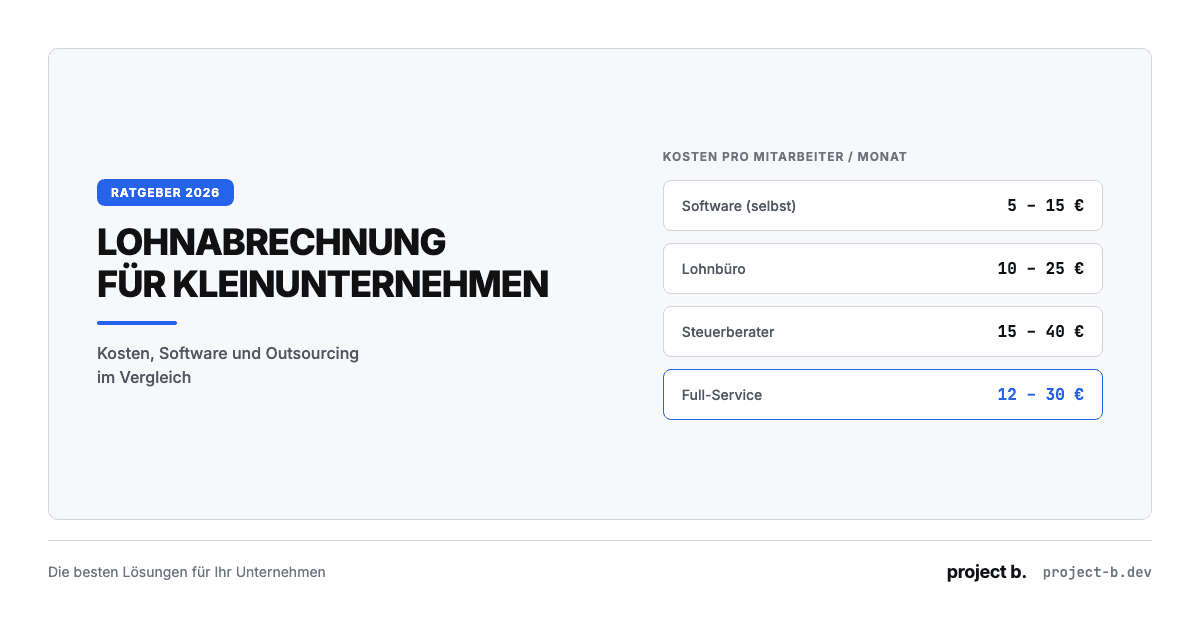
Lohnabrechnung für Kleinunternehmen: Die besten Lösungen 2026
Lohnabrechnung für Kleinunternehmen ab 5 EUR pro Mitarbeiter. Vergleich: selber machen, Software oder outsourcen. Mit Kostenrechnung und Entscheidungshilfe.
·
Outsourcing
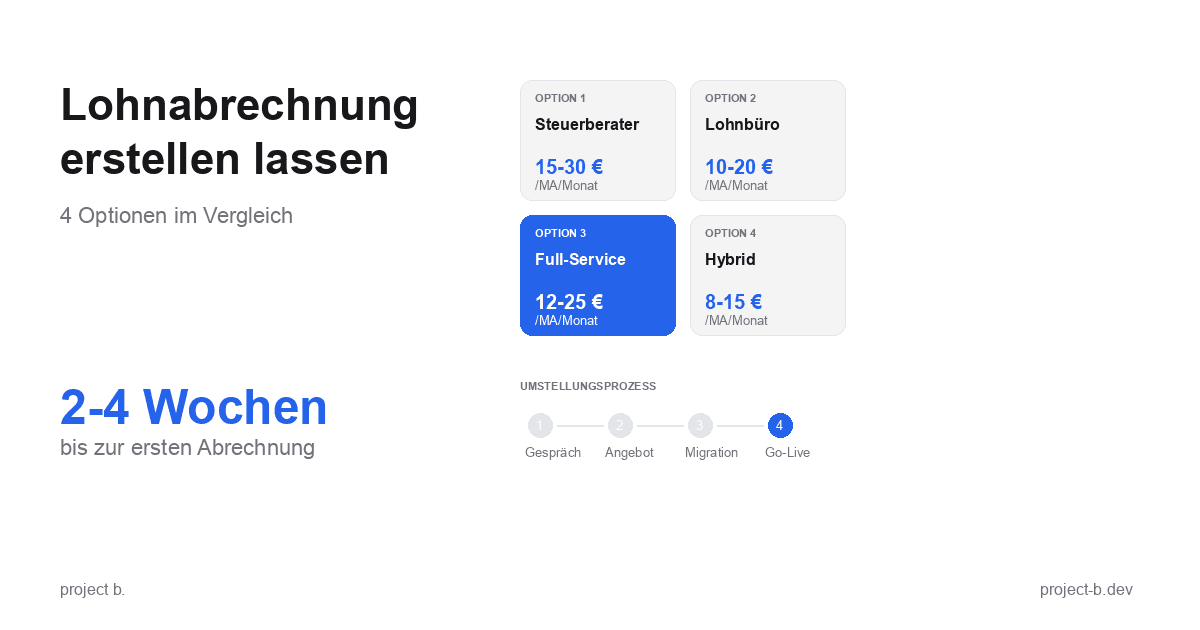
Lohnabrechnung erstellen lassen: Ihre Optionen im Vergleich
Lohnabrechnung erstellen lassen statt selbst kämpfen? Erfahren Sie, welche Optionen Sie haben, was es kostet und wie schnell Sie starten können.
·
Payment
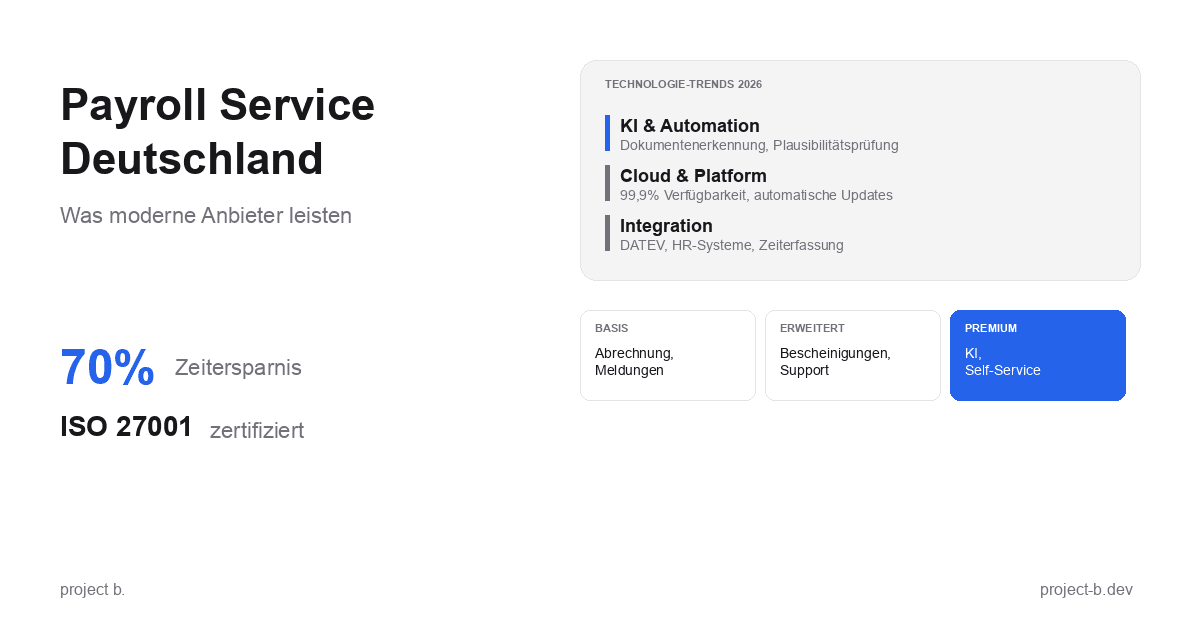
Payroll Service Deutschland: Was moderne Anbieter leisten
Payroll Service in Deutschland gesucht? Erfahren Sie, was moderne Anbieter leisten, welche Technologien sie nutzen und worauf Sie bei der Auswahl achten sollten.
·
Outsourcing
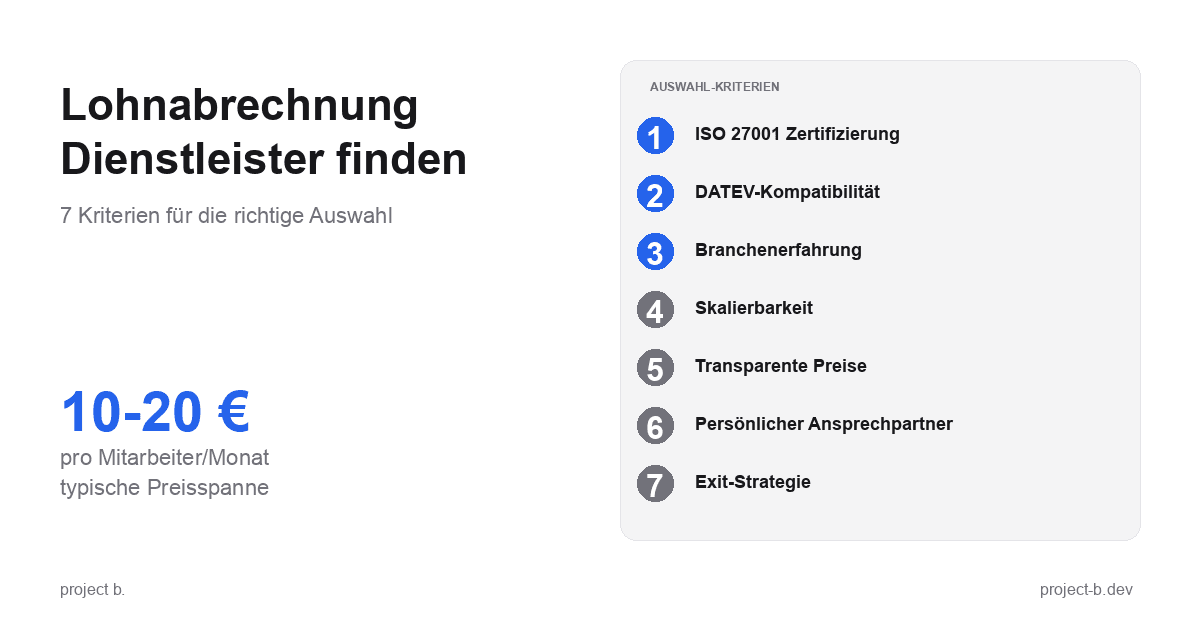
Lohnabrechnung Dienstleister: So finden Sie den richtigen Partner
Lohnabrechnung Dienstleister gesucht? 7 Kriterien für die Auswahl, Preisvergleich und Checkliste fürs Erstgespräch. Finden Sie den Partner, der zu Ihnen passt.
·
Outsourcing
Kosten der Lohnbuchhaltung: Inhouse vs. Outsourcing im Vergleich
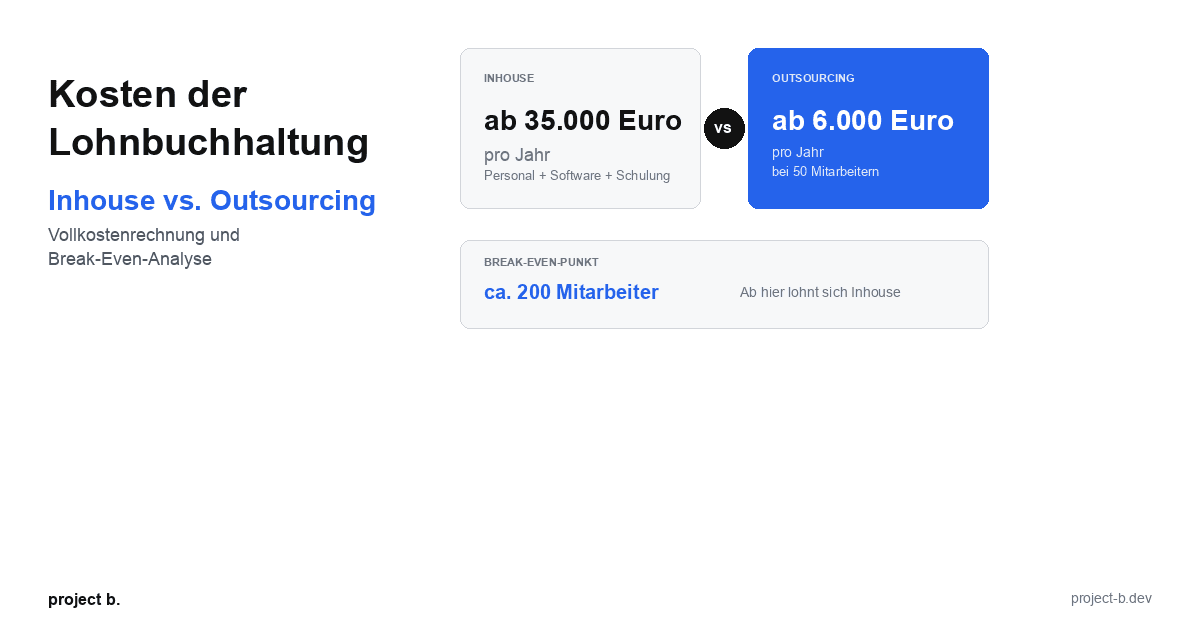
Lohnbuchhaltung Kosten: Inhouse ab 35.000 Euro/Jahr vs. Outsourcing ab 6.000 Euro/Jahr. Break-Even-Analyse, ROI-Rechnung und Entscheidungshilfe.
·
Outsourcing
Lohnabrechnung Kosten pro Mitarbeiter: Was Sie 2026 zahlen
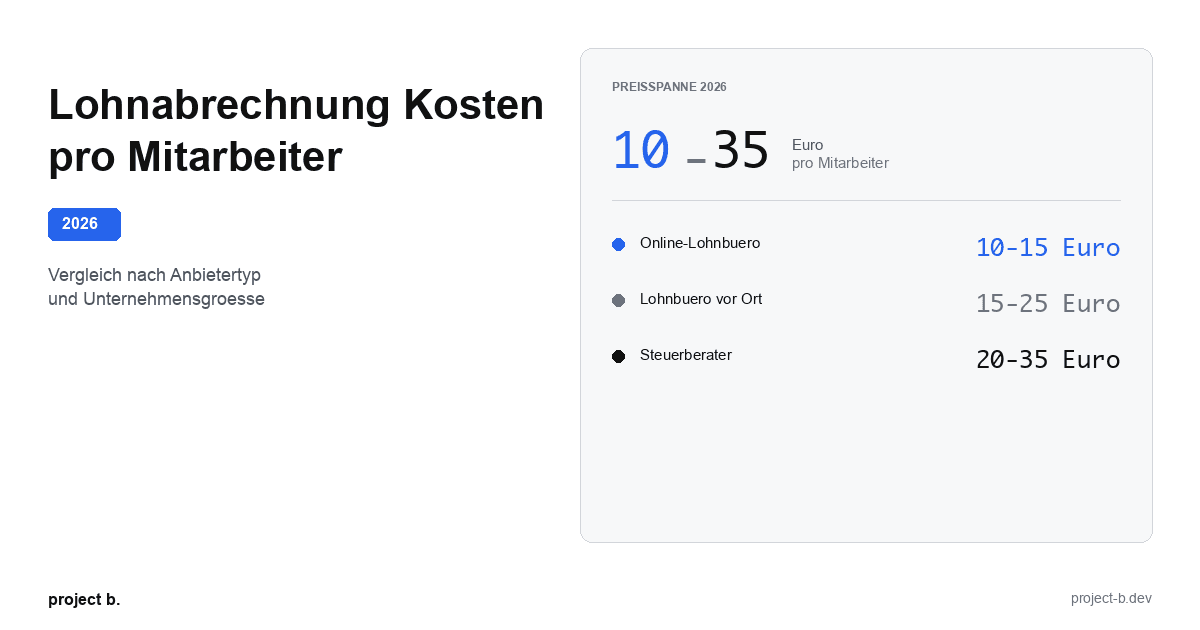
Lohnabrechnung Kosten 2026: 10-35 Euro pro Mitarbeiter je nach Anbieter. Vergleich nach Unternehmensgroesse, Branche und versteckte Kosten aufgedeckt.
·
Outsourcing
Was kostet eine Lohnabrechnung beim Steuerberater?
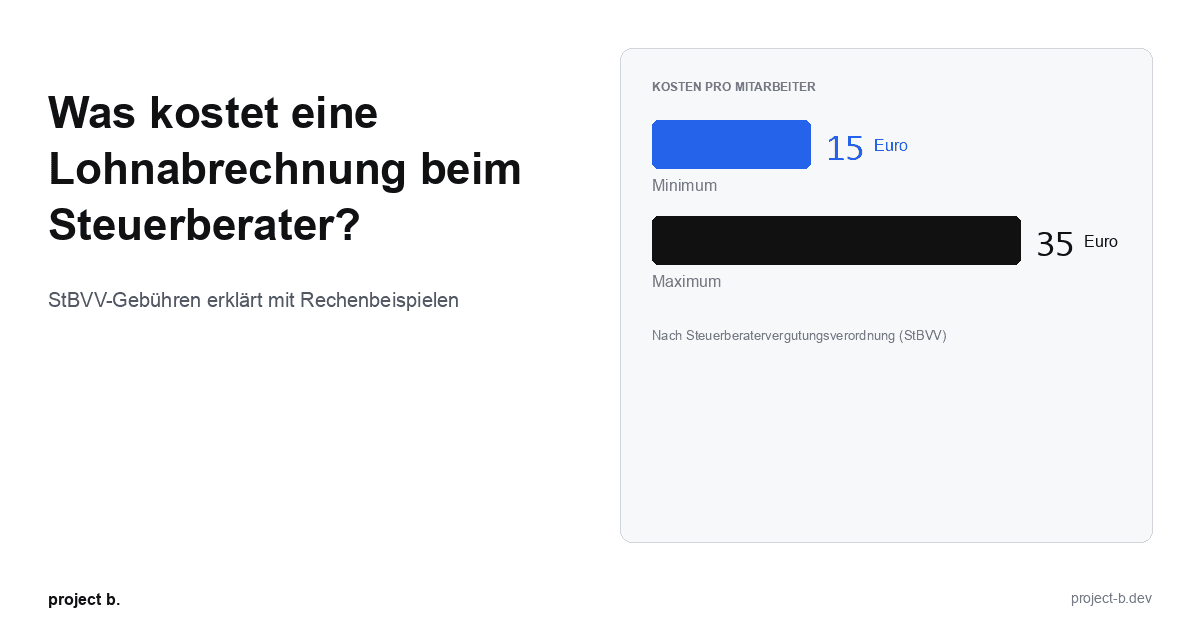
Lohnabrechnung beim Steuerberater: Kosten von 15-35 € pro Mitarbeiter. StBVV-Gebühren erklärt, Preisvergleich und Rechenbeispiele für 10, 50, 100 Mitarbeiter.

·
Outsourcing
Outsource payroll accounting: When is the right time?
Outsourcing payroll: 7 clear signs that now is the right time. Including break-even analysis and DATEV integration check.
·
Outsourcing
Outsourcing payroll accounting: The complete guide for 2026
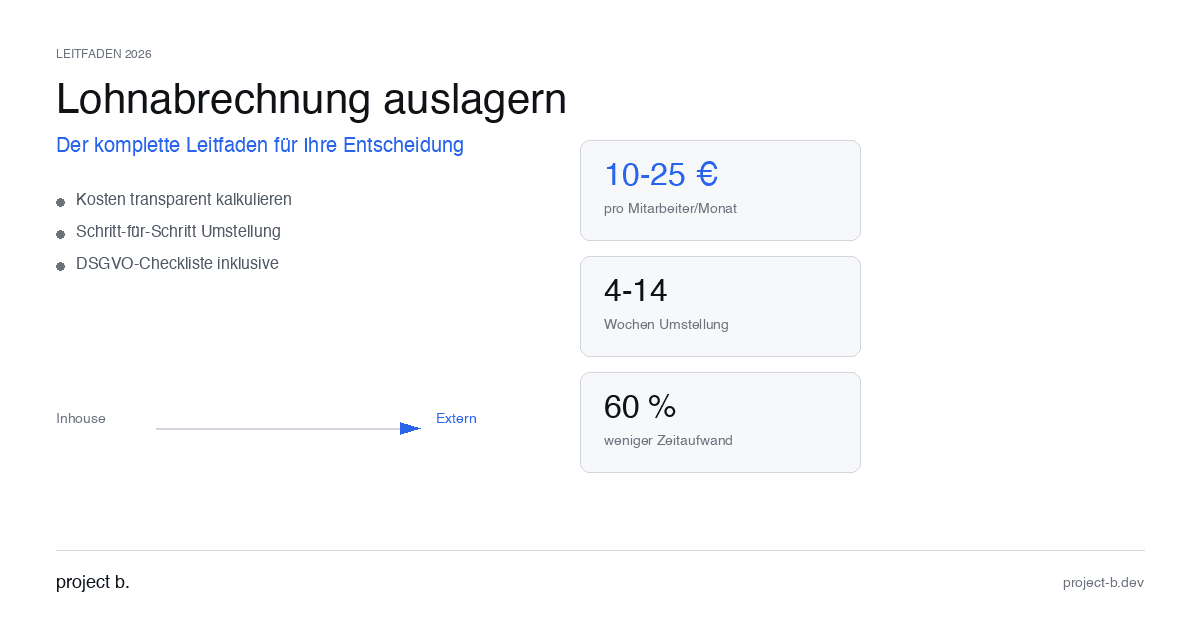
Outsource payroll processing 2026: Costs from €10 per employee, step-by-step guide and GDPR checklist. This is how to make the transition without risk.
·
Outsourcing
Outsourcing payroll: Costs, benefits, and providers at a glance
Outsource payroll accounting from €10 per employee. Learn about the benefits of outsourcing, its costs, and how to find the right provider.
·
AI
Client portal vs. Email chaos: What modern payroll processing is all about
Payroll statements by email pose a GDPR risk. With the project b. Portal and RITA, you save 1,400 hours/year. This is how secure data exchange works.
·
AI
From Excel to the Cockpit: How Payroll Offices Will Make the Leap into Digitalization in 2026
Digital payroll instead of Excel: With RITA and the project b. cockpit, payroll offices save 40% time without switching to DATEV. Practical guide with checklist.
·
Personal
ELStAM Procedure 2026: This is how the new private health insurance notification for employers works
From 2026, employers will report private health insurance contributions digitally via the ELStAM procedure. Find out which systems are affected and how you can prepare now.
·
AI
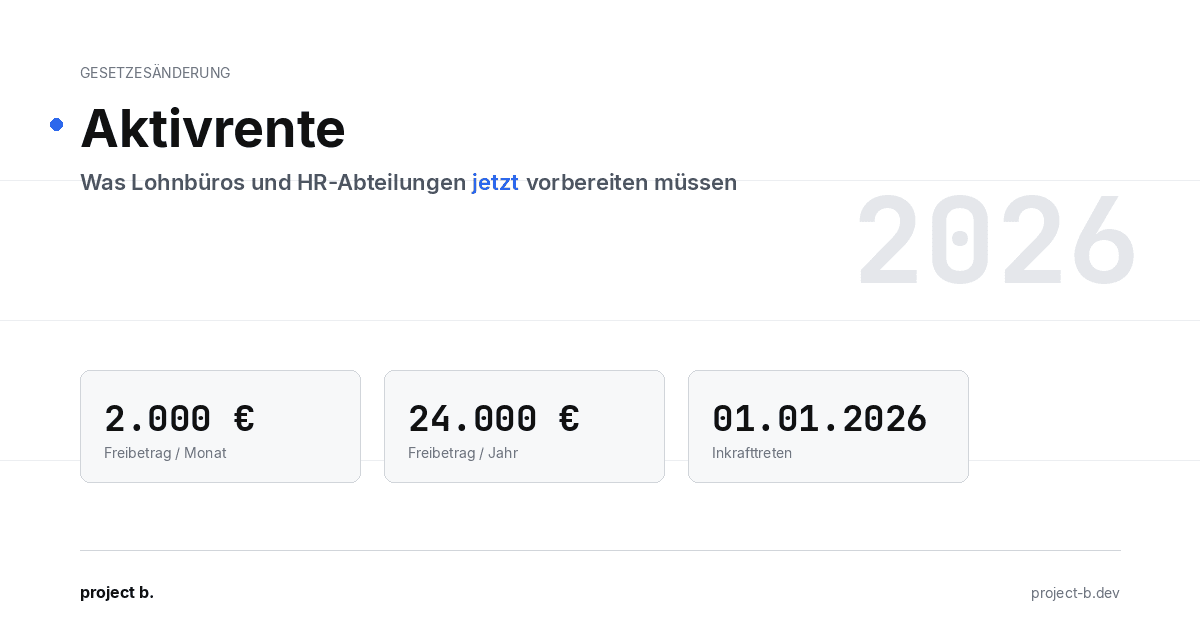
Active pension 2026: What payroll offices and HR departments need to prepare now
Pension from January 2026: Up to €2,000 tax allowance for retirees. Learn about the changes in payroll processes and how AI facilitates implementation.
·
AI
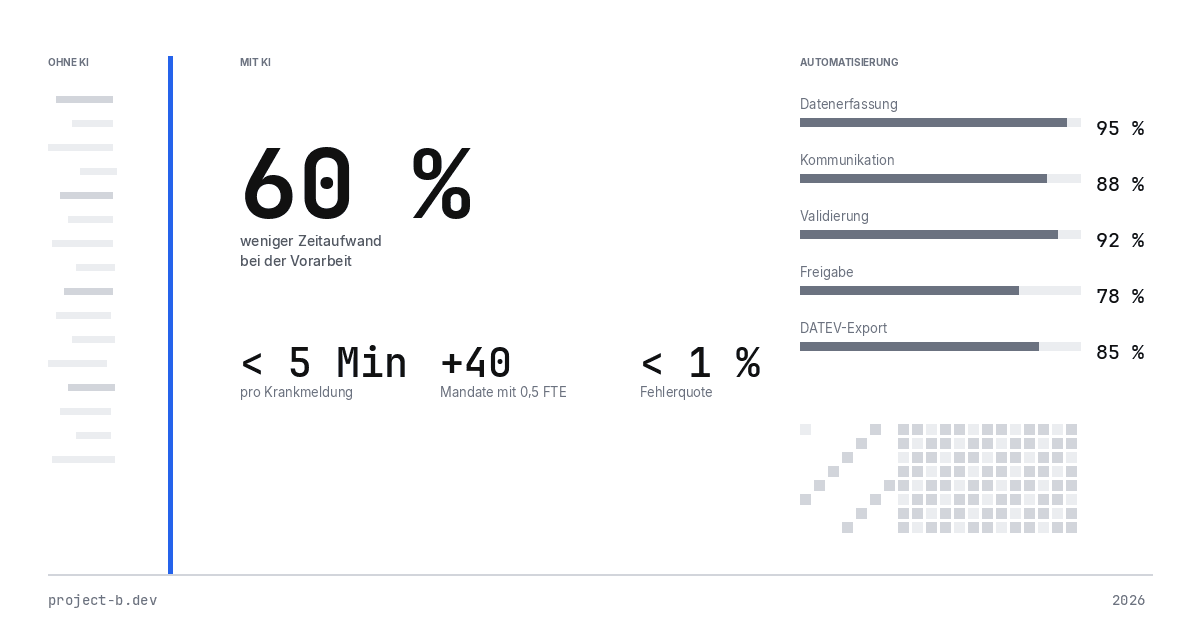
AI-Powered Payroll Software: How Tax Advisors Will Save Time in 2026
AI payroll accounting for tax consultants: Learn how project b. reduces manual work by 80% with RITA and helps combat the skilled labor shortage.
·
Payment
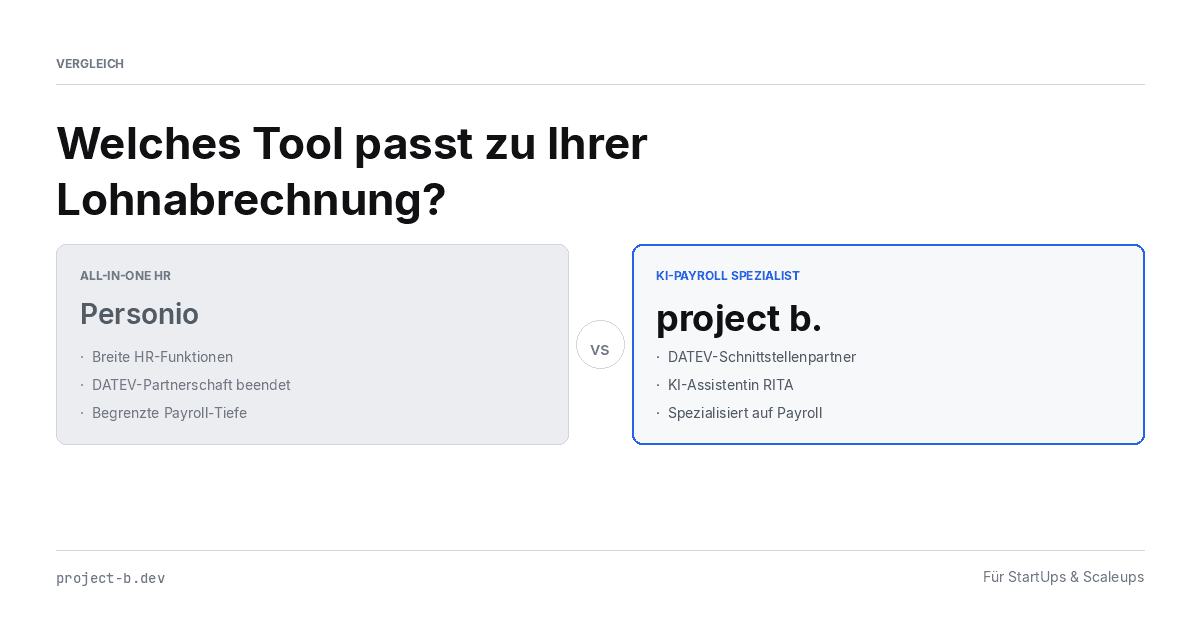
Personio vs. project b.: Which tool really fits your payroll?
Personio or project b.? Comparison for StartUps & Scaleups: DATEV integration, AI automation, costs. Why specialized payroll tools are gaining traction.
·
AI
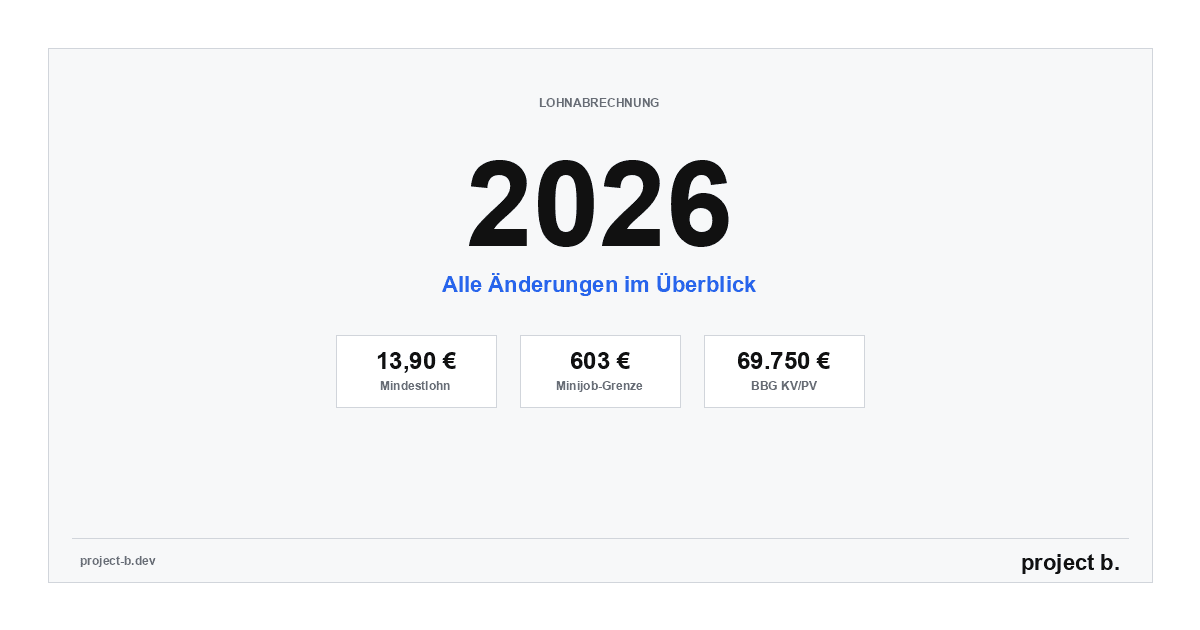
Payroll 2026: All Changes at a Glance (with AI Automation)
Minimum wage €13.90, mini-job limit €603, new contribution assessment ceilings: An overview of all changes for payroll in 2026. Learn how AI automatically implements these updates.
·
Payment
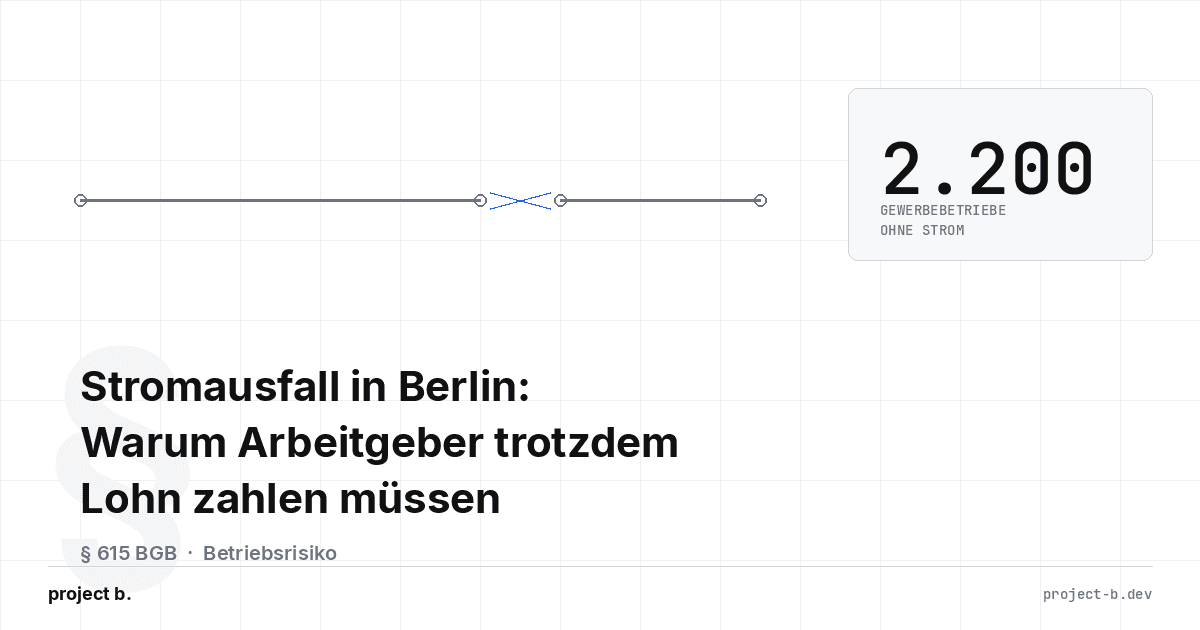
Power outage in Berlin: Why employers still have to pay wages
Power outage Berlin 2026: 2,200 businesses affected. Find out why employers must still pay wages according to § 615 BGB - and what applies to payroll.

·
AI
AI in Payroll: Hype or Help?
AI in payroll processing: What is behind it? A guide for anyone who wants to understand the topic before making a decision.

·
AI
Payroll without professionals? This is how AI will help in 2026
AI in payroll: 70% less routine work, 0.1% error rate. This is how companies are solving the skilled labor shortage in payroll accounting in 2026.

·
AI
This is how you use AI in payroll.
Enough with manual data collection: This is how AI supports payroll accounting in case of sickness notifications, master data, and billing - without loss of control.

·
AI
How an AI layer works in payroll.
Digital payroll, but manual data entry? An AI layer closes the gap between employees, HR, and DATEV & Co.
·
AI
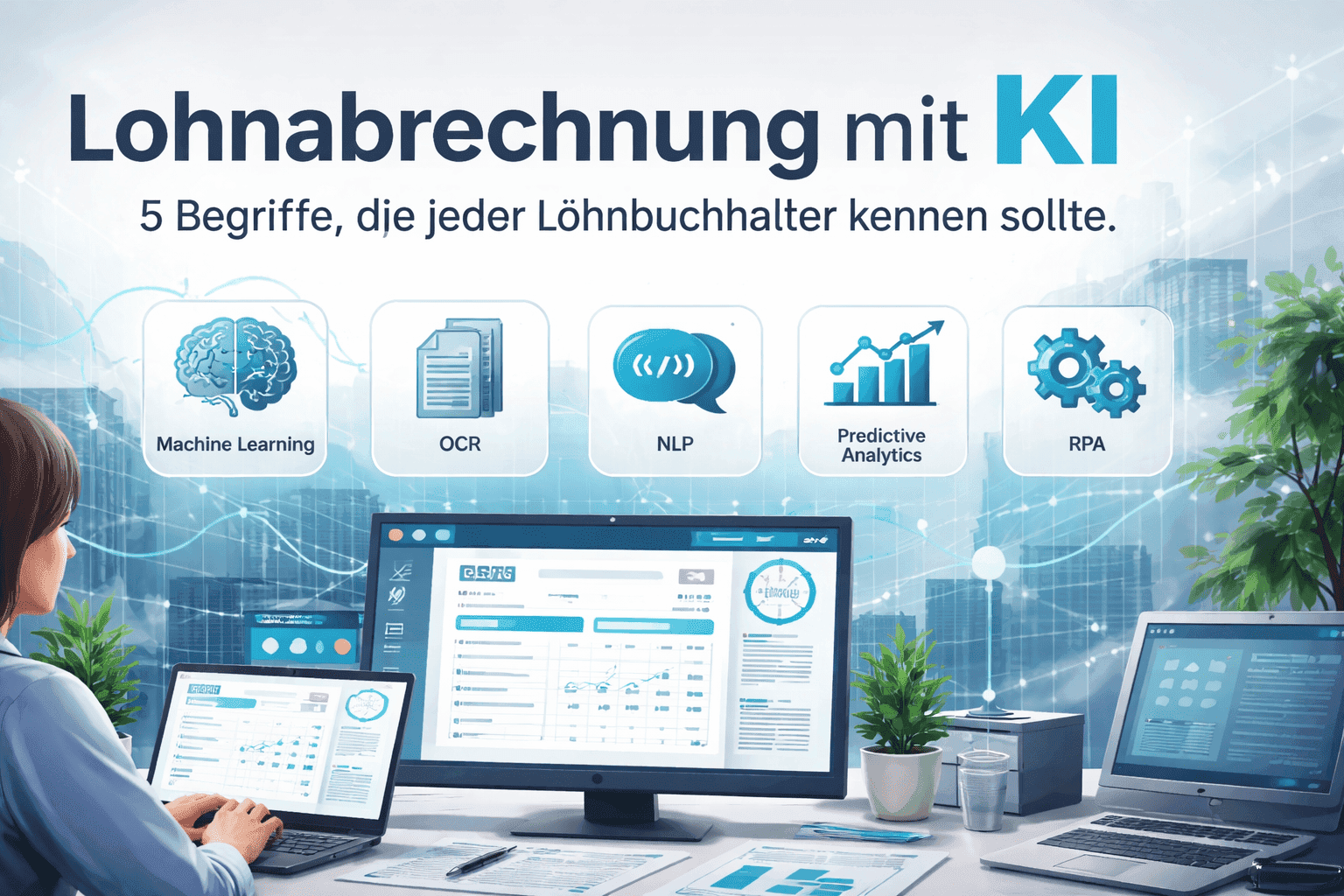
Payroll accounting with AI: 5 terms that every payroll clerk should know
Payroll processing explained clearly with AI: These 5 key AI terms payroll accountants should know to automate processes, reduce errors, and work more efficiently.

·
AI
How companies automate payroll accounting with Rita
Learn how Rita from project b. has automated the preliminary payroll accounting. From data collection to DATEV integration: This is how payroll agencies and tax consultants save up to 70% time.

·
AI
AI Software for Payroll Accounting: The Ultimate Selection Guide
Discover the ultimate selection guide for AI software in payroll. Compare AI tools and find the best payroll software for your business.
·
AI
10 processes in payroll that AI is already handling today
Discover 10 payroll processes that AI has already automated: from master data validation to compliance monitoring. Save up to 94% time on digital payroll.

·
Payment
The story of DATEV and how it became an unshakable power in German accounting.
DATEV is more than software – it is the infrastructural foundation of German accounting. The text shows how a cooperative of tax advisors became the central backbone of accounting and payroll through regulatory entanglement, standardization, and decades of trust-building. At the same time, it explains why this very structure is hindering innovation today: closed data architectures, high switching costs, and a system built for stability rather than AI-based automation. A look at how the past and present shape digital progress.
·
Payment
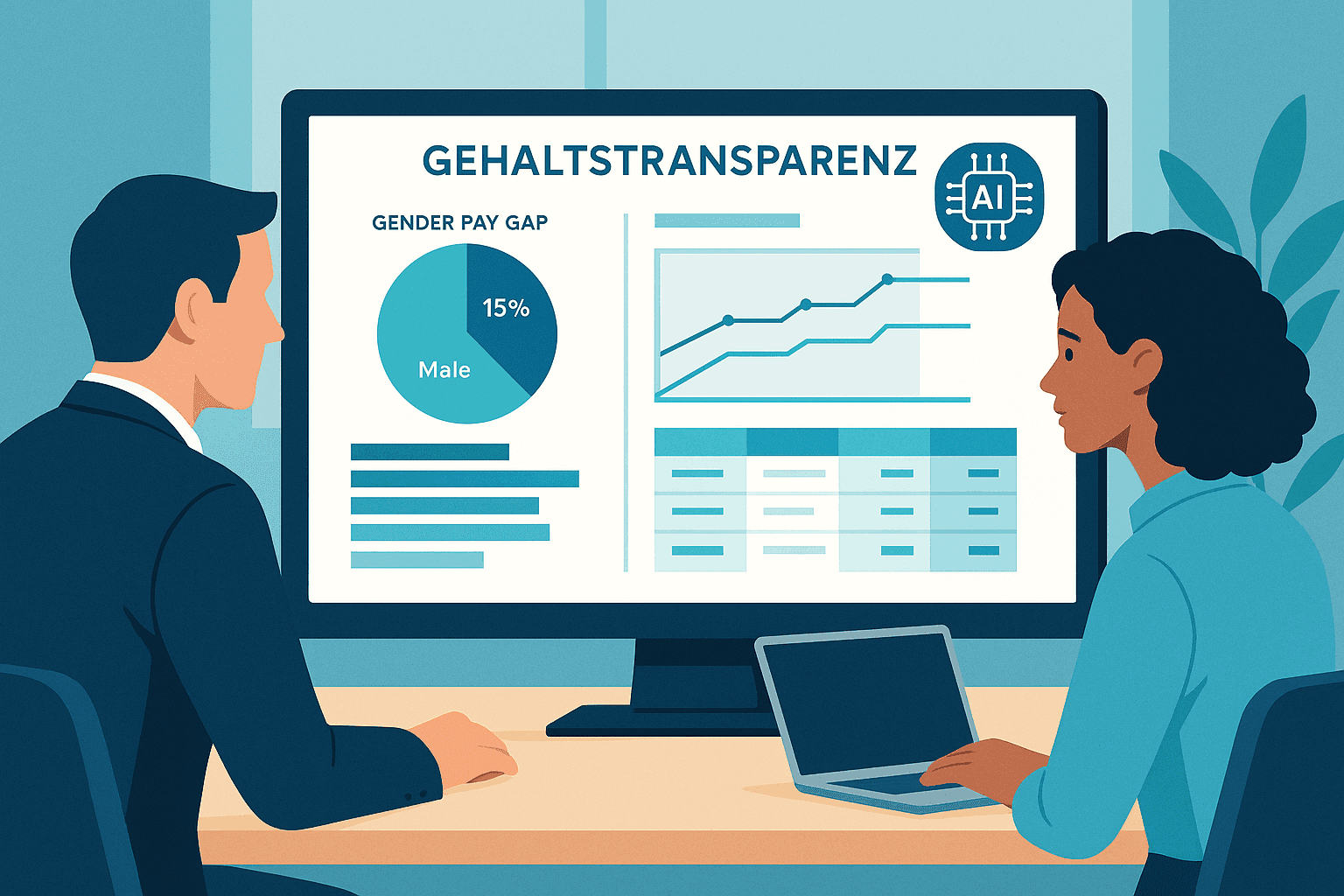
EU Salary Transparency Directive: How to Prepare Your Payroll for June 2026
Discover the best tools for implementing the EU Pay Transparency Directive – including AI solutions like project b. for fair and data-driven salary analyses.
·
AI
5 Reasons for Payroll Processing with project b.
Discover 5 reasons why tax consultants and payroll offices digitize their preparatory payroll accounting with project b. AI-assisted data collection, fewer queries, full DATEV integration.
·
AI
RPA vs. AI in Payroll: The Ultimate Technology Comparison 2026
RPA or AI in payroll accounting? The major comparison for 2026 shows advantages, costs, areas of application, and practical examples for the right automation strategy.

·
AI
AI in payroll processing: What will be possible in 2026 and what will not?
AI in Payroll 2026: What can artificial intelligence really achieve in payroll? Reality check with maturity assessment, practical examples, and an honest analysis of the limits. For payroll offices, tax advisors, and SMEs.

·
AI
5 Easy Ways to Automate Payroll in 2026
5 practical ways to automate payroll: from digital time tracking to AI-driven software. With cost-saving examples for medium-sized businesses, tax consultants, and payroll offices.

·
Payment
Pension flat-rate reform 2026: What employers need to adjust in their payroll software now
Major income tax reform from 2026: The retirement allowance will be recalculated. Learn how this affects net wages, payroll software, and employers.
·
Payment
Continuous Payroll 2026: How Real-Time Payroll Processing is Replacing Monthly Payroll Statements
Continuous Payroll revolutionizes payroll processing: real-time salary data, on-demand pay, and fewer errors. This is how SMEs and HR teams benefit in 2026.
·
Personal
AI in Payroll Accounting: Practical Guide for Payroll Offices and Tax Advisors 2026
AI in Payroll Accounting 2026: Practical Guide for Payroll Offices with Software Comparison (project b., DATEV, Lexware), ROI Calculation and Step-by-Step Instructions.