5 Easy Ways to Automate Payroll in 2026
5 practical ways to automate payroll: from digital time tracking to AI-driven software. With cost-saving examples for medium-sized businesses, tax consultants, and payroll offices.
Ready for payroll that finally takes the pressure off?
Leave your contact details - we will get back to you shortly.

5 Simple Ways to Automate Payroll Accounting
Payroll accounting consumes enormous resources: companies need an average of 21 working days per year just for payroll processing. Manual data entries are time-consuming and error-prone – typing in timesheets, preparing reports for health insurance providers, maintaining master data. The consequences: high error rates in social insurance reports, missed deadlines, and frustrated employees who would rather work strategically.
Today, payroll automation is technically mature and accessible for companies of all sizes. From digital time tracking to AI-supported error checking: The five ways presented here show specifically where you can start. With realistic ROI examples and practical cases from tax consulting firms and payroll offices.
1. Connect Digital Time Tracking Directly to the Payroll System
The manual transfer of working hours is the number one source of errors in payroll accounting. Employees note times on paper or Excel, someone types them into the payroll system – typographical errors occur at every step. The result: inquiries, correction bills, and annoyed employees.
The solution: digital time tracking systems with an API interface to the payroll system. Employees record their working hours via app, web browser, or terminal. The system automatically transfers the data to the payroll program – without manual intermediate steps.
This is how it works technically: The time tracking software stores working hours in a structured manner (employee ID, date, hours, project). These data flow daily or weekly into the payroll system via the interface. There they are automatically assigned to the correct wage types: normal hours, overtime, bonuses.
Proven Tools:
Clockodo: Especially for small payroll offices with up to 50 clients
Personio: All-in-One HR software with integrated payroll preparation
TimeTac: Specialist for shift and project time tracking
Practical Example: A tax consulting firm with 80 payroll clients implemented Clockodo for 35 clients. Before: 20 hours per month for manual hour transfers. After: 5 hours for plausibility checks. Time savings: 15 hours per month. At an hourly rate of €80, this amounts to €14,400 per year.
ROI: The investment of €1,200 (setup) plus €35/month pays for itself after four months. From the fifth month on, pure savings.
2. Payroll Software with Interfaces to Banks & Authorities
One of the most common questions in payroll accounting: "Which program for payroll processing?" The answer depends on how many manual steps you are still willing to accept.
Modern payroll software goes far beyond pure calculations. The decisive advantage: automatic reports to health insurance providers, tax offices, and social insurance carriers. No manual Excel exports, no error-prone copy-paste extravaganzas.
These interfaces are essential:
ELSTER connection: Payroll tax registrations go automatically to the tax office. No more uploading manual XML files.
DEÜV interface: Social insurance reports (registrations and deregistrations, contribution certificates) are transmitted directly to health insurance providers.
DATEV integration: Essential for tax advisors. Payroll data flows automatically into financial accounting, and cross-client evaluations are possible.
Banking API: SEPA files for salary payments are automatically created and can be sent to the bank with a click.
Market-leading Software:
DATEV Payroll: Standard for tax consultants, most comprehensive interfaces, highest compliance security
project b.: AI solution for automating payroll accounting with a good price-performance ratio
Lexware Payroll: Solution for medium-sized businesses
Sage HR Suite: Internationally oriented, strong in corporations with foreign references
The compliance advantage: Software with automatic reports knows all deadlines. Social insurance reports at the latest on the day before employment starts? The software reminds you or sends it automatically. Payroll tax registration by the 10th of the following month? It won’t be forgotten.
Practical Example: A payroll office with 50 clients and 420 paychecks per month switched from manual Excel reports to DATEV and project b. with fully automated interfaces. Before: 12 hours per month for report preparation and sending, error rate 8%. After: 1 hour for plausibility checks, error rate below 1%.
The saved 11 hours per month allow for the management of 10 additional clients without new personnel.
3. AI-Supported Data Capture & Error Checking
"Can payroll processing be fully automated?" Many practitioners ask this question. The honest answer: No – but 80-85% of recurring tasks can be automated.
The biggest manual time-consuming problem is changes to master data. Employees get married (new tax class), change their bank details, move (other health insurance), or adjust their retirement provisions. Each change must be entered into the payroll system by someone – often based on illegible emails or scanned forms.
This is where AI comes into play: Modern systems use OCR (Optical Character Recognition) plus machine learning to automatically read documents and extract relevant data.
This is how it works:
Employees send a change notification via email or upload a document to the portal
AI recognizes the document type (marriage certificate, bank confirmation, health insurance membership certificate)
The system extracts structured data (new IBAN, date of change, tax class)
The proposed change is presented to the caseworker for approval
After approval: Automatic transfer to the payroll system
AI error checking: Additionally, intelligent systems compare every payroll run with the previous month. Irregularities are marked:
Salary suddenly 30% higher → Check
Employee with 200 overtime hours → Realistic?
New wage type booked for the first time → Correctly configured?
Realistic expectations: AI does not replace human checks, but makes them more efficient. Routine cases (80%) run automatically, special cases (20%) are prioritized on your desk.
Tools with AI support:
project-b.dev: German AI solution specifically for payroll offices, GDPR compliant
Personio: AI assistant for HR workflows including payroll preparation
HRworks: Software for medium-sized businesses with intelligent document recognition
Practical Example: A medium-sized company with 150 employees receives an average of 25 master data changes per month. Before AI implementation: 20 hours processing time. With AI: 4 hours for review and approval. Time savings: 16 hours per month or 192 hours per year.
The investment of €6,000 (setup plus 12 months license) pays for itself after eight months.
4. Digital Signature & Electronic Payroll Proof
"Can payroll be stored digitally?" This question is particularly posed by companies that have previously printed, stuffed, and sent hundreds of paychecks monthly.
The legally secure answer since 2017: Yes. Digital paychecks are permitted under § 108 Abs. 3 GewO, as long as they are electronically signed or made available through a secure system.
The quick win in automation: No method saves costs as quickly as switching to digital paychecks.
This is how it works legally securely:
Variant 1: Qualified electronic signature (like with the electronic ID card)
Variant 2: Employee portal with personal login (most common method)
Variant 3: Email with advanced signature (less common)
Important: Employees must agree to digital transmission. Those who want paper must still receive it.
Cost savings per paycheck:
Paper: €0.10
Printing: €0.15
Envelope: €0.05
Postage: €0.85
Processing time (5 min.): €6.67 (at €80/hour)
Total: €7.82 per paycheck
Practical Example: A company with 100 employees sends 1,200 paychecks per year. Transition to digital transmission:
Before: €9,384 annual costs (printing, postage, time)
After: €600 software license for employee portal
Saving: €8,784 per year
ROI after two months. Additional benefit: Employees have access to all paychecks at any time, no more lost documents.
Proven Tools:
Personio Employee Hub: Employee self-service with document storage
Sage HR: Automatic sends with notifications
DATEV SmartLogin: Client portal for tax consultants
Introduction in three steps:
Inform employees, obtain consent (2 weeks)
Set up software portal (1 week)
Send first digital paychecks (day 1 of the transition)
Conclusion: Digital paychecks are the fastest and simplest automation step with immediate ROI.
5. Automated Travel Expense & Reimbursement Management
Travel expenses are the underestimated time waster in payroll accounting. Employees submit receipts (often weeks later), someone checks the tax allowances, types in amounts, and reconciles with payroll. In field teams, this quickly adds up to 10-15 hours per month.
The problem worsens:
Paper receipts get lost
Mileage allowances are calculated incorrectly
Meal allowances are not set correctly
Employees wait weeks for reimbursement
The solution: integrated reimbursement management with direct connection to the payroll system.
This is how the automated process works:
Employee photographs the receipt immediately after it is generated (restaurant receipt, gas receipt, parking ticket)
AI extracts data: amount, date, category (hospitality, travel costs, overnight stay)
The system checks tax limits: Is hospitality 70% deductible? Is there a meal allowance?
Automatic approval if compliant or forwarding to supervisor
Transfer to payroll: Travel expenses are automatically reimbursed in the following month
Tax correctness guaranteed: The software knows all allowances and limits:
Mileage allowance: €0.30 for cars, €0.20 for motorcycles
Meal allowances: €14 (8-24h), €28 (>24h)
Benefit limits: €50 per month tax-exempt
Hospitality deduction: 70% for business partners
Proven Tools with payroll integration:
Moss: German solution with DATEV interface, especially for SMEs
Circula: Specialist for travel expenses and corporate credit cards
Expensify: Internationally proven, extensive integrations
Practical Example: A field team with 20 employees generates 120 expense reports per month. Before automation: 12 hours processing time (checking, inquiries, entry). With an automated system: 4 hours for special cases. Time savings: 8 hours per month.
Additional benefit: Employee satisfaction increases massively. Instead of waiting 3-4 weeks for refunds, it's only 3-5 days now.
Investment and ROI:
Setup + training: €1,500
Ongoing costs: €8-12 per employee/month (€160-240)
Amortization after 5-7 months through time savings
Tip for tax advisors: Offer clients expense management as an additional service. The client pays for the software; you bill for consulting services – win-win.
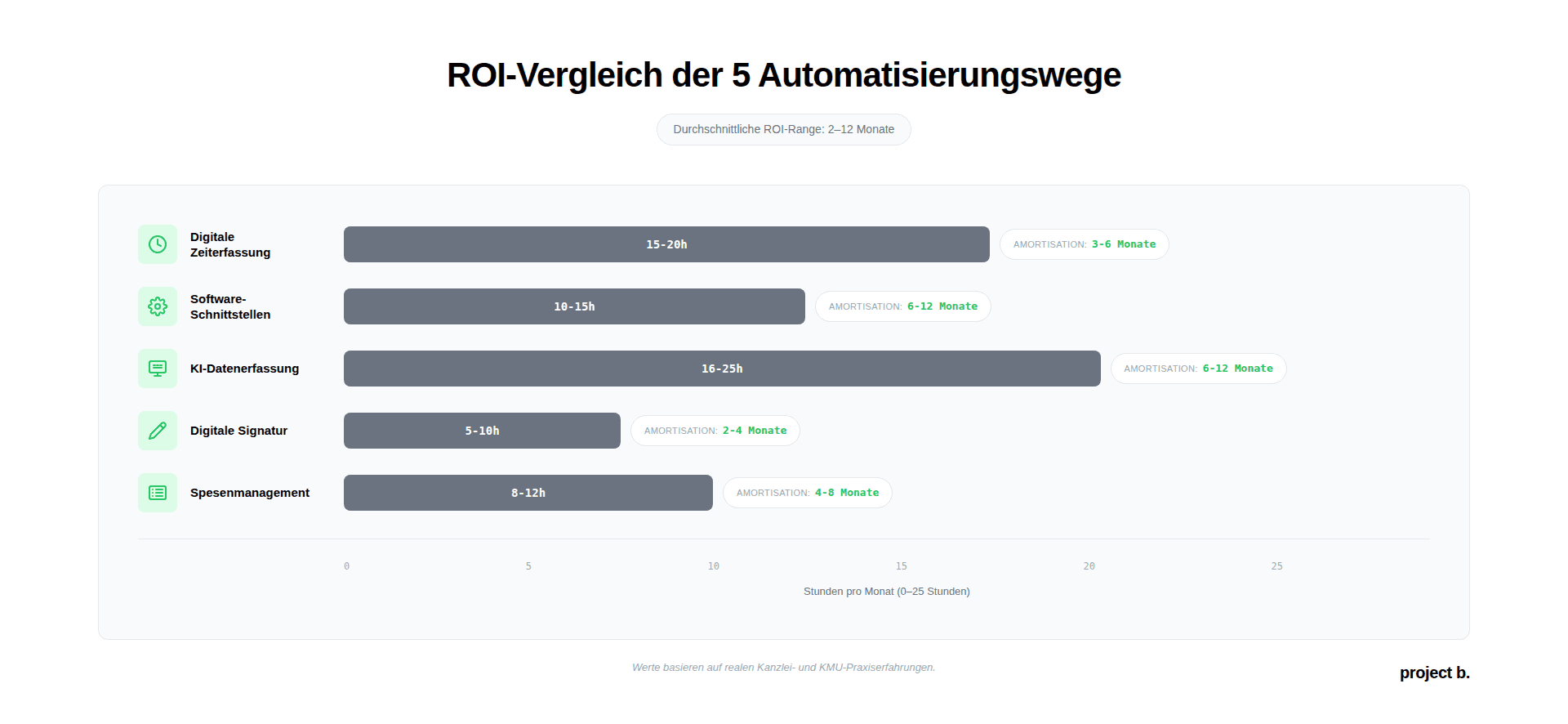
Comparison Table: 5 Automation Paths at a Glance
Method | Monthly Time Savings | Investment | Payback | Difficulty | Suitable for |
|---|---|---|---|---|---|
Digital Time Tracking | 15-20h | €1,200 + €35/month | 3-6 months | Low | Payroll offices, clients with time tracking |
Software Interfaces | 10-15h | €3,000 + €150/month | 6-12 months | Medium | All from 20 paychecks/month |
AI Data Capture | 16-25h | €6,000 + €200/month | 6-12 months | Medium-High | Companies >100 employees, many changes |
Digital Signature | 5-10h | €600/year | 2-4 months | Low | All – Quick win |
Expense Management | 8-12h | €1,500 + €160/month | 4-8 months | Low-Medium | Field service, travel-intensive teams |
Note: Time savings and ROI are average values based on practical experiences. Individual results depend on the number of employees, the complexity of accounts, and current processes.
Practical Example: How a Tax Consultant Automates Payroll Accounting
Starting Situation:
Tax consulting firm Müller & Partner, 8 employees, 80 payroll mandates, 600 paychecks per month. Two full-time employees work exclusively in payroll accounting. Problem: High error rate in social insurance reports (12%), constant inquiries from clients, no capacity for acquiring new clients.
The Automation Project (12 months):
Months 1-3: Basic software with interfaces
Decision for DATEV Payroll (already financial accounting in DATEV)
Migration of 80 clients from legacy system
Training of both employees (2 days intensive)
Activation of ELSTER and DEÜV interfaces
Result: Social insurance reports are now automatic, error rate drops to 4%
Months 4-6: Pilot digital time tracking
30 suitable clients identified (trades, retail)
Pilot with Clockodo for 5 clients
Client trainings (1 hour each)
Gradual rollout to 30 clients
Result: 12 hours per month less for timesheet transfer
Month 7: Digital payslips
Switch to DATEV SmartLogin for all clients
Employee information about clients
Opt-out for 23 employees (want paper)
Result: 5 hours saved per month (printing, stuffing)
Months 8-12: AI error checking & master data
Integration of project-b.dev for automatic document recognition
4 months training phase (AI learns firm-specific processes)
Changes to master data now recognized 75% automatically
Result: 18 hours per month less for maintaining master data
Balance after 12 months:
Metric | Before | After | Improvement |
Time spent/month | 320h | 285h | -35h (-11%) |
Error rate social insurance reports | 12% | 1.5% | -85% |
Client satisfaction | 68% | 95% | +40% |
Billable mandates | 80 | 100 | +25% |
ROI Timing | - | Month 10 | - |
Quote from Managing Director Müller:
The automation has brought us two things: First, we can now manage 20 additional mandates without hiring new staff. Second – and this is almost more important – my employees now have time for advising instead of mindless data entry. Job satisfaction has increased significantly.
Total investment: €12,500 (setup) + €450/month (licenses) = €18,500 in the first year
Additional revenue from 20 new mandates: €24,000/year (€100 per mandate/month)
Net profit from year 2: €19,100 per year
Conclusion: In 3 Steps to Automated Payroll Accounting
The automation of payroll accounting is not an all-or-nothing decision. The five methods presented show: You can proceed step by step and gain more time each month.
Which method to start with?
Quick win for the impatient: Digital signature and electronic paychecks (method 4). Lowest technical hurdle, ROI in 2-4 months, immediately noticeable relief. Implementable in a week.
Greatest long-term impact: Payroll software with fully automated interfaces (method 2). Affects all processes, highest degree of automation, basis for all other steps.
Future investment: AI-supported data capture and error checking (method 3). Not yet necessary for everyone, but the trend for 2025-2027. Early adopters gain a competitive edge.
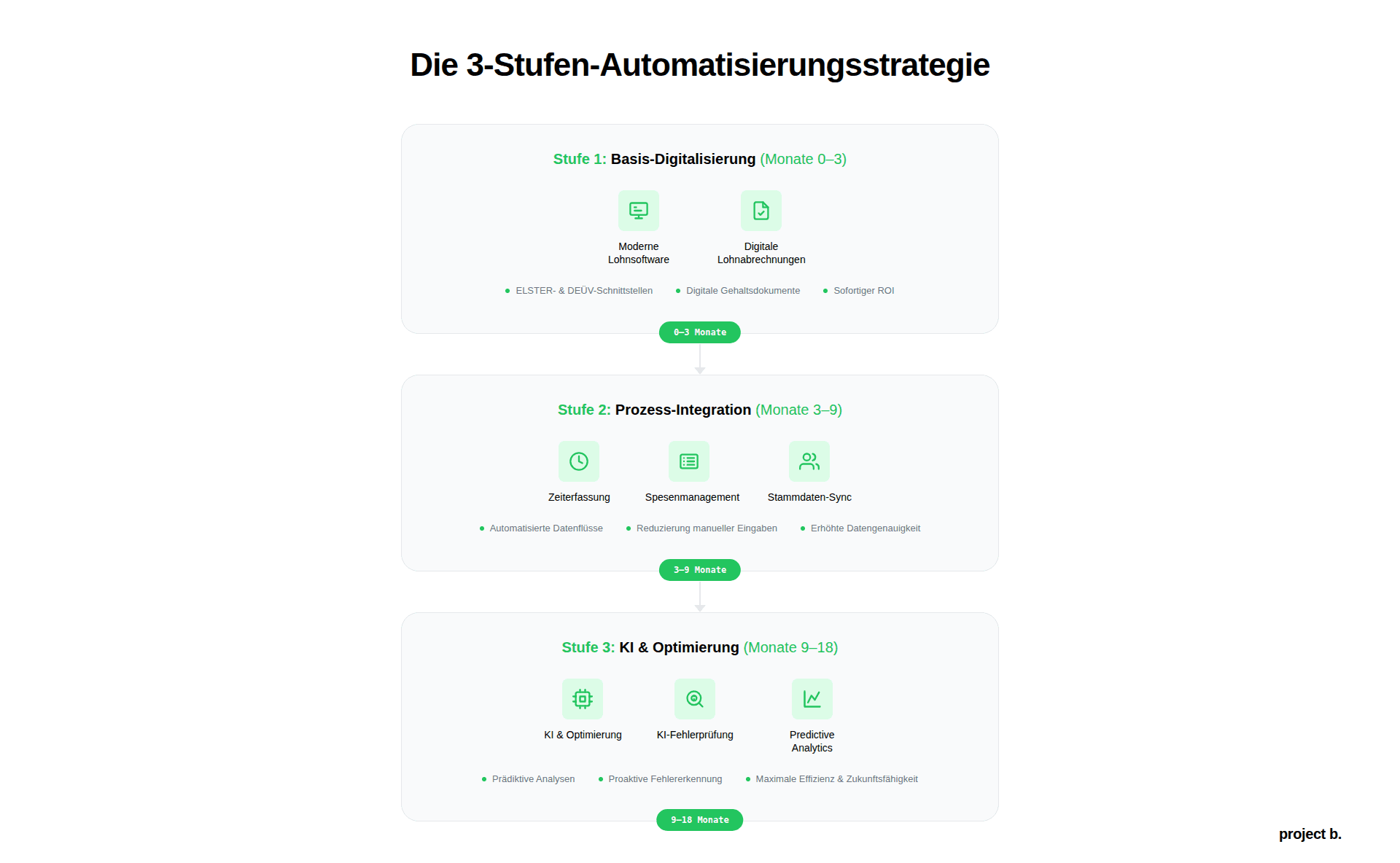
The recommended 3-step plan:
Step 1: Basic digitization (months 0-3)
Implement modern payroll software with ELSTER and DEÜV interfaces
Digital paychecks for all employees/clients
Quick successes, immediately measurable time savings
Step 2: Process integration (months 3-9)
Digital time tracking for suitable clients/departments
Integrate expense management for field service teams
Master data synchronization with HR system
Step 3: AI & optimization (months 9-18)
AI-supported document recognition for master data
Automatic error checking and anomaly detection
Predictive analytics for personnel cost planning
The good news: Each step pays off individually. You do not have to implement all three to realize significant time savings.
The question is not IF, but WHEN you will automate. Clients and employees today expect digital processes. Those who still manually type in timesheets and print paychecks in 2026 will lose touch.
Start with a quick win. Feel the relief. Build on that.
What degree of automation have you already achieved? Which of the five paths would be your next logical step?
Sources
§ 108 GewO (Trade Regulation Act) – Digital Paychecks
DATEV eG – Payroll Software Interfaces and Standards
Federal Ministry of Finance – ELSTER Procedure
GKV Spitzenverband – DEÜV Reporting Procedure
Can the payroll be fully automated?
No, a 100% automation is neither possible nor sensible. About 80-85% of recurring tasks can be automated: data transfer, standard calculations, reports, transfers. The remaining 15-20% require human expertise: special cases (maternity leave, parental leave, short-time work), hiring new employees, complex special payments, individual agreements. Automation makes this review more efficient, but does not replace it.
Which payroll accounting software is the best?
The "best" software depends on your situation. Basically, the combination of DATEV and project b. is recommended for payroll offices, tax advisors, and medium-sized companies. Addison is an affordable alternative to DATEV that can also be automated with project b.
What is the cost of automating payroll accounting?
This depends on the size of the company and the degree of automation. Payroll offices and tax advisors can achieve initial results from as little as 1,000€. It is worthwhile to seek individual advice.
Finn R.
Further articles
·
Payment
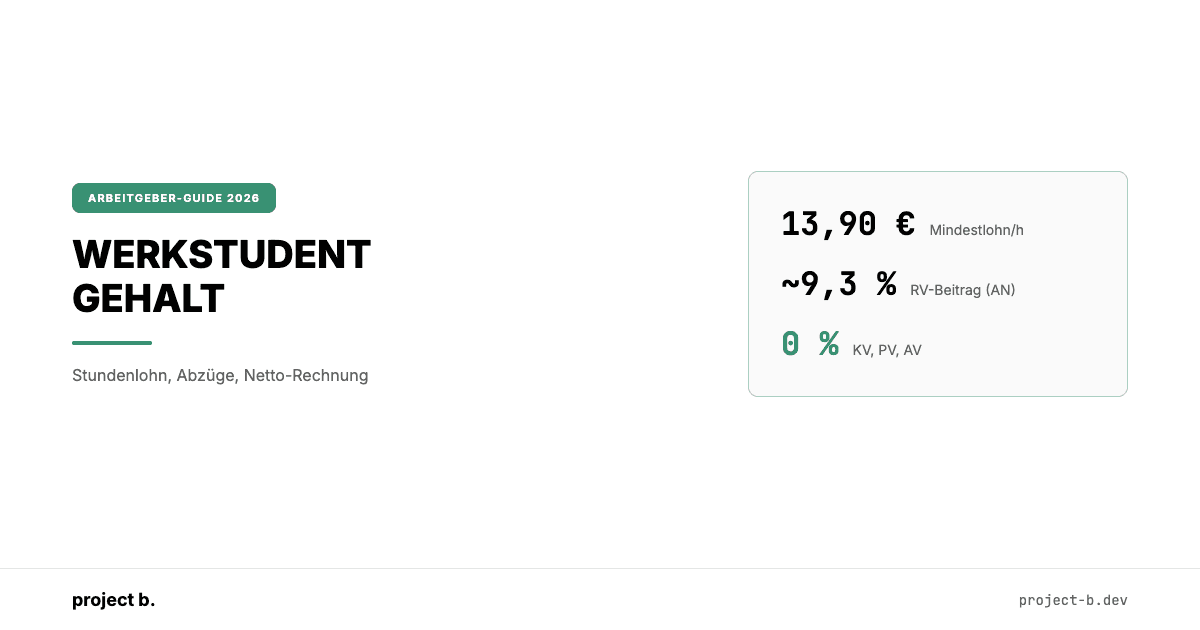
Werkstudent Gehalt 2026: Stundenlohn, Abzüge, Netto-Rechnung
Was verdient ein Werkstudent 2026? Stundenlöhne nach Branche, Abzüge im Detail, Netto-Beispielrechnungen und Arbeitgeberkosten auf einen Blick.
·
Payment
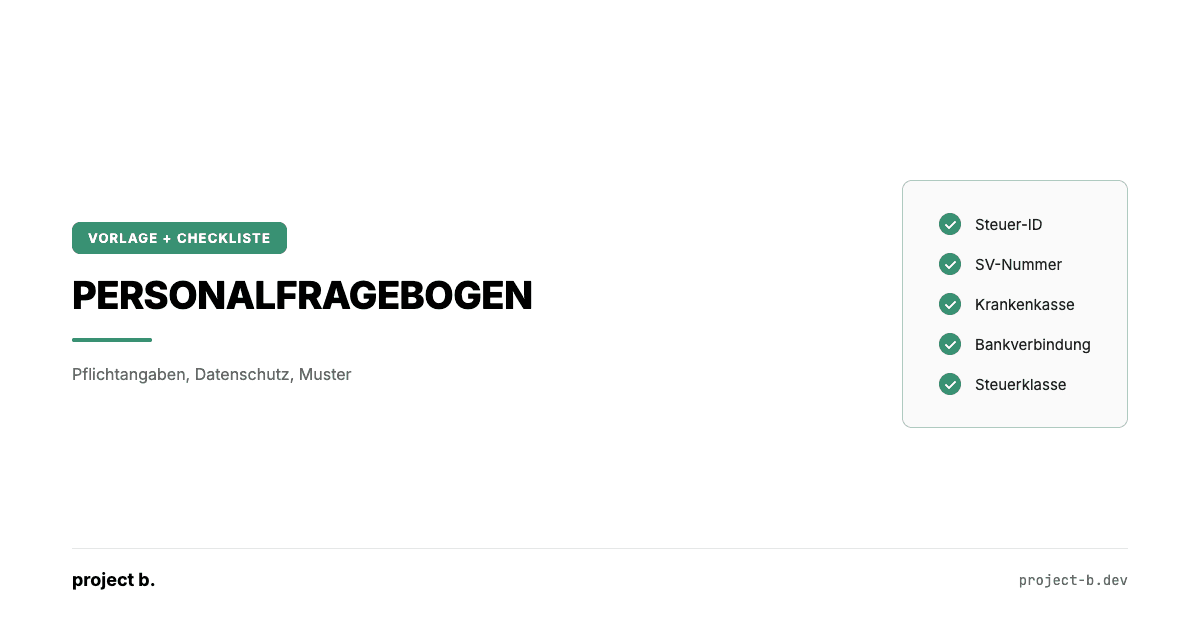
Personalfragebogen: Vorlage, Pflichtangaben und Datenschutz 2026
Personalfragebogen für neue Mitarbeiter: Pflichtangaben, unzulässige Fragen, DSGVO-konforme Vorlage und Muster für Vollzeit, Minijob und Werkstudenten.
·
Payment
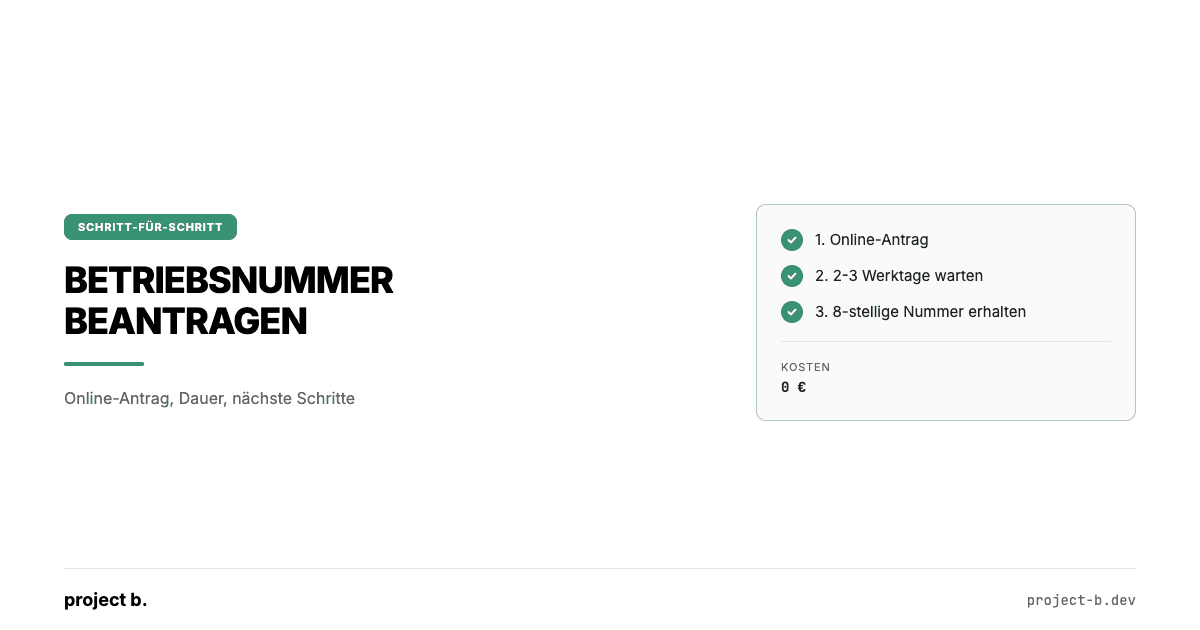
Betriebsnummer beantragen: Schritt-für-Schritt-Anleitung für Arbeitgeber
Betriebsnummer beantragen in 3 Schritten: Online-Antrag beim Betriebsnummern-Service, Bearbeitungsdauer und was Sie als Arbeitgeber wissen müssen.
·
Payment
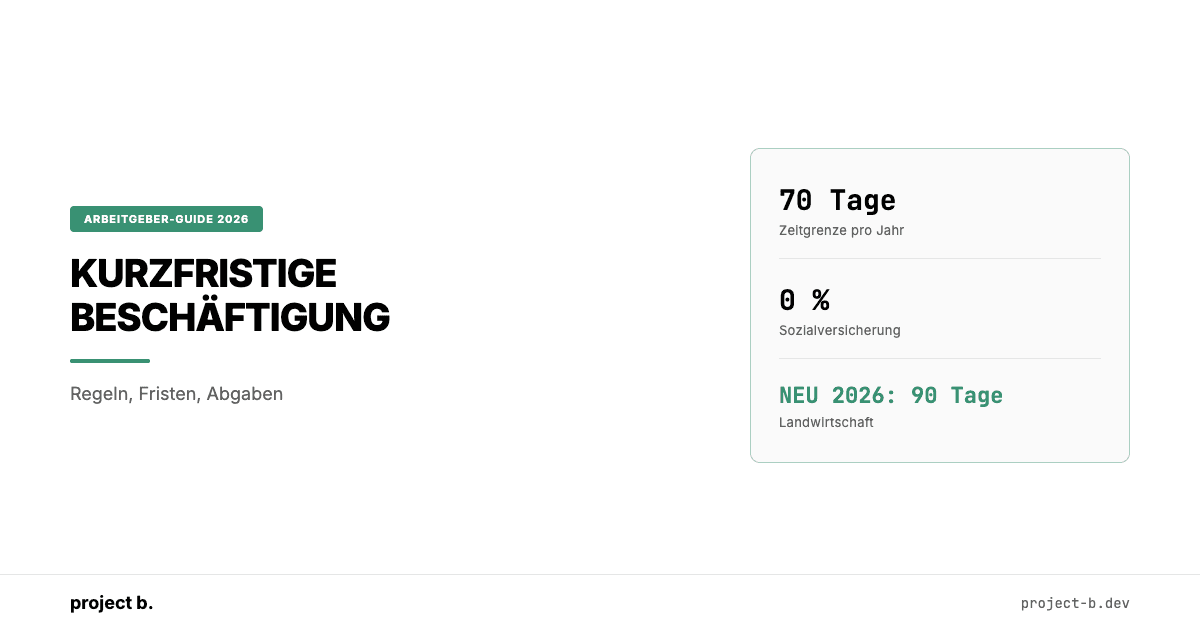
Kurzfristige Beschäftigung 2026: Der komplette Guide für Arbeitgeber
Kurzfristige Beschäftigung 2026: 70-Tage-Regel, SV-Freiheit, Meldepflichten und Lohnsteuer. Inkl. Berufsmäßigkeitsprüfung und Unterschied zum Minijob.
·
Payment
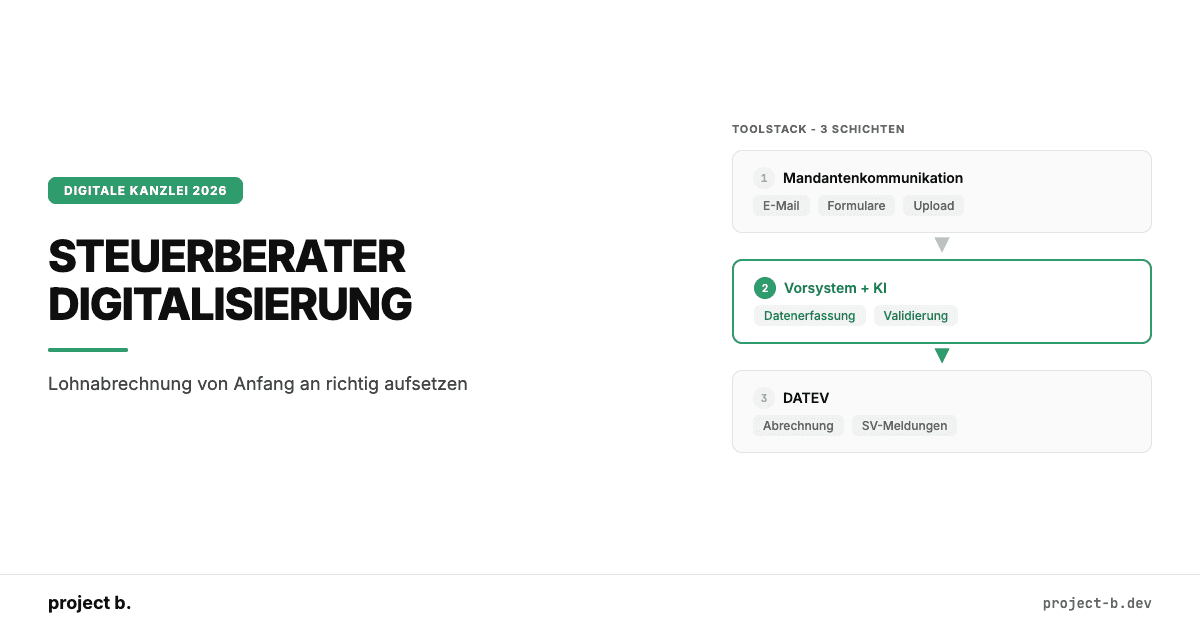
Steuerberater Digitalisierung: Wie neue Kanzleien Lohnabrechnung von Anfang an richtig aufsetzen
No need to spend time changing colors and styles manually. Our component & layouts are styled out of the box
·
AI
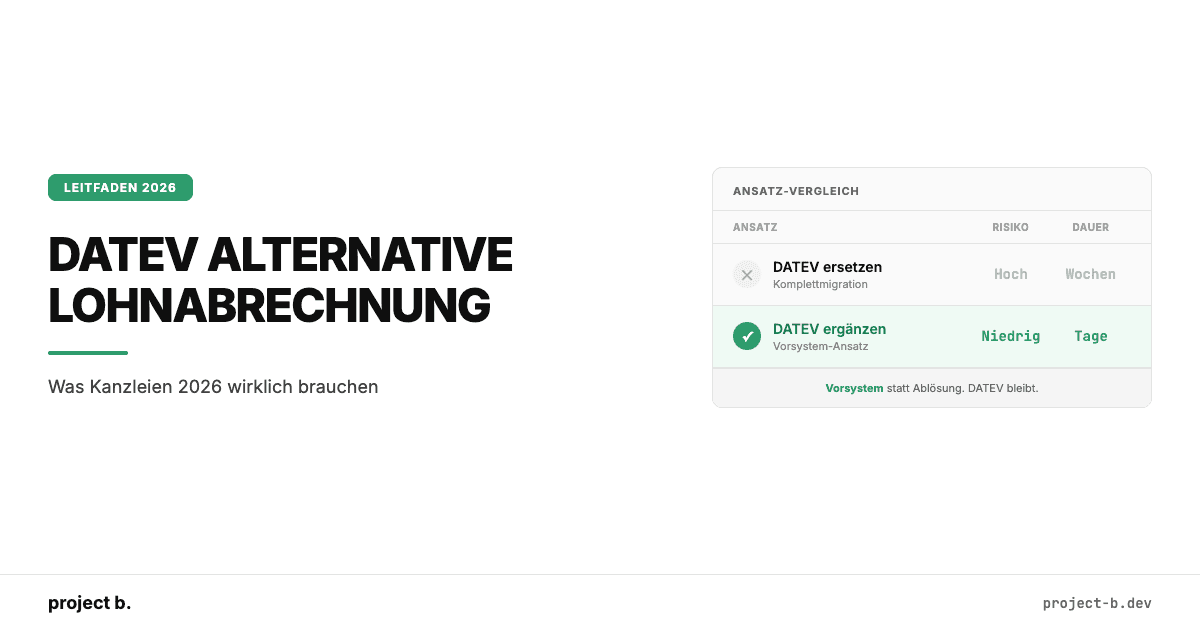
DATEV Alternative Lohnabrechnung: Was Kanzleien 2026 wirklich brauchen
DATEV Alternative für die Lohnabrechnung gesucht? Warum ein Vorsystem sinnvoller ist als ein kompletter Wechsel. Mit Kostenvergleich und Praxisbeispiel.
·
AI
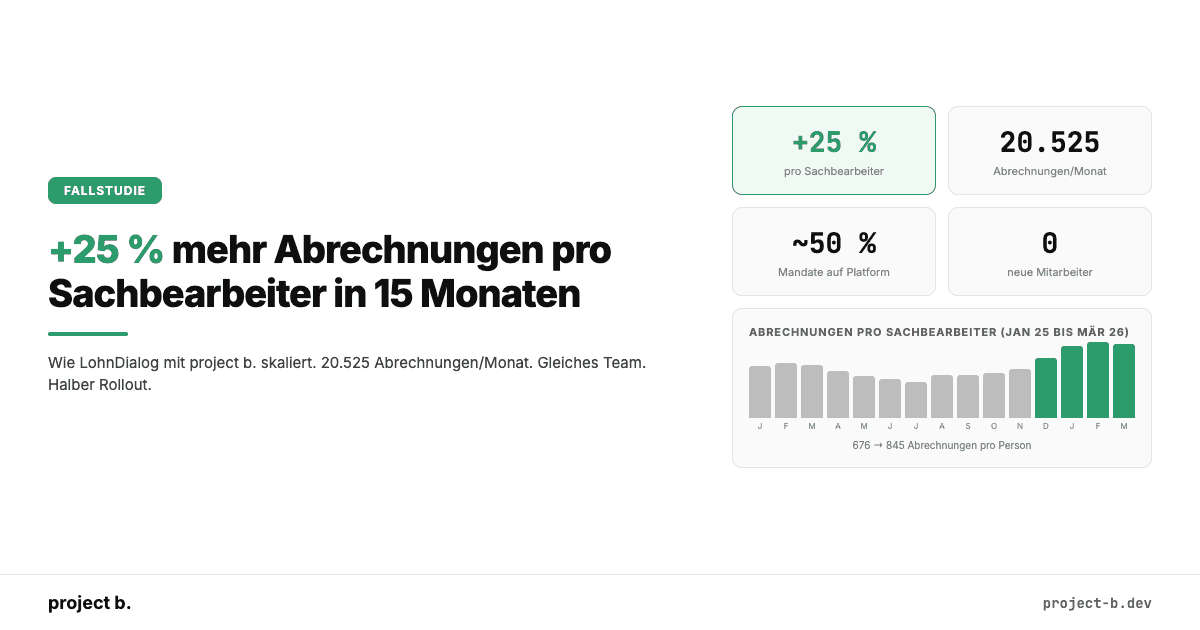
+25 % mehr Abrechnungen pro Sachbearbeiter: Wie LohnDialog mit project b. skaliert
LohnDialog verarbeitet 20.525 Abrechnungen pro Monat mit 24 Sachbearbeitern. Kein neues Personal. +25 % Effizienz nach 15 Monaten. Die Zahlen im Detail.
·
AI
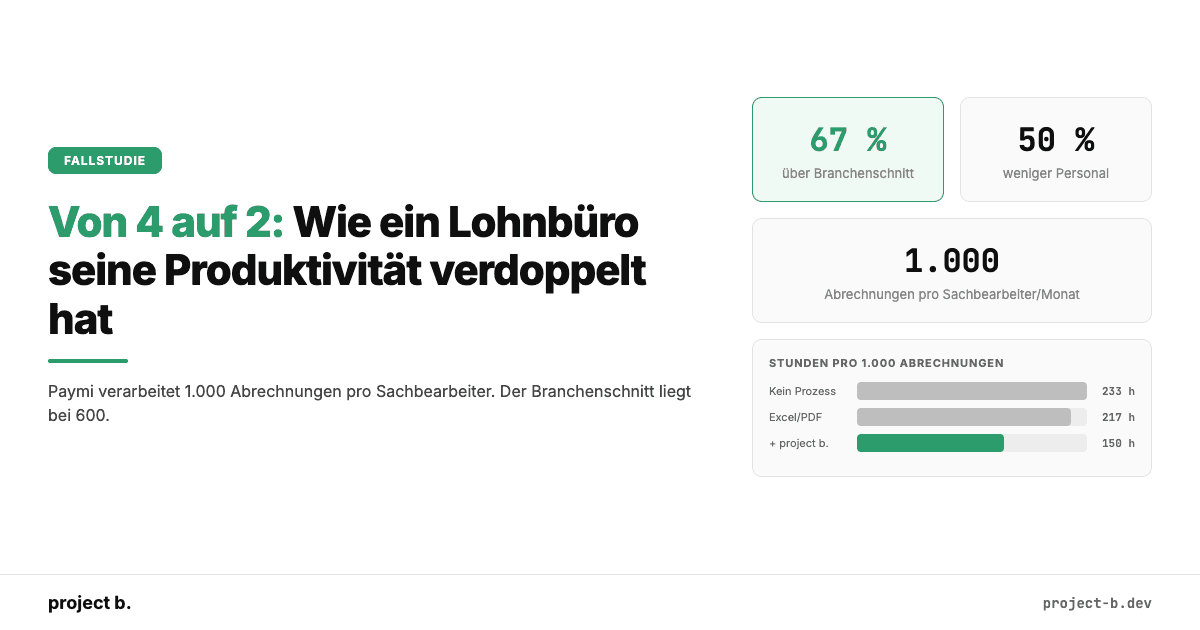
Von 4 auf 2: Wie ein Lohnbüro seine Produktivität verdoppelt hat
Wie der PSP Paymi mit project b. von 4 auf 2 FTEs reduzierte und 1.000 Abrechnungen pro Person verarbeitet. 67 % über Branchenschnitt. Mit Zahlen.
·
Payment
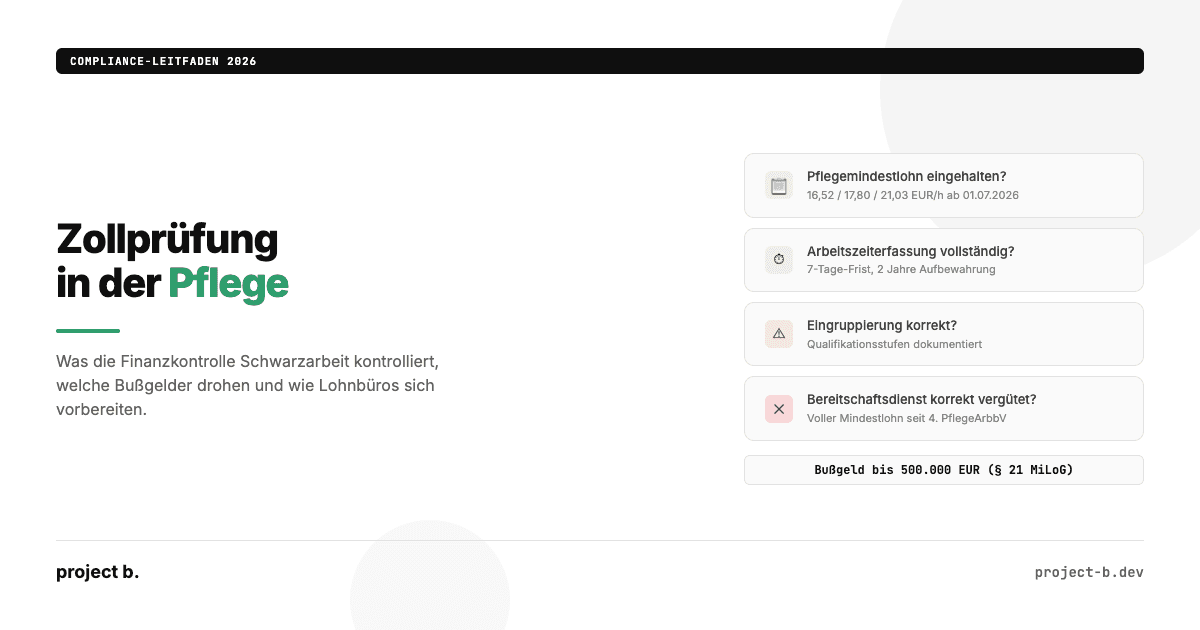
Zollprüfung Pflege 2026: Was die FKS kontrolliert und wie Sie sich vorbereiten
Was die Finanzkontrolle Schwarzarbeit in Pflegeeinrichtungen prüft: Mindestlohn, Arbeitszeiterfassung, Dokumentation. Bußgelder bis 500.000 EUR und wie Sie sich schützen.
·
Payment
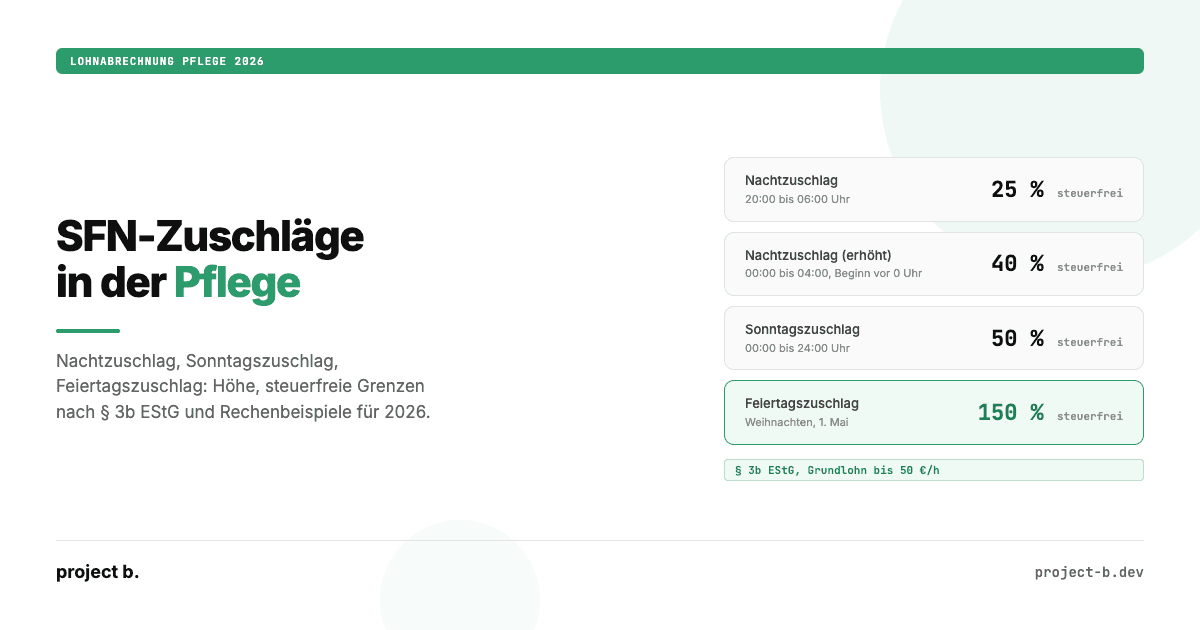
Zuschläge Pflege 2026: Nacht-, Sonntags- und Feiertagszuschläge korrekt abrechnen
Nachtzuschlag, Sonntagszuschlag, Feiertagszuschlag in der Pflege 2026: Höhe, steuerfreie Grenzen nach § 3b EStG, Rechenbeispiele und typische Abrechnungsfehler.
·
Payment
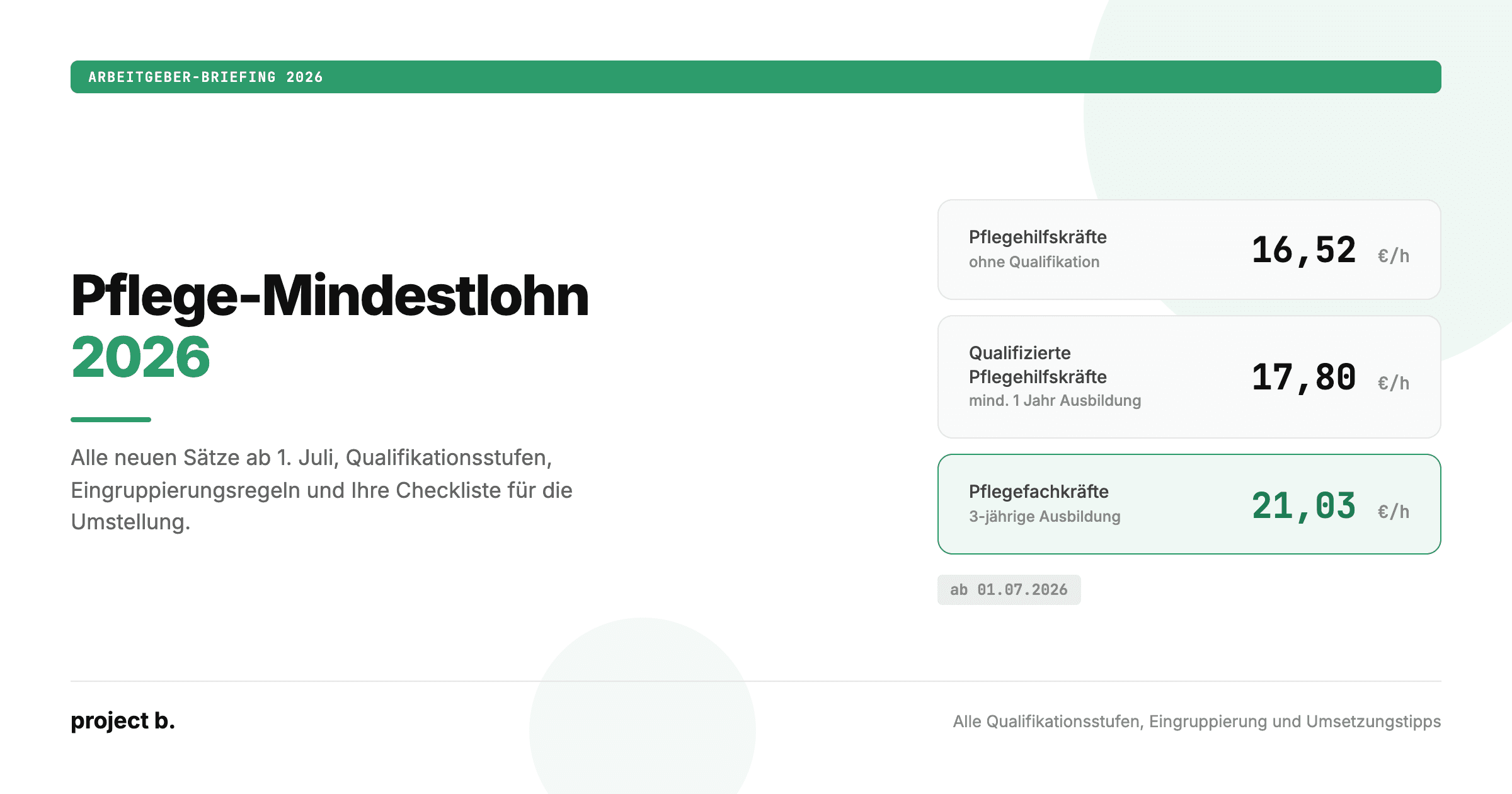
Pflegemindestlohn 2026: Alle neuen Sätze, Tabellen und Eingruppierungsregeln
Pflegemindestlohn 2026 ab 1. Juli: 16,52 bis 21,03 Euro pro Stunde. Alle drei Qualifikationsstufen, Eingruppierungsregeln und was Arbeitgeber jetzt umsetzen müssen.
·
Outsourcing
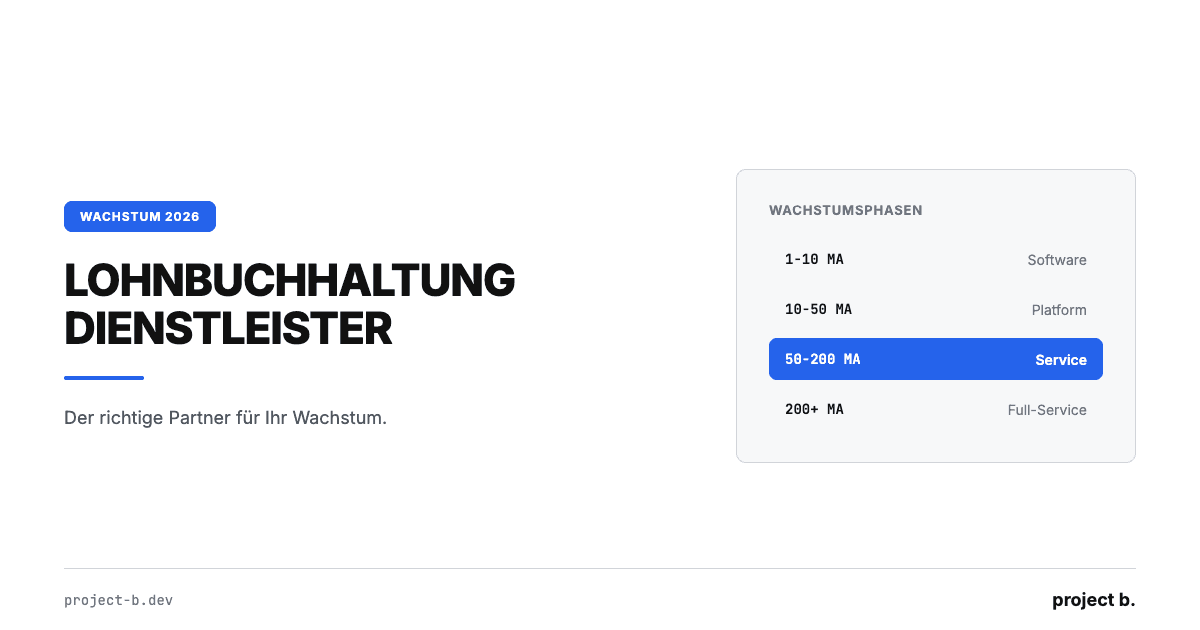
Lohnbuchhaltung Dienstleister: Der richtige Partner für Ihr Wachstum
Lohnbuchhaltung Dienstleister finden, der mit Ihrem Unternehmen wächst. Kosten, Phasenmodell und 5 Kriterien für skalierbare Lohnabrechnung ab 4 €/MA.
·
Outsourcing
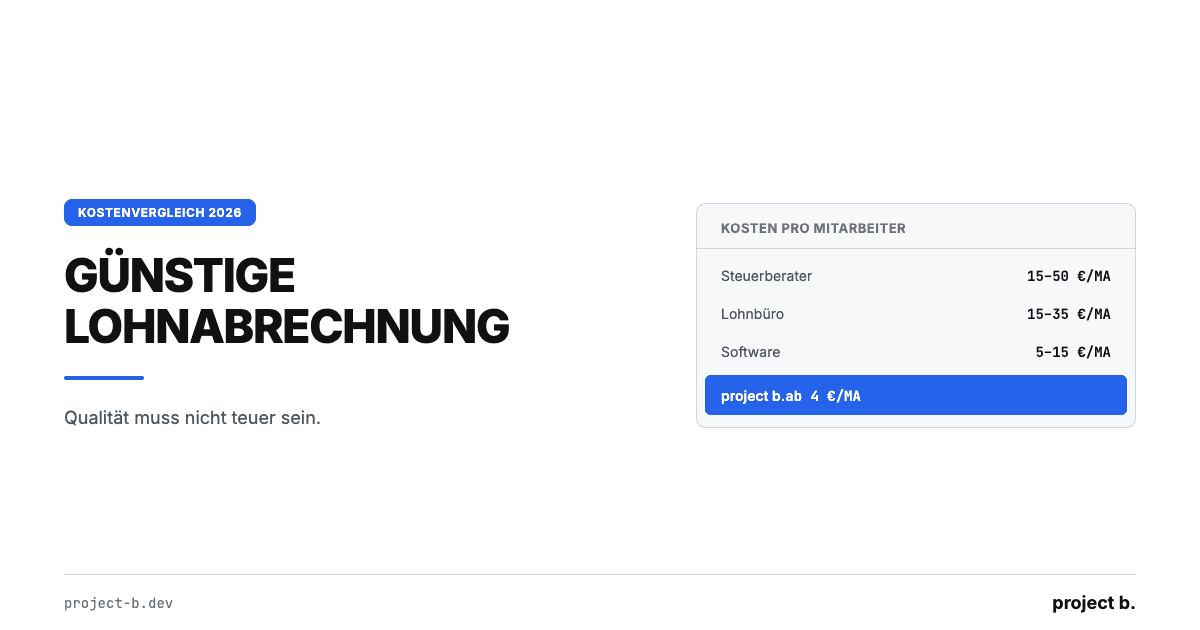
Günstige Lohnabrechnung: Qualität muss nicht teuer sein
Günstige Lohnabrechnung ab 4 €/Mitarbeiter: Kostenvergleich Software, Steuerberater und Outsourcing mit TCO-Rechnung und konkreten Spartipps für KMU.
·
Outsourcing
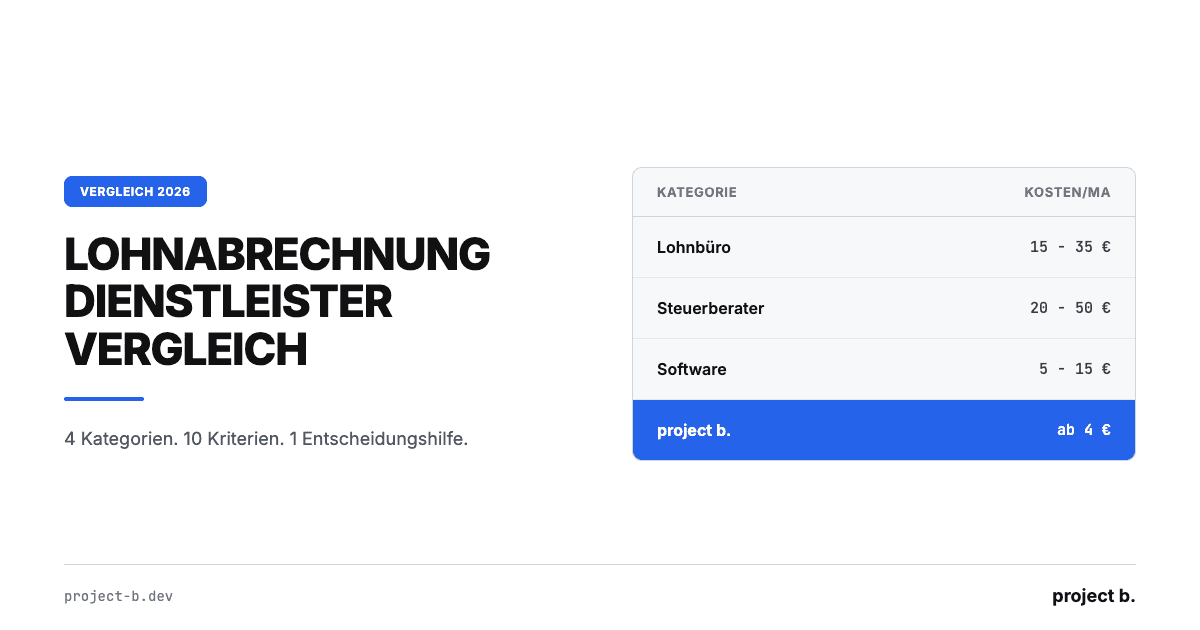
Lohnabrechnung Dienstleister Vergleich: Die Optionen 2026
Lohnabrechnung Dienstleister Vergleich 2026: 4 Kategorien, 10 Kriterien, echte Preise ab 4€/MA. Finden Sie den passenden Payroll-Partner für Ihr Unternehmen.
·
Outsourcing
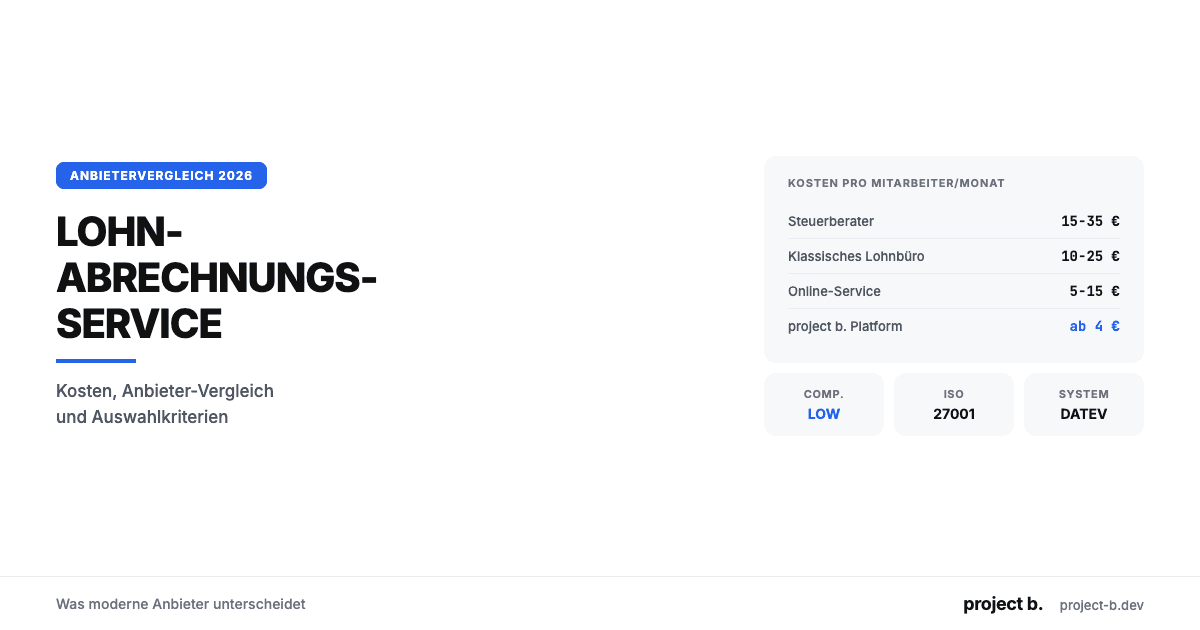
Lohnabrechnungsservice: Was moderne Anbieter unterscheidet
Lohnabrechnungsservice gesucht? Kosten ab 6 €/MA, Anbieter-Vergleich, Online vs. vor Ort und worauf Sie bei der Auswahl achten sollten. Jetzt informieren.
·
Outsourcing
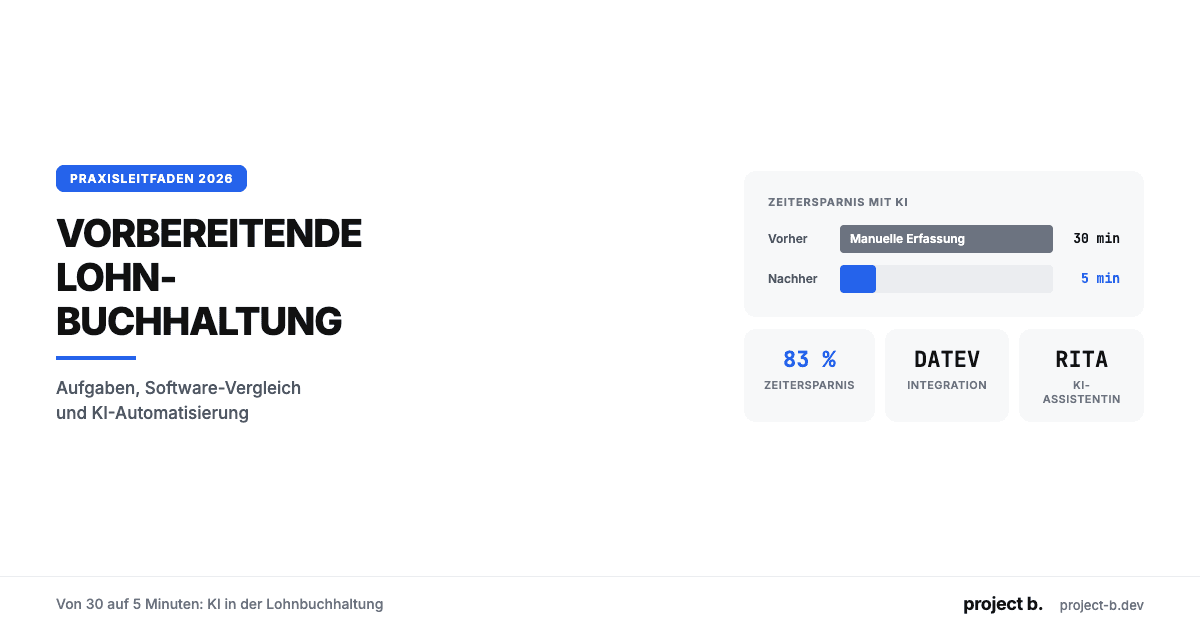
Vorbereitende Lohnbuchhaltung: Von 30 auf 5 Minuten
Was ist vorbereitende Lohnbuchhaltung? Aufgaben-Checkliste, DATEV-Integration, Software-Vergleich und wie KI den Zeitaufwand von 30 auf 5 Minuten senkt.
·
Outsourcing
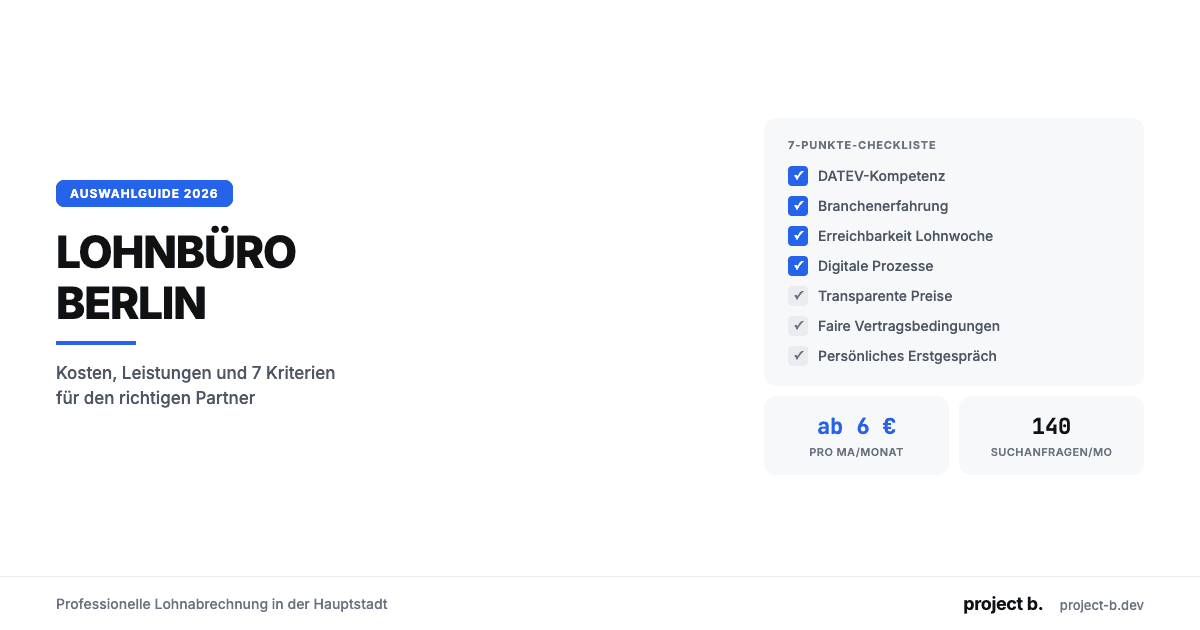
Lohnbüro Berlin: Professionelle Lohnabrechnung in der Hauptstadt
Lohnbüro in Berlin gesucht? Leistungen, Kosten (ab 6 €/MA), 7-Punkte-Checkliste und warum LohnDialog mit project b. Technologie die smarte Wahl ist.
·
Outsourcing
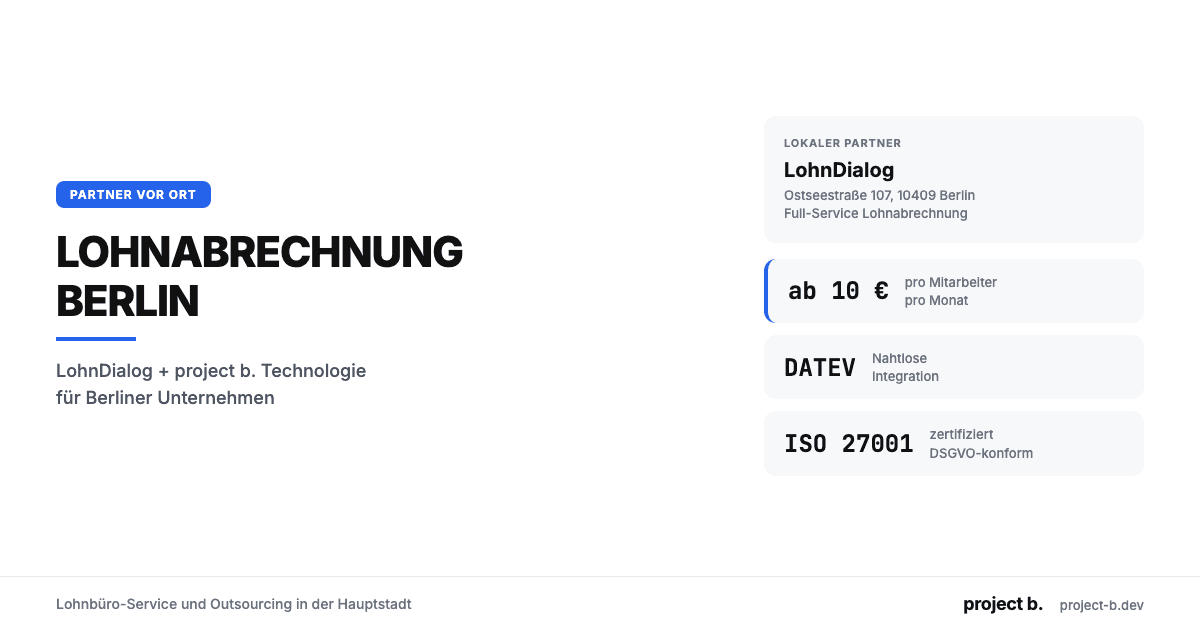
Lohnabrechnung Berlin: Ihr Payroll-Partner in der Hauptstadt
Lohnabrechnung in Berlin mit LohnDialog und project b. Lohnbüro-Service, DATEV-Integration, ab €10/MA. Persönliche Betreuung vor Ort.
·
Outsourcing
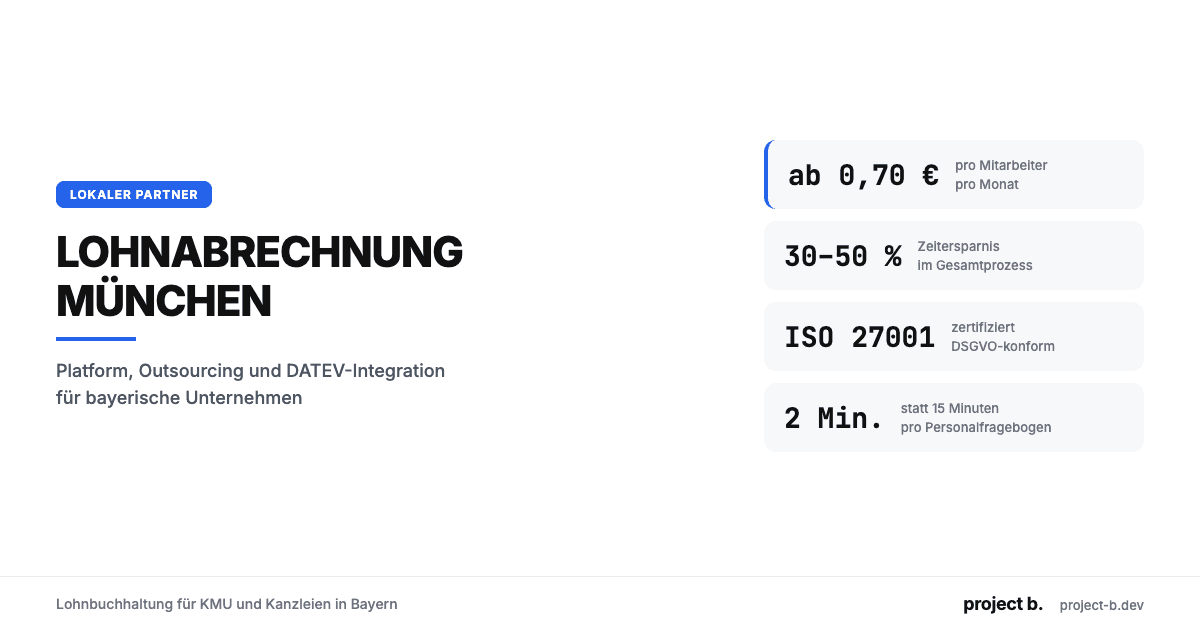
Lohnabrechnung München: Lohnbuchhaltung für KMU & Kanzleien
Lohnabrechnung in München ab €0,70/MA/Monat. Platform oder Outsourcing, DATEV-Integration, ISO 27001. So finden Sie den richtigen Partner.
·
Outsourcing
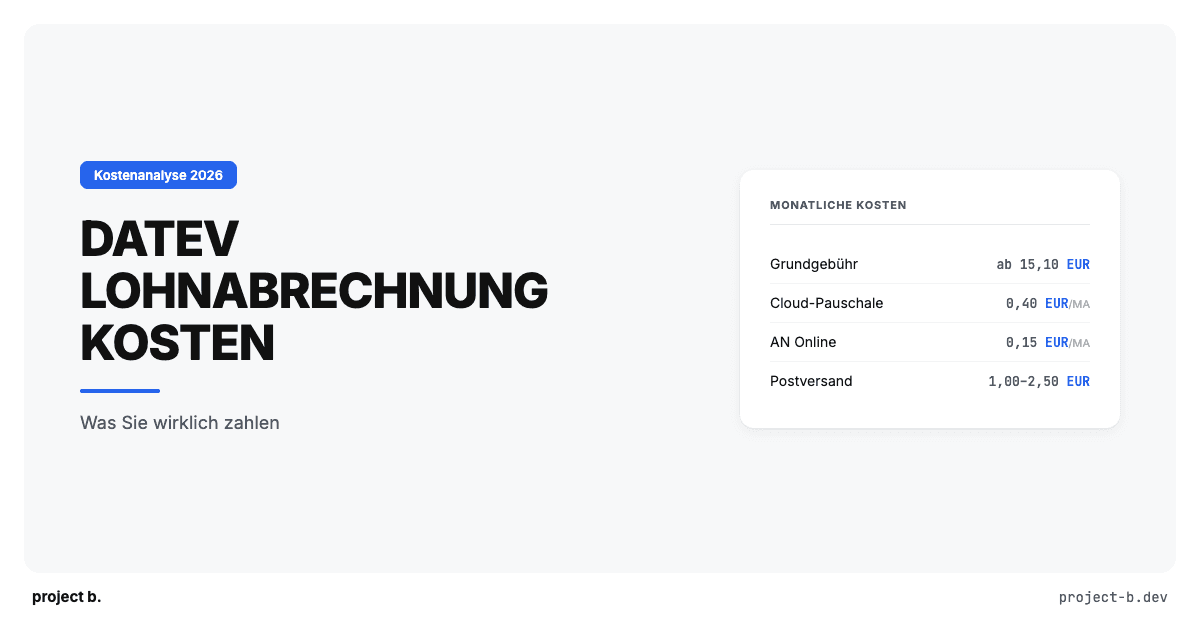
DATEV Lohnabrechnung Kosten: Was Sie wirklich zahlen
Was kostet eine Lohnabrechnung mit DATEV? Preise pro Mitarbeiter, versteckte Zusatzkosten, Vergleich mit Alternativen. Mit konkretem Rechenbeispiel.
·
Outsourcing
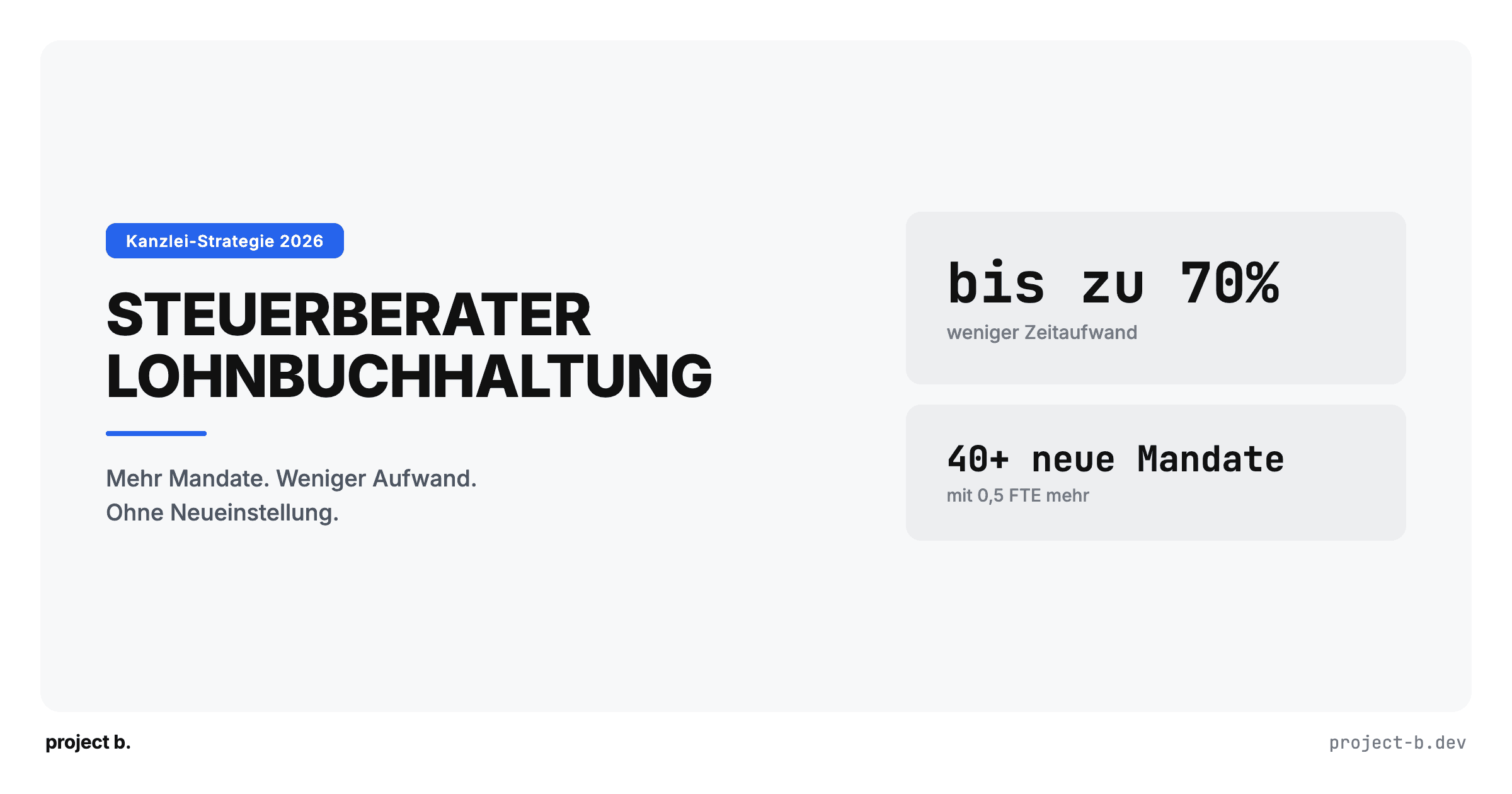
Steuerberater Lohnbuchhaltung: Mehr Mandate ohne mehr Personal
Als Steuerberater mehr Lohnmandate betreuen, ohne proportional Personal aufzubauen? So reduzieren digitale Vorsysteme den Aufwand pro Mandat.
·
Outsourcing
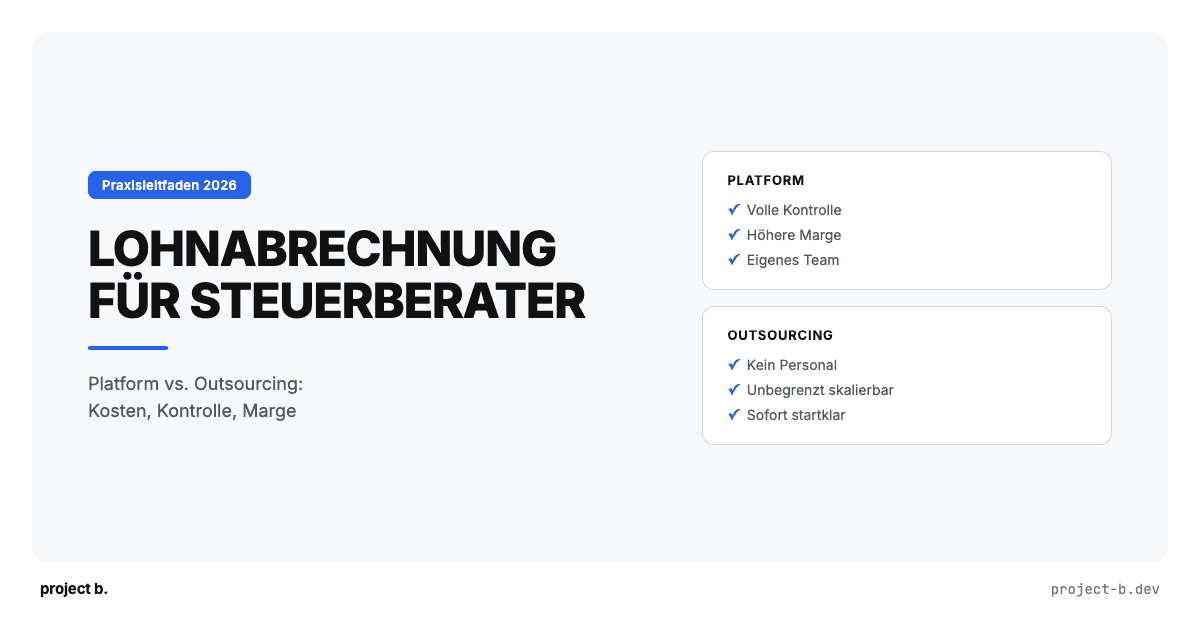
Lohnabrechnung für Steuerberater: Platform vs. Outsourcing
Lohnabrechnung als Steuerberater selbst abrechnen oder auslagern? Vergleich beider Modelle mit Kosten, Aufwand und Praxisbeispiel.
·
Outsourcing
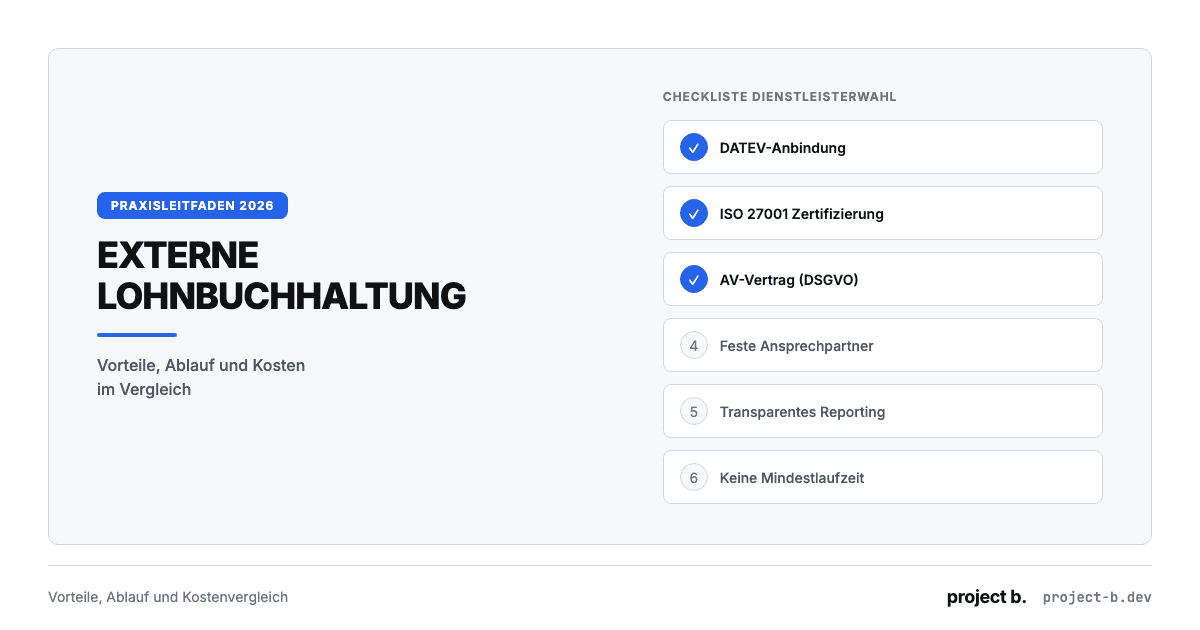
Externe Lohnbuchhaltung: Vorteile, Ablauf und Kosten
Externe Lohnbuchhaltung ab 10 EUR pro Mitarbeiter. Vorteile, typischer Ablauf, Kostenvergleich und worauf Sie bei der Auswahl des Dienstleisters achten sollten.
·
Outsourcing
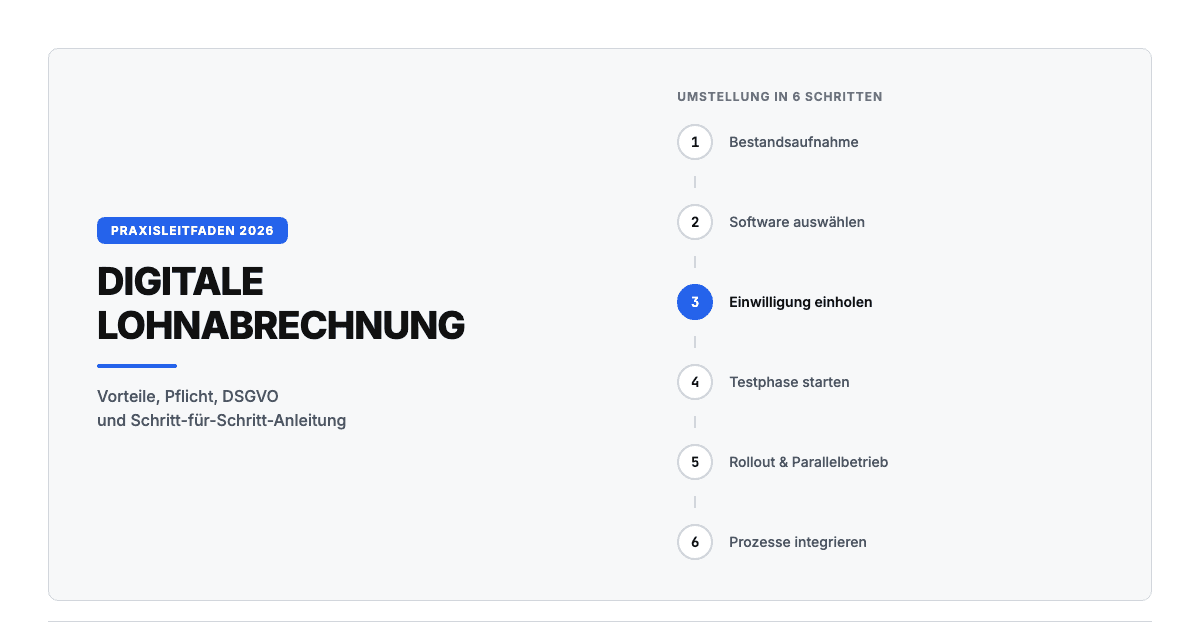
Digitale Lohnabrechnung: So funktioniert sie in der Praxis
Digitale Lohnabrechnung rechtssicher einführen. Vorteile, DSGVO-Anforderungen, Software-Vergleich und Schritt-für-Schritt-Anleitung für die Umstellung 2026.
·
Outsourcing
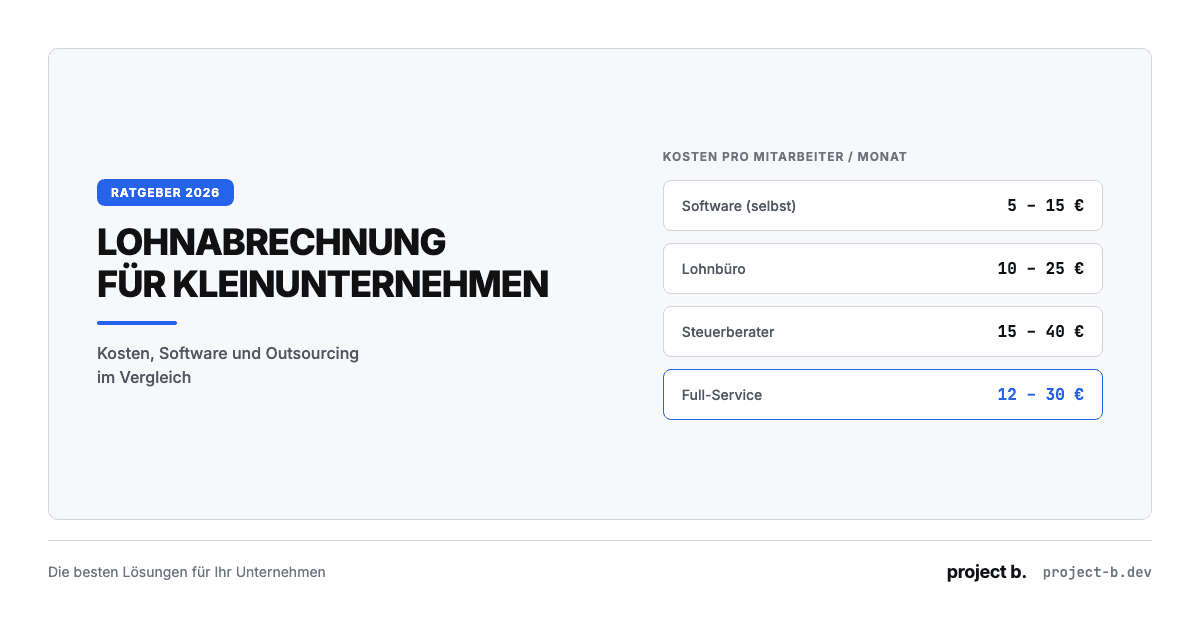
Lohnabrechnung für Kleinunternehmen: Die besten Lösungen 2026
Lohnabrechnung für Kleinunternehmen ab 5 EUR pro Mitarbeiter. Vergleich: selber machen, Software oder outsourcen. Mit Kostenrechnung und Entscheidungshilfe.
·
Outsourcing
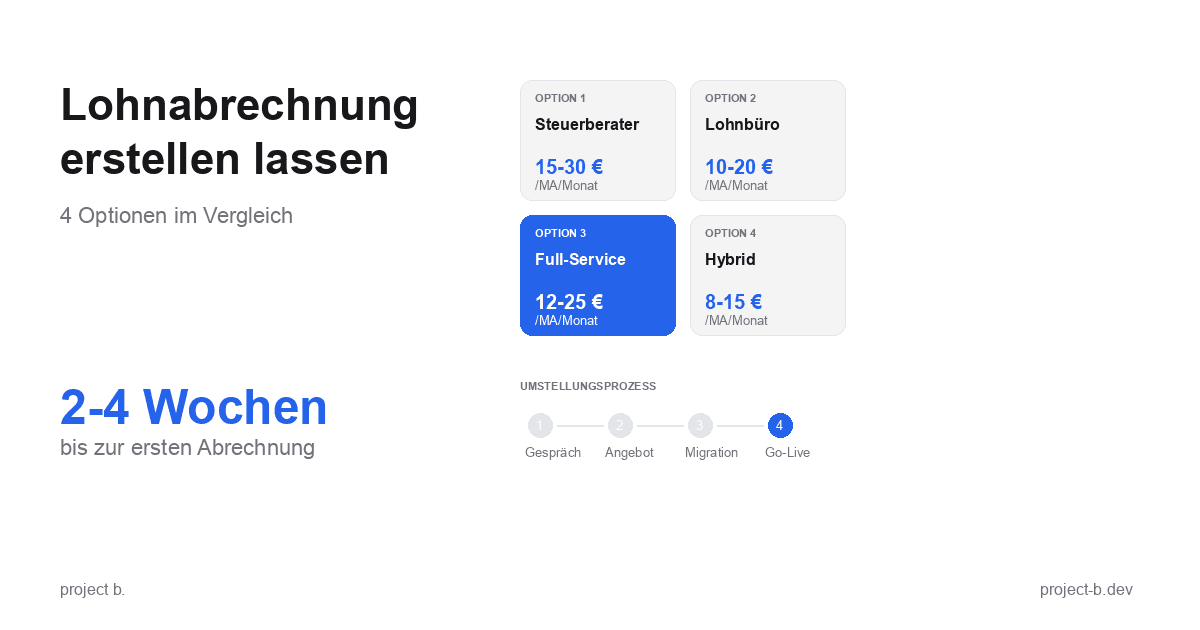
Lohnabrechnung erstellen lassen: Ihre Optionen im Vergleich
Lohnabrechnung erstellen lassen statt selbst kämpfen? Erfahren Sie, welche Optionen Sie haben, was es kostet und wie schnell Sie starten können.
·
Payment
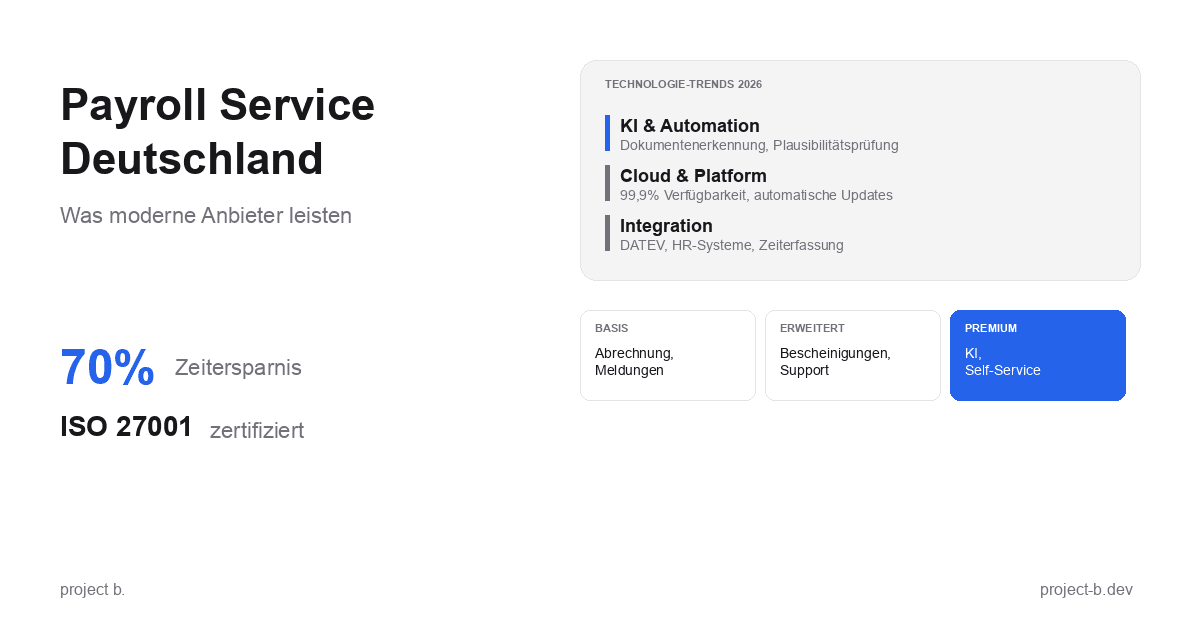
Payroll Service Deutschland: Was moderne Anbieter leisten
Payroll Service in Deutschland gesucht? Erfahren Sie, was moderne Anbieter leisten, welche Technologien sie nutzen und worauf Sie bei der Auswahl achten sollten.
·
Outsourcing
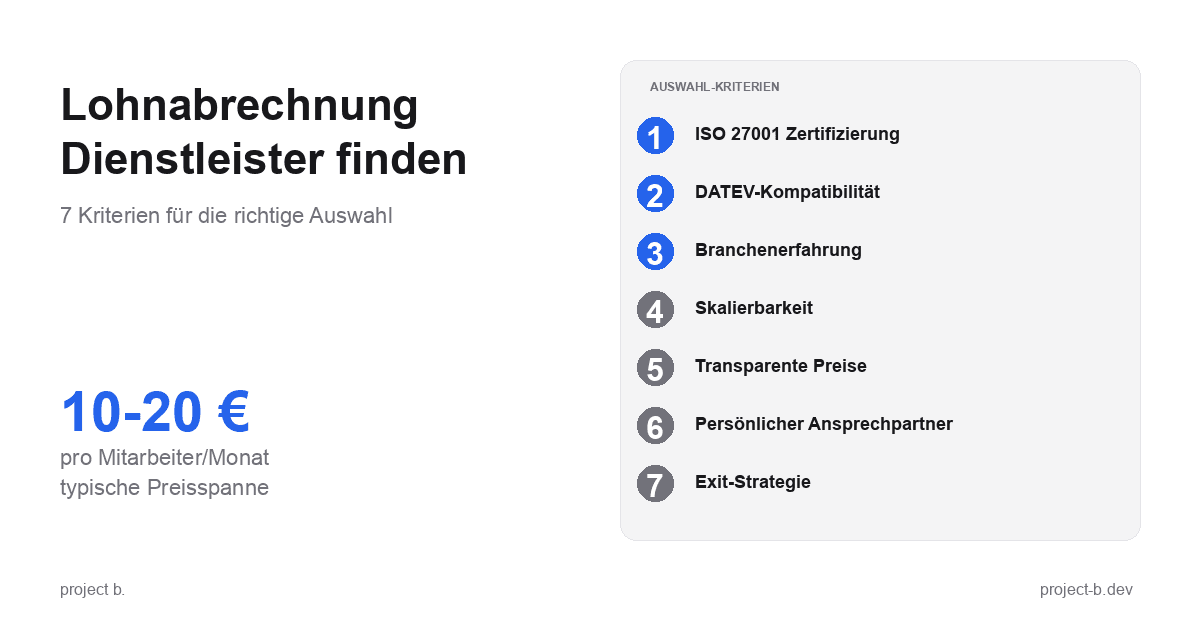
Lohnabrechnung Dienstleister: So finden Sie den richtigen Partner
Lohnabrechnung Dienstleister gesucht? 7 Kriterien für die Auswahl, Preisvergleich und Checkliste fürs Erstgespräch. Finden Sie den Partner, der zu Ihnen passt.
·
Outsourcing
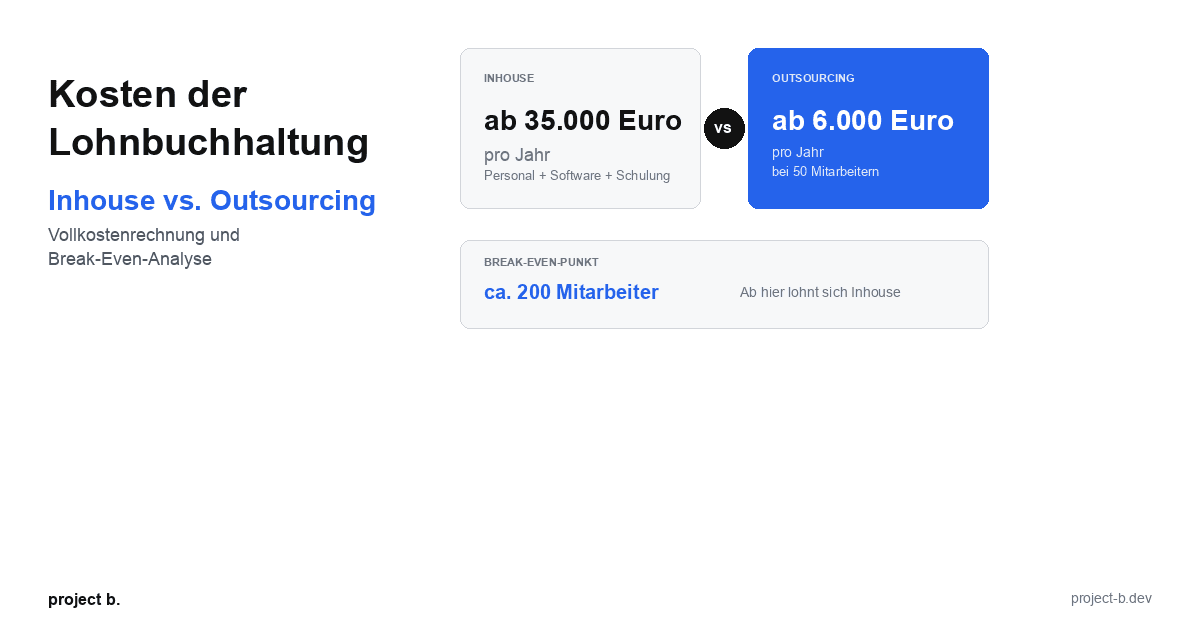
Kosten der Lohnbuchhaltung: Inhouse vs. Outsourcing im Vergleich
Lohnbuchhaltung Kosten: Inhouse ab 35.000 Euro/Jahr vs. Outsourcing ab 6.000 Euro/Jahr. Break-Even-Analyse, ROI-Rechnung und Entscheidungshilfe.
·
Outsourcing
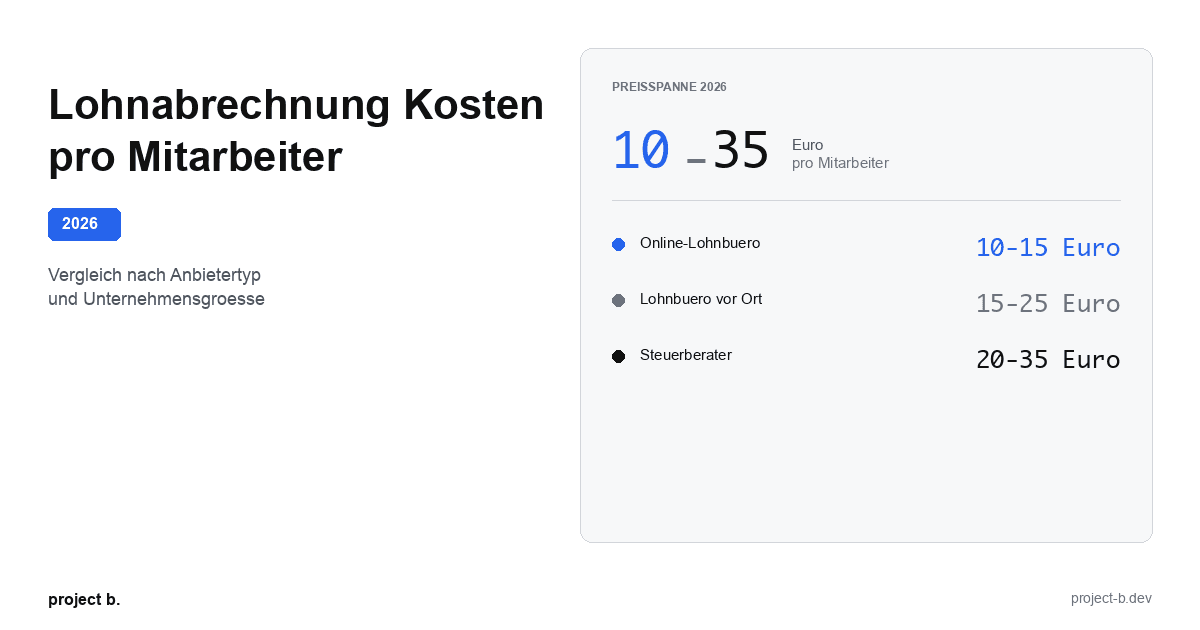
Lohnabrechnung Kosten pro Mitarbeiter: Was Sie 2026 zahlen
Lohnabrechnung Kosten 2026: 10-35 Euro pro Mitarbeiter je nach Anbieter. Vergleich nach Unternehmensgroesse, Branche und versteckte Kosten aufgedeckt.
·
Outsourcing
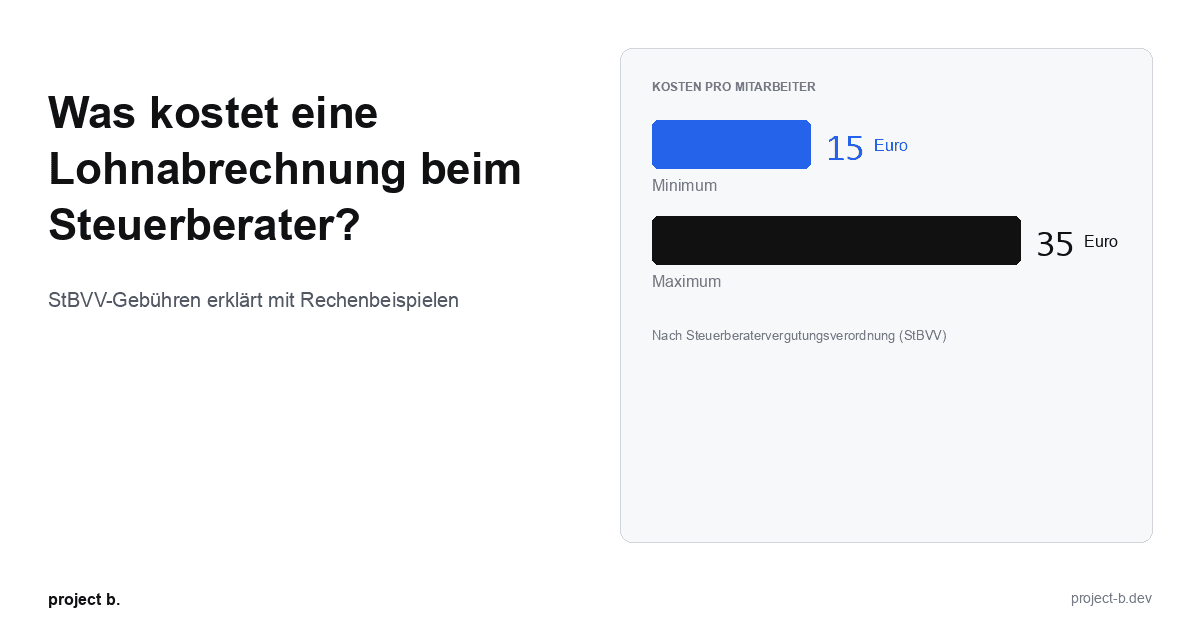
Was kostet eine Lohnabrechnung beim Steuerberater?
Lohnabrechnung beim Steuerberater: Kosten von 15-35 € pro Mitarbeiter. StBVV-Gebühren erklärt, Preisvergleich und Rechenbeispiele für 10, 50, 100 Mitarbeiter.
·
Outsourcing
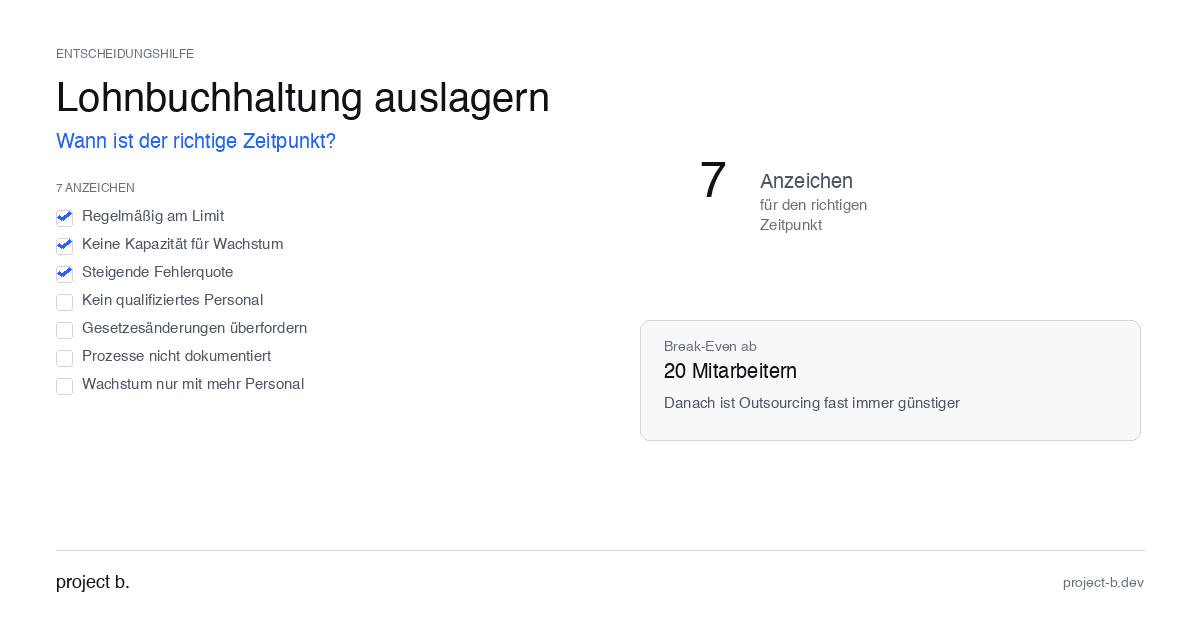
Outsource payroll accounting: When is the right time?
Outsourcing payroll: 7 clear signs that now is the right time. Including break-even analysis and DATEV integration check.
·
Outsourcing
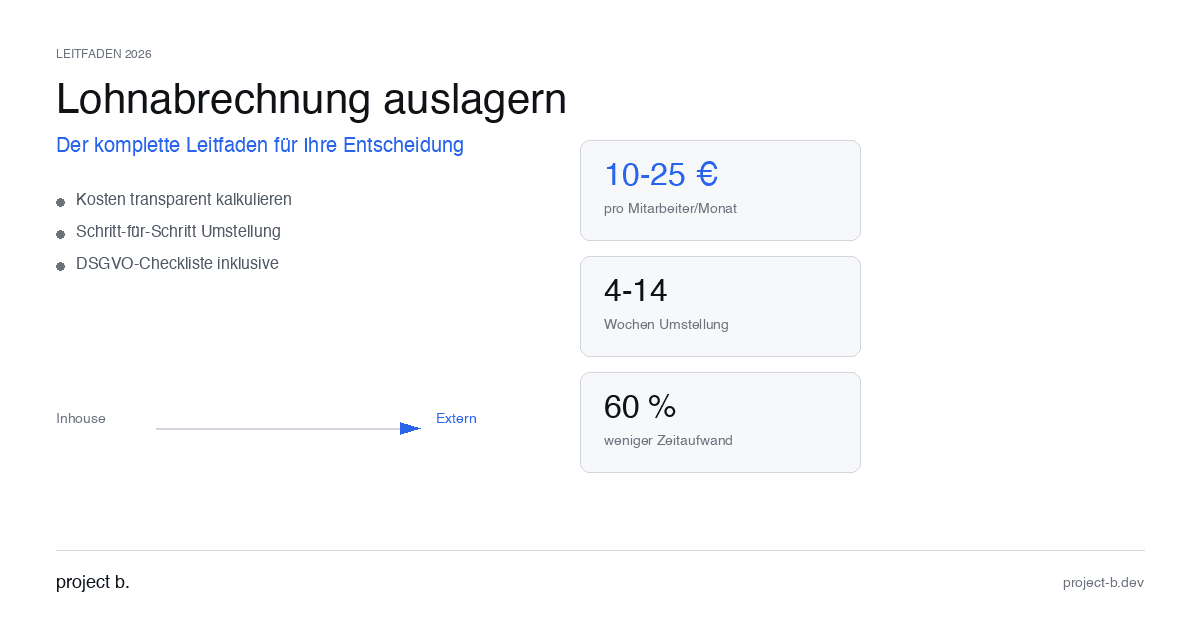
Outsourcing payroll accounting: The complete guide for 2026
Outsource payroll processing 2026: Costs from €10 per employee, step-by-step guide and GDPR checklist. This is how to make the transition without risk.
·
Outsourcing
Outsourcing payroll: Costs, benefits, and providers at a glance
Outsource payroll accounting from €10 per employee. Learn about the benefits of outsourcing, its costs, and how to find the right provider.
·
AI
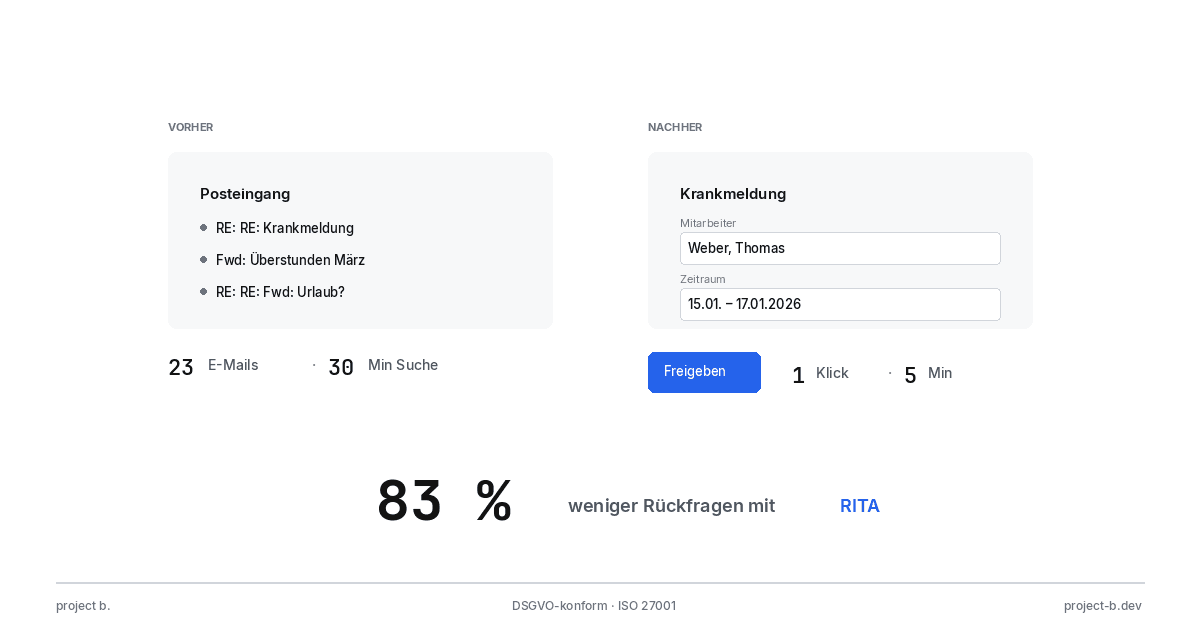
Client portal vs. Email chaos: What modern payroll processing is all about
Payroll statements by email pose a GDPR risk. With the project b. Portal and RITA, you save 1,400 hours/year. This is how secure data exchange works.
·
AI
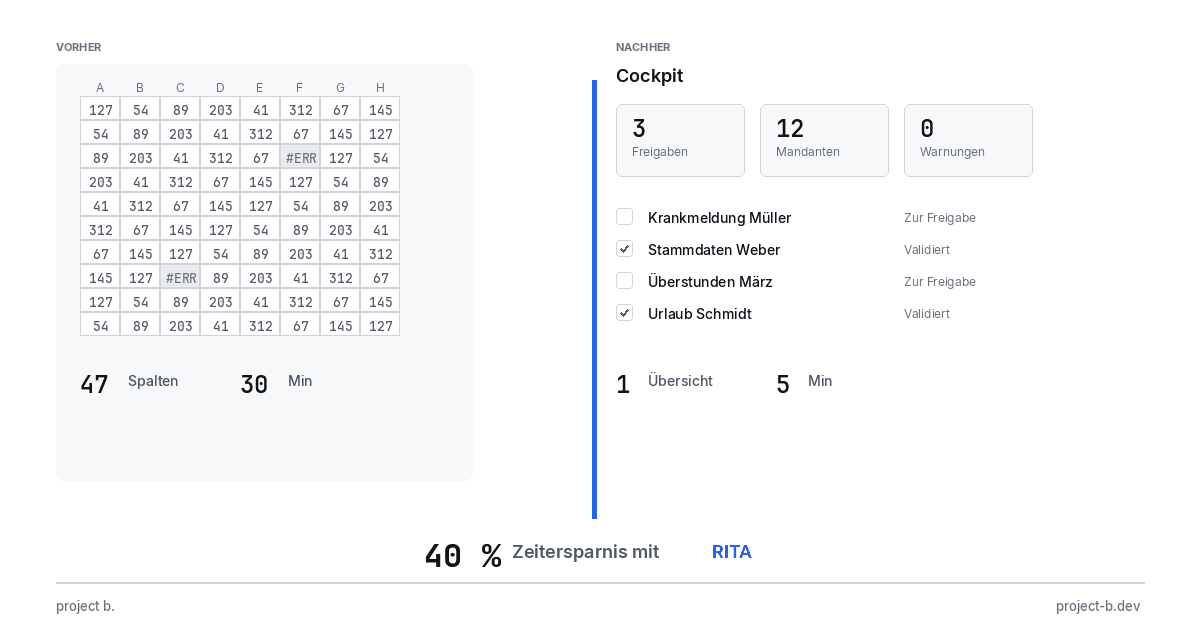
From Excel to the Cockpit: How Payroll Offices Will Make the Leap into Digitalization in 2026
Digital payroll instead of Excel: With RITA and the project b. cockpit, payroll offices save 40% time without switching to DATEV. Practical guide with checklist.
·
Personal
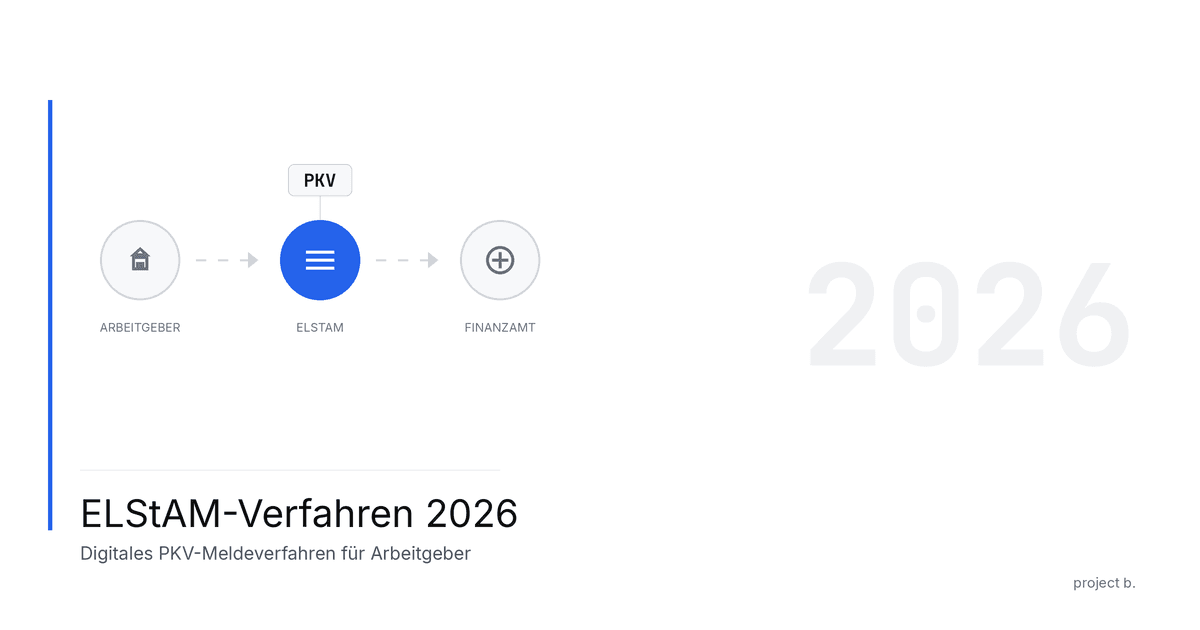
ELStAM Procedure 2026: This is how the new private health insurance notification for employers works
From 2026, employers will report private health insurance contributions digitally via the ELStAM procedure. Find out which systems are affected and how you can prepare now.
·
AI
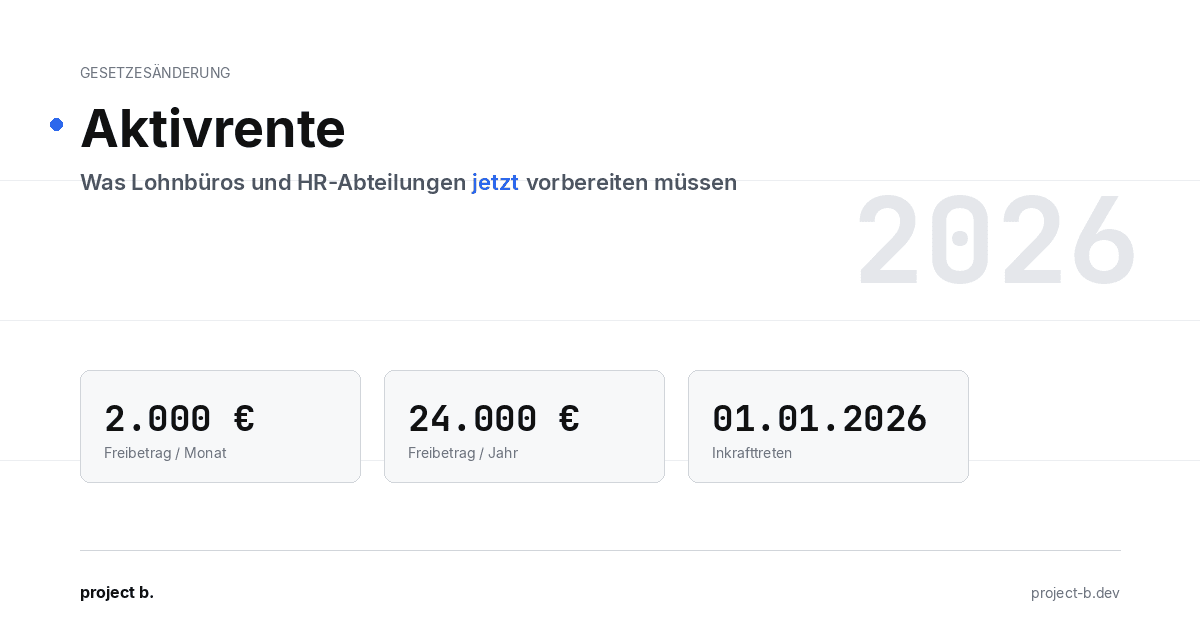
Active pension 2026: What payroll offices and HR departments need to prepare now
Pension from January 2026: Up to €2,000 tax allowance for retirees. Learn about the changes in payroll processes and how AI facilitates implementation.
·
AI
AI-Powered Payroll Software: How Tax Advisors Will Save Time in 2026
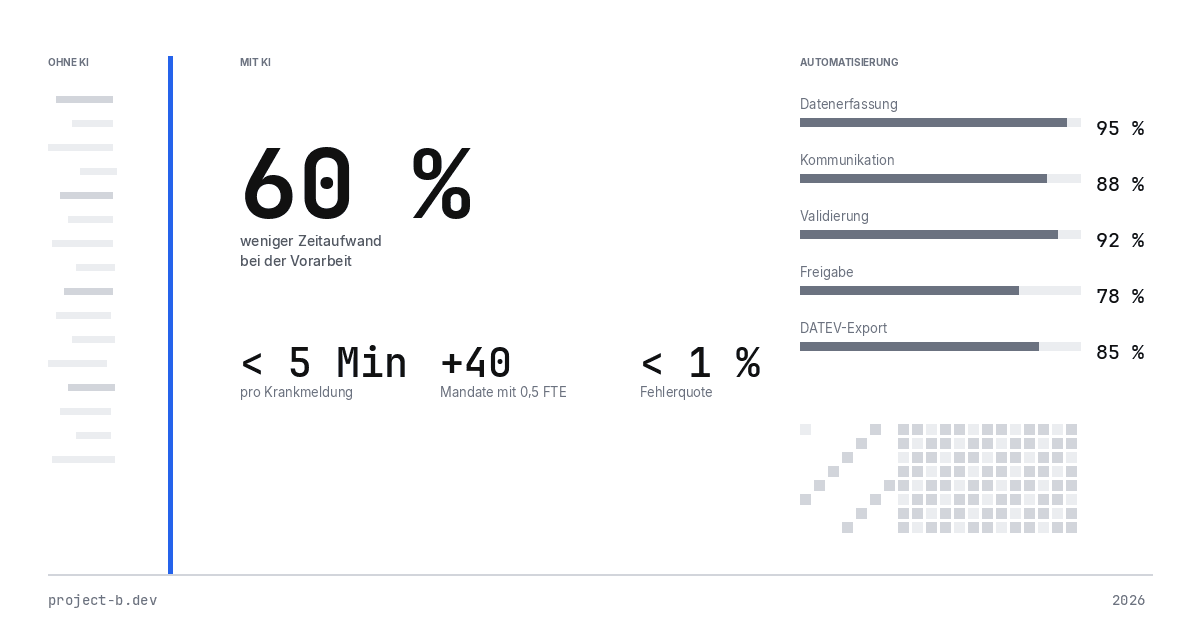
AI payroll accounting for tax consultants: Learn how project b. reduces manual work by 80% with RITA and helps combat the skilled labor shortage.
·
Payment
Personio vs. project b.: Which tool really fits your payroll?
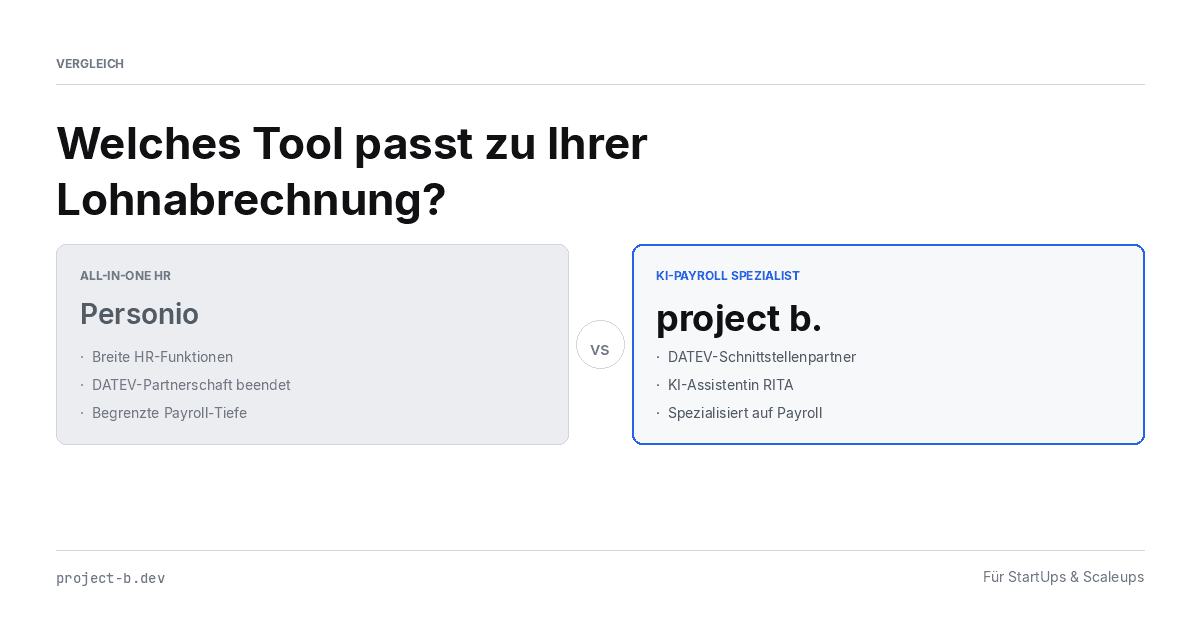
Personio or project b.? Comparison for StartUps & Scaleups: DATEV integration, AI automation, costs. Why specialized payroll tools are gaining traction.
·
AI
Payroll 2026: All Changes at a Glance (with AI Automation)
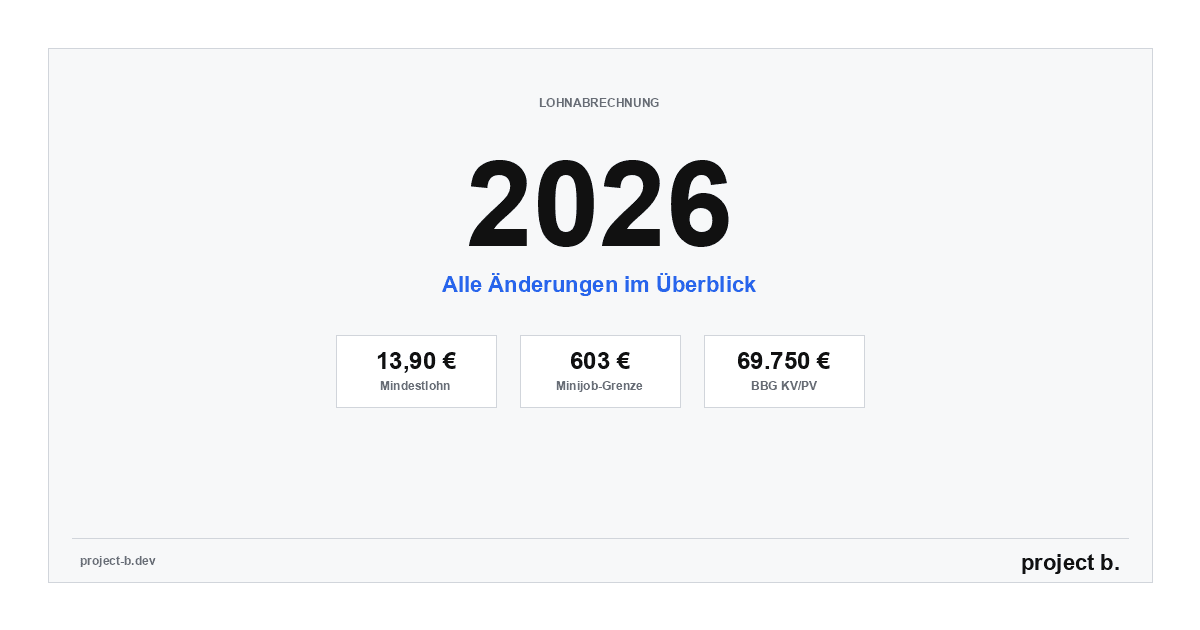
Minimum wage €13.90, mini-job limit €603, new contribution assessment ceilings: An overview of all changes for payroll in 2026. Learn how AI automatically implements these updates.
·
Payment
Power outage in Berlin: Why employers still have to pay wages
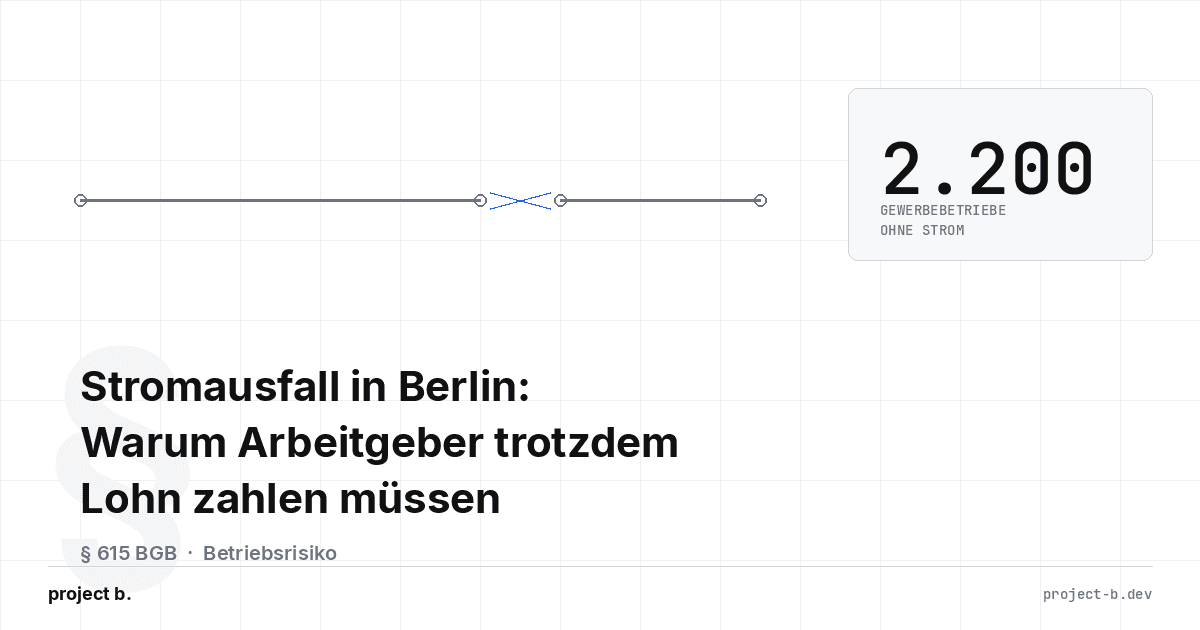
Power outage Berlin 2026: 2,200 businesses affected. Find out why employers must still pay wages according to § 615 BGB - and what applies to payroll.

·
AI
AI in Payroll: Hype or Help?
AI in payroll processing: What is behind it? A guide for anyone who wants to understand the topic before making a decision.

·
AI
Payroll without professionals? This is how AI will help in 2026
AI in payroll: 70% less routine work, 0.1% error rate. This is how companies are solving the skilled labor shortage in payroll accounting in 2026.
·
AI
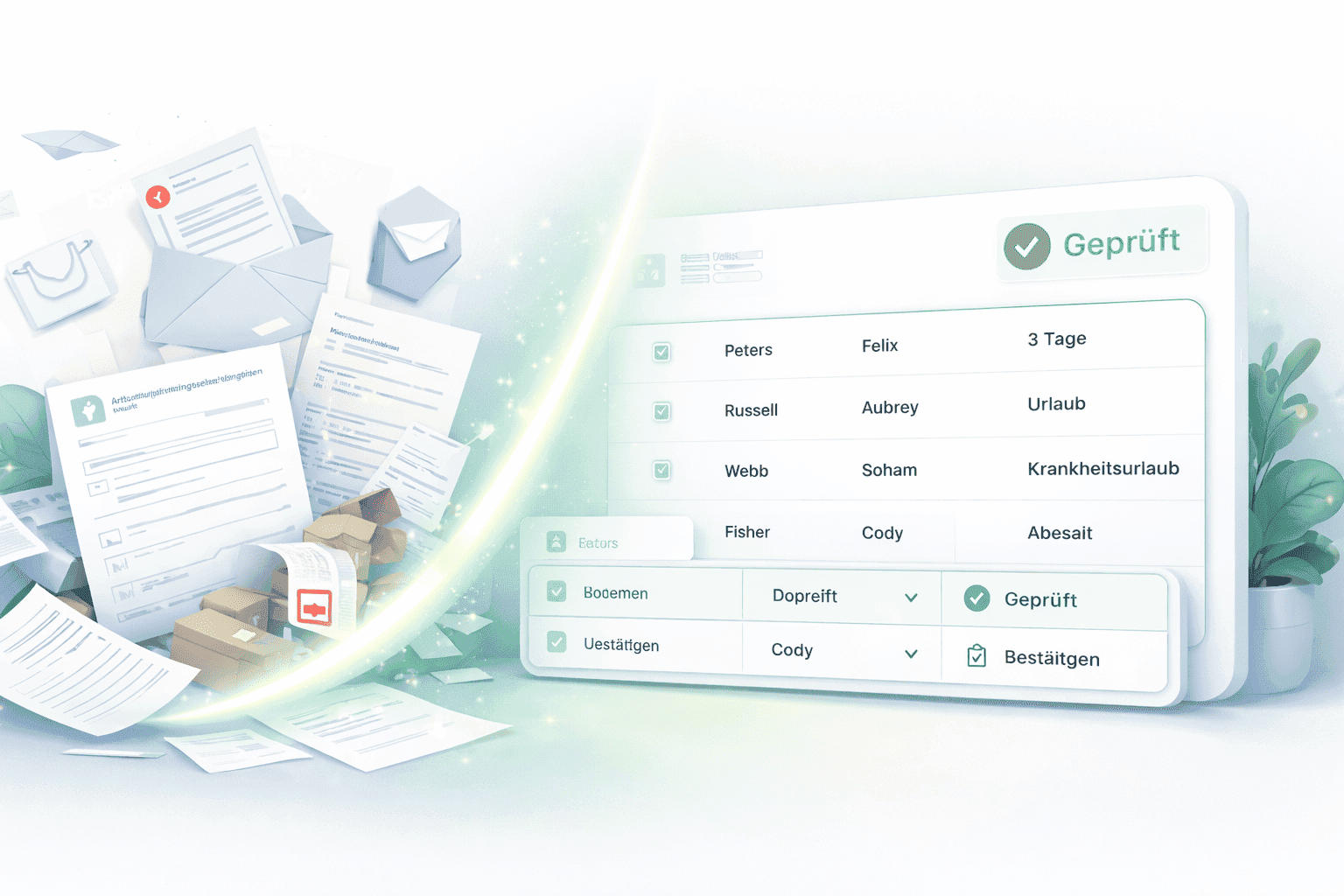
This is how you use AI in payroll.
Enough with manual data collection: This is how AI supports payroll accounting in case of sickness notifications, master data, and billing - without loss of control.
·
AI
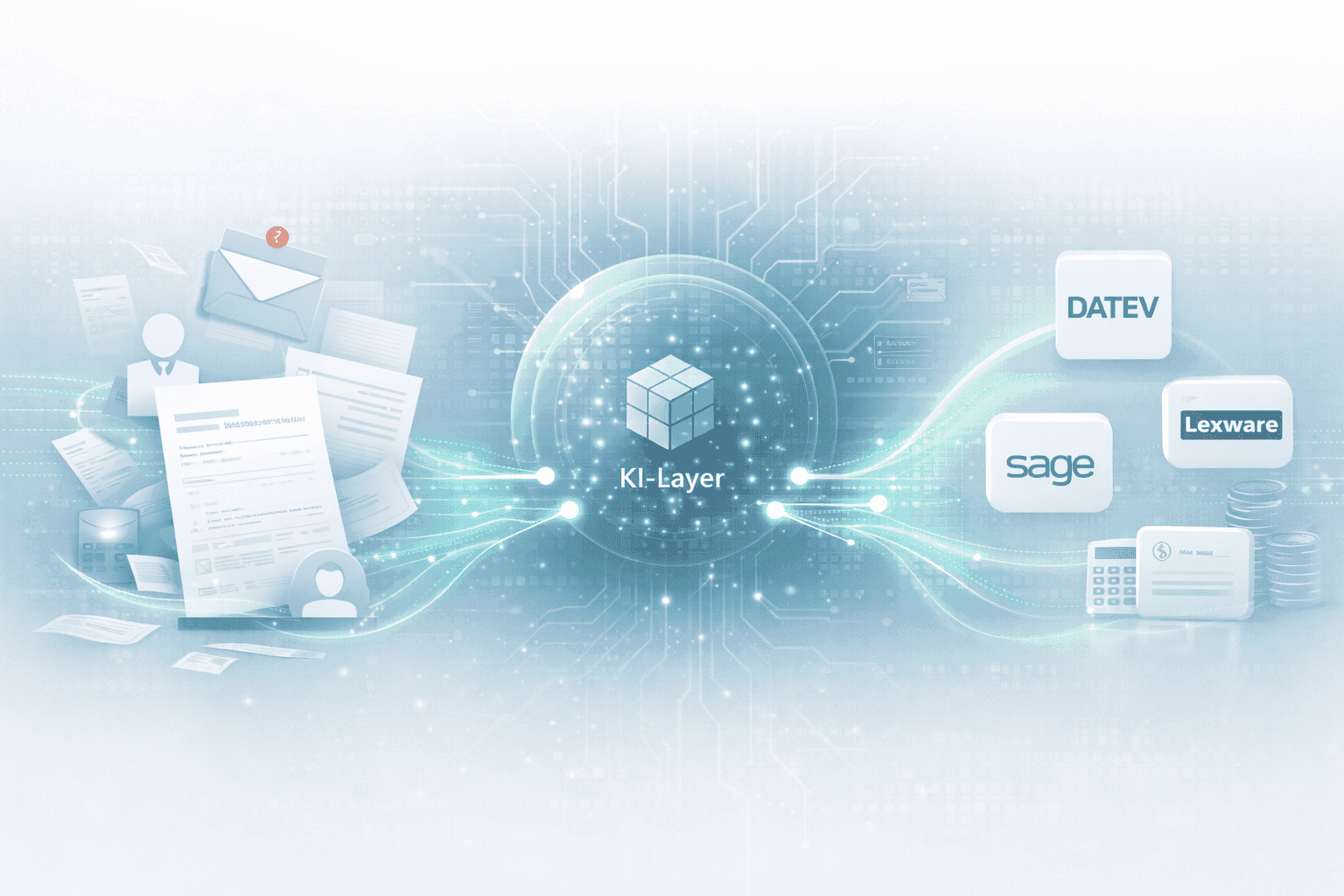
How an AI layer works in payroll.
Digital payroll, but manual data entry? An AI layer closes the gap between employees, HR, and DATEV & Co.
·
AI
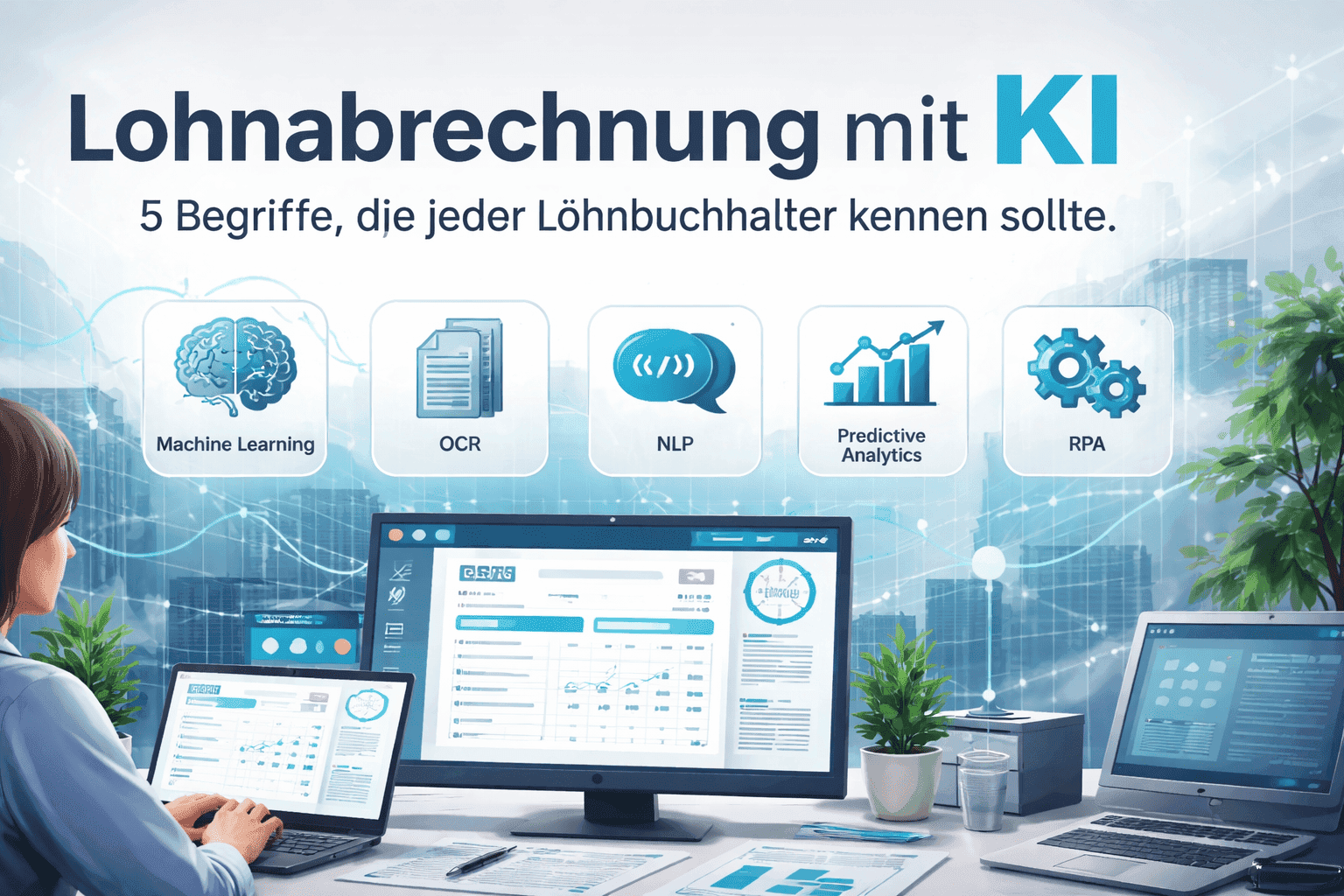
Payroll accounting with AI: 5 terms that every payroll clerk should know
Payroll processing explained clearly with AI: These 5 key AI terms payroll accountants should know to automate processes, reduce errors, and work more efficiently.

·
AI
How companies automate payroll accounting with Rita
Learn how Rita from project b. has automated the preliminary payroll accounting. From data collection to DATEV integration: This is how payroll agencies and tax consultants save up to 70% time.
·
AI
AI Software for Payroll Accounting: The Ultimate Selection Guide
Discover the ultimate selection guide for AI software in payroll. Compare AI tools and find the best payroll software for your business.
·
AI
10 processes in payroll that AI is already handling today
Discover 10 payroll processes that AI has already automated: from master data validation to compliance monitoring. Save up to 94% time on digital payroll.

·
Payment
The story of DATEV and how it became an unshakable power in German accounting.
DATEV is more than software – it is the infrastructural foundation of German accounting. The text shows how a cooperative of tax advisors became the central backbone of accounting and payroll through regulatory entanglement, standardization, and decades of trust-building. At the same time, it explains why this very structure is hindering innovation today: closed data architectures, high switching costs, and a system built for stability rather than AI-based automation. A look at how the past and present shape digital progress.
·
Payment
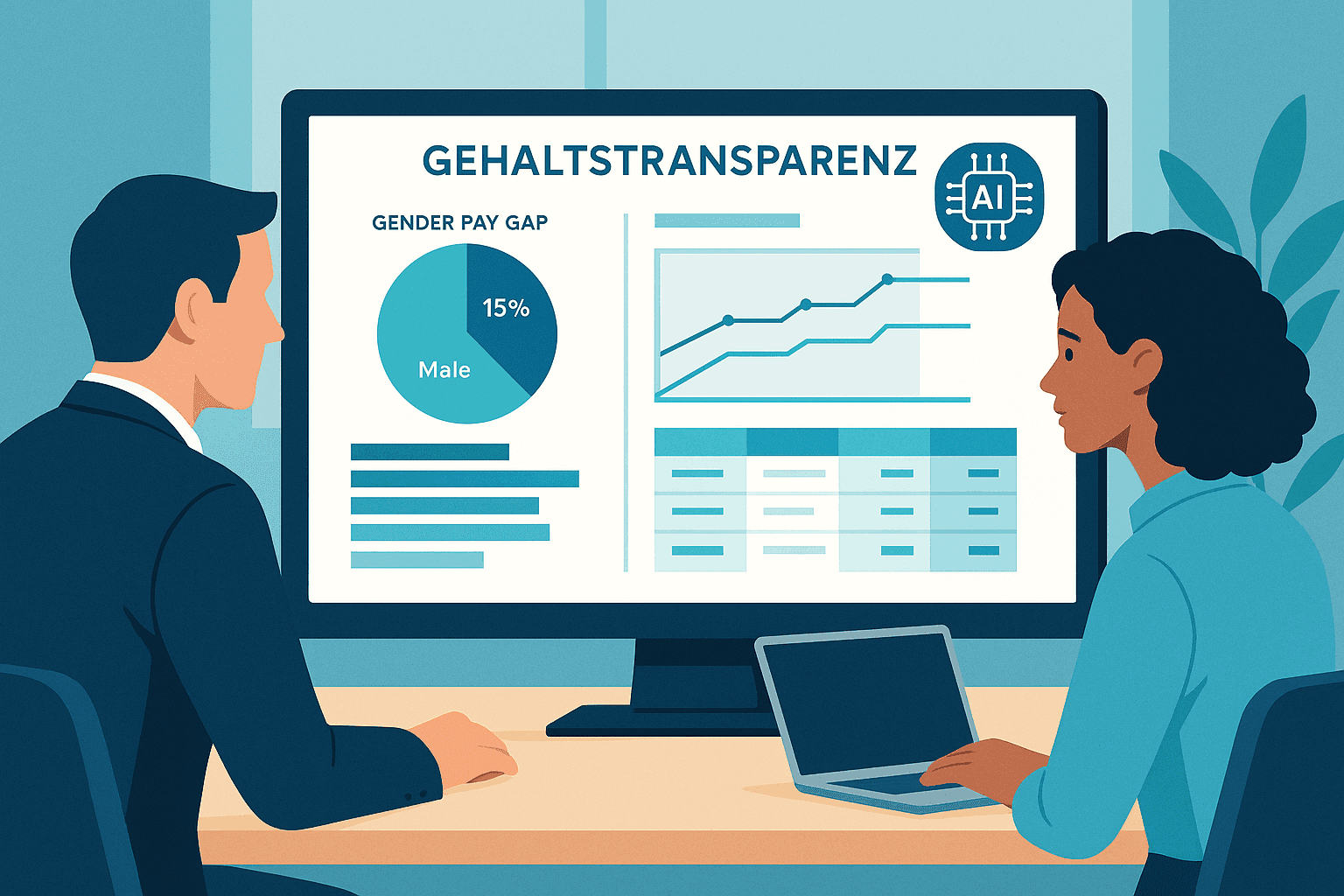
EU Salary Transparency Directive: How to Prepare Your Payroll for June 2026
Discover the best tools for implementing the EU Pay Transparency Directive – including AI solutions like project b. for fair and data-driven salary analyses.
·
AI
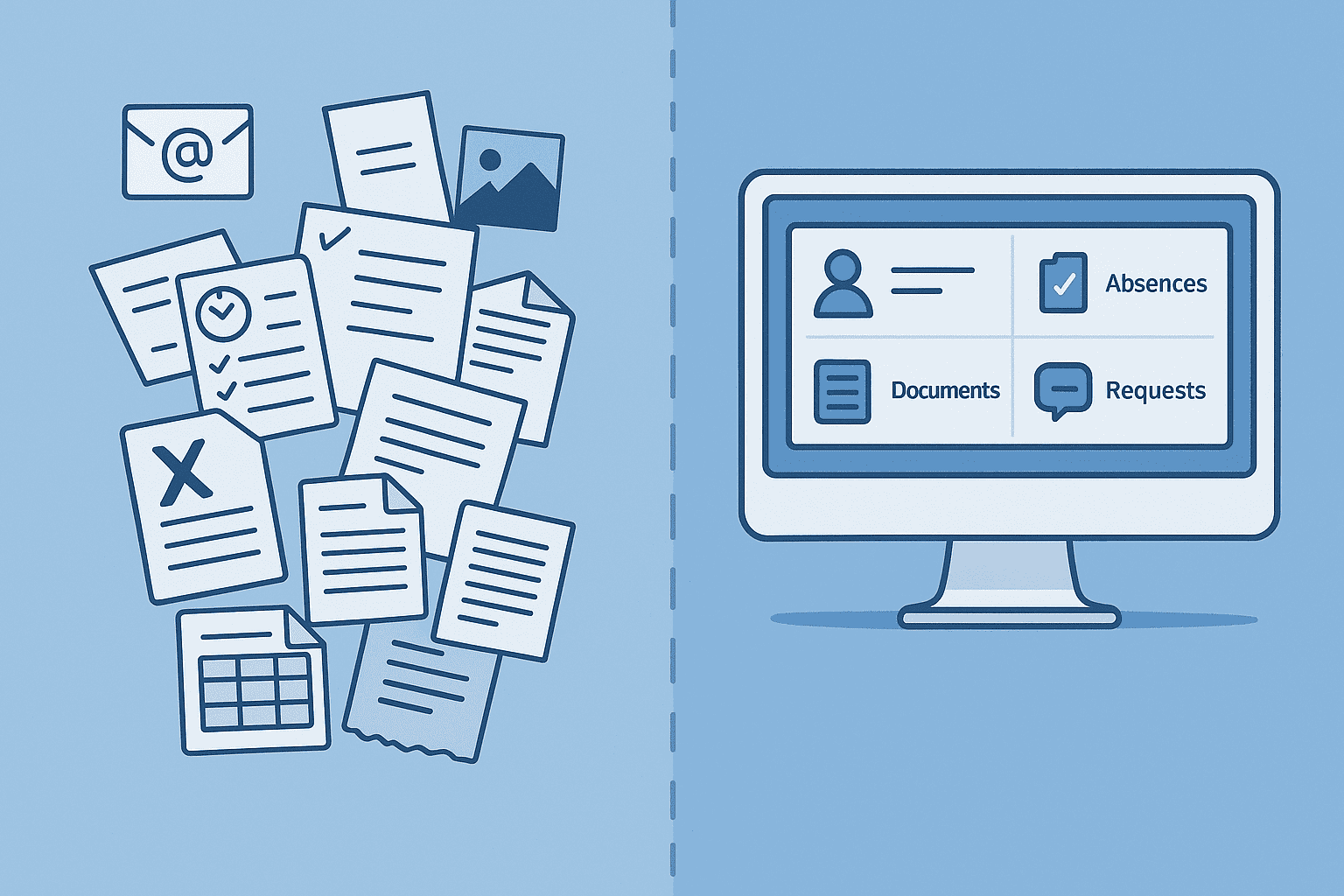
5 Reasons for Payroll Processing with project b.
Discover 5 reasons why tax consultants and payroll offices digitize their preparatory payroll accounting with project b. AI-assisted data collection, fewer queries, full DATEV integration.
·
AI
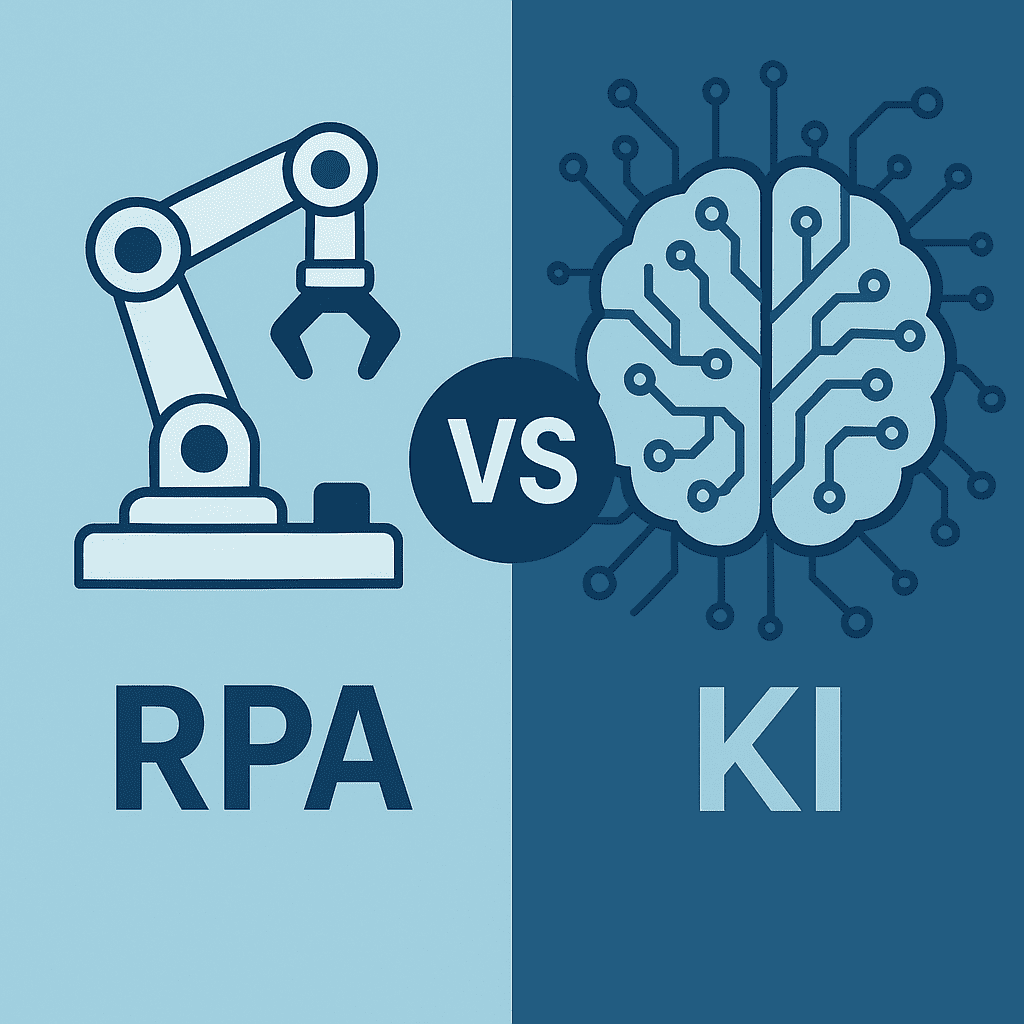
RPA vs. AI in Payroll: The Ultimate Technology Comparison 2026
RPA or AI in payroll accounting? The major comparison for 2026 shows advantages, costs, areas of application, and practical examples for the right automation strategy.

·
AI
AI in payroll processing: What will be possible in 2026 and what will not?
AI in Payroll 2026: What can artificial intelligence really achieve in payroll? Reality check with maturity assessment, practical examples, and an honest analysis of the limits. For payroll offices, tax advisors, and SMEs.
·
Payment
Pension flat-rate reform 2026: What employers need to adjust in their payroll software now
Major income tax reform from 2026: The retirement allowance will be recalculated. Learn how this affects net wages, payroll software, and employers.
·
Payment
Predictive Analytics in Payroll: How Tax Advisors Avoid Costly Mistakes
Discover how predictive analytics reduces error rates in payroll, saves costs, and transforms your payroll from reactive to proactive.
·
Payment
Continuous Payroll 2026: How Real-Time Payroll Processing is Replacing Monthly Payroll Statements
Continuous Payroll revolutionizes payroll processing: real-time salary data, on-demand pay, and fewer errors. This is how SMEs and HR teams benefit in 2026.
·
Personal
AI in Payroll Accounting: Practical Guide for Payroll Offices and Tax Advisors 2026
AI in Payroll Accounting 2026: Practical Guide for Payroll Offices with Software Comparison (project b., DATEV, Lexware), ROI Calculation and Step-by-Step Instructions.