AI in Payroll Accounting: Practical Guide for Payroll Offices and Tax Advisors 2026
AI in Payroll Accounting 2026: Practical Guide for Payroll Offices with Software Comparison (project b., DATEV, Lexware), ROI Calculation and Step-by-Step Instructions.
Ready for payroll that finally takes the pressure off?
Leave your contact details - we will get back to you shortly.
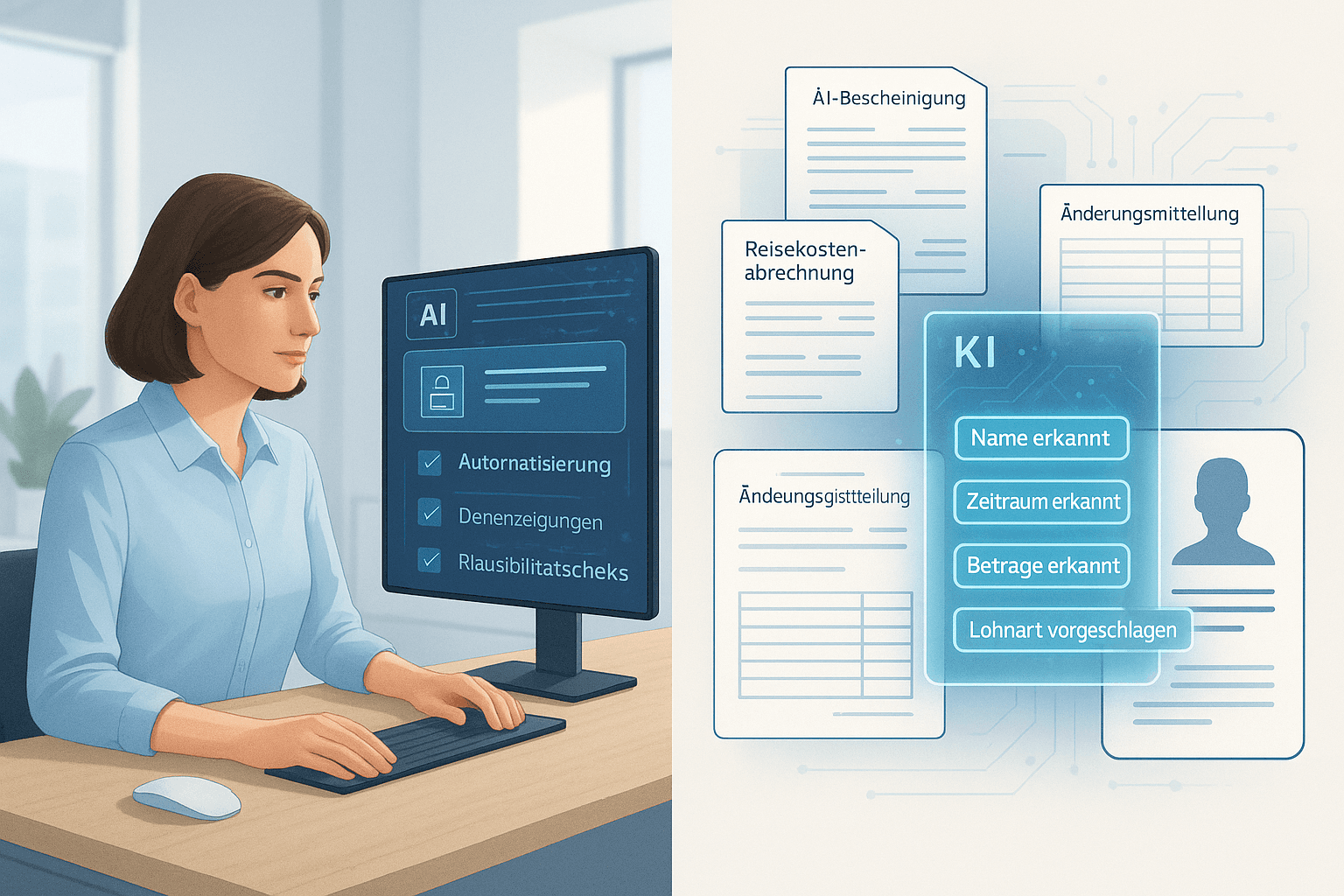
The payroll is at a turning point. While you have already taken the first steps towards digitization with the modernization of the employer procedure, artificial intelligence opens up entirely new possibilities. The question is no longer whether AI is coming, but how you can use it meaningfully.
This guide shows you specifically which AI functions are already available today, what they can actually achieve, and how you can proceed step-by-step. No future visions, but practical tools for your everyday work.
What does AI mean in payroll accounting specifically?
Artificial intelligence in payroll has little to do with science fiction. It is not about robots taking over your job. Instead, it involves software functions that can perform specific tasks independently, learn from data, and recognize patterns.
The three levels of AI in payroll
Level 1: Automation of recurring tasks
Here, the software takes over routine tasks that previously had to be done manually. An example: automatic recognition of sick days from electronic sick leave certificates. The software reads in the sick leave data, assigns them to the correct employee, and books the absences. You no longer have to type each piece of paper individually.
Level 2: Intelligent data processing
The software recognizes patterns and relationships. If an employee regularly works overtime that occurs in a certain rhythm, the system automatically suggests considering these hours for the following month. In case of deviations from the usual pattern, you receive an alert.
Level 3: Predictive analysis
The system learns from historical data and can make predictions. For example: “Based on the last three years, the payroll in December for employees with a Christmas bonus will take an average of 40 percent longer. Plan capacity accordingly.”
Most AI functions in current payroll systems are between levels 1 and 2. Level 3 is still rare but is becoming increasingly available.
The difference from previous automation
Payroll software has always been automated. It calculates taxes, social security, and net amounts automatically. So what’s new?
Traditional software follows rigid rules: If A, then B. AI-driven systems can handle ambiguities. They recognize the correct type of wage even when the designation in the timekeeping system deviates slightly. They suggest solutions instead of reporting an error with every exception.
A practical example from a payroll office in Hamburg: Previously, employees had to manually create all wage types for every new client and link them with booking codes. This took about two hours per client. The new AI function in their DATEV installation automatically recognizes which wage types are likely needed based on job descriptions and suggests a configuration. Adjustments are still possible, but the initial effort has been reduced to 20 minutes.
How can AI be used in payroll?
The theory is one thing. What is crucial is which specific tasks AI can take off your plate. Here are seven use cases that already work today.
1. Automatic document recognition and assignment
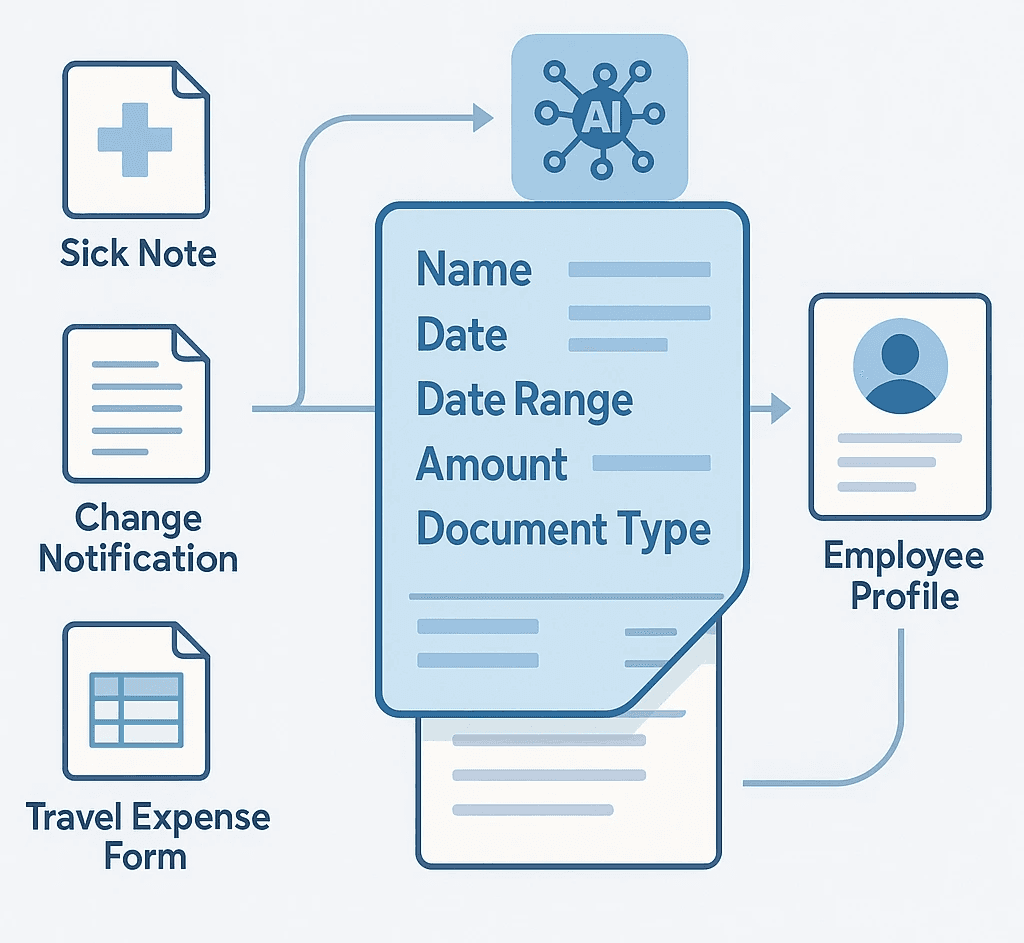
Every month, dozens or hundreds of documents land at your desk: sick notes, holiday requests, change notifications, certificates. Manual assignment is time-consuming.
AI-supported document recognition analyzes incoming PDFs, emails, or scans. The system recognizes:
What type of document it is
Which employee is affected
Which data is relevant (time period, amounts, etc.)
Where the information must be entered in the payroll
A practical example: The tax consultancy Müller in Stuttgart has been using the AI extension of their Lexware installation for eight months. Employees send receipts via email to a central address. The software automatically recognizes whether it is a travel expense report, a sick leave certificate, or a salary change. The data is extracted and presented for review. The error rate, according to the firm, is below 2 percent. The time saving: about 15 minutes per day for 120 processed employees.
A payroll office in Hamburg has recently been using project b. with Rita in addition to DATEV. Rita takes over the complete management of change notifications and automatically synchronizes them with DATEV. The time saving is about 20 minutes per day, especially because no manual data entry is required anymore.
2. Intelligent error detection and plausibility checks
Typographical errors, forgotten entries, or illogical combinations sneak in. Traditional software only reports technical errors (missing mandatory fields, incorrect formats). AI goes further.
The system learns from previous payrolls and recognizes:
Unusual salary fluctuations (e.g., suddenly 50 percent more without an apparent reason)
Missing entries that are normally present (e.g., monthly company car allowance suddenly missing)
Inconsistencies between different data fields (e.g., full-time contract but only 20 hours recorded)
The software issues warnings, not blocks. You decide if it’s an error or a justified exception.
Practical case: A payroll office in Munich documented all the warnings from the AI plausibility check for three months. Result: In 78 percent of cases, there was indeed an error that would have gone unnoticed without the warning during control or at all. The most common findings: forgotten one-time payments and incorrect working days after vacation or illness.
3. Optimization of working time recording
Since the BAG ruling on working time recording, employers must systematically record working hours. The integration between the time tracking system and payroll is often a source of errors.
AI helps on several levels:
Automatic recognition of break times (when employees forget to enter them)
Assignment of project hours to the correct cost centers
Detection of outliers (e.g., 14-hour day recorded without breaks)
Suggestions for handling overtime (pay out or book to time account?)
The AI suggests, you decide.
4. Predictive liquidity planning
For many of your clients, payroll is the largest monthly expense block. AI can help plan liquidity better.
The system analyzes:
Historical salary data and their fluctuations
Seasonal patterns (e.g., Christmas bonuses in November, vacation pay in June)
Planned changes (new employees, salary increases)
Social security rates and their anticipated development
Based on this, the software creates a forecast for the coming months. Your client sees at a glance when which amounts are due.
Benefit: Particularly for smaller companies with fluctuating revenues, this is valuable. They can react early if a liquidity shortfall is anticipated.
5. Automated reports and certificates
ELStAM request, SV notifications, contribution certificates - the list of reporting obligations is long. AI assists you in this:
Automatic checks to see if all required data for a notification is present
Suggestions for correct keys and codes (e.g., group keys)
Reminders of deadlines that are tailored to your specific situation
Automatic creation of standard certificates (e.g., earnings certificates for sick pay)
The software learns from your past entries. If you always choose a specific combination of settings for a certain client, the system will automatically suggest this next time.
6. Intelligent evaluations and reports
Your clients regularly ask for reports: payroll cost development, overtime hours, sick days by department. So far, you have created these reports manually.
AI-supported reporting tools can:
Create the correct evaluation from natural language requests (“Show me the payroll costs by cost center for the last quarter”)
Automatically recognize and represent trends (“Overtime in department X has been increasing continuously for three months”)
Draw comparisons with industry averages (if anonymized comparative data is available)
Create graphics and dashboards tailored to the needs of the client
You save time, your clients gain better insights.
7. Support for legal changes
Starting in 2026, the new regulation on commuting allowances will come into force. The minimum pension allowance will be eliminated. Such changes must be implemented correctly in every payroll.
AI systems can:
Automatically check which of your clients are affected by a legislative change
Propose the necessary adjustments
Inform clients and employees about changes (e.g., automatically generated information letters)
Simulate the effects (e.g., “With the new commuting allowance, the net income of 15 of your employees will increase by an average of 12 euros”)
This significantly relieves you when implementing legal innovations.
What AI functions do current payroll systems offer?
The theory is nice. But what can the systems you are currently using or could use do? Here is an overview of the AI functions of the market-leading solutions (as of December 2025).
project b. with Rita - The AI colleague for payroll offices
project b. is a modern payroll platform that stands out from traditional payroll systems due to its comprehensive AI-driven approach. At its core is Rita, an AI assistant designed as a “digital colleague.”
The special feature of the approach: project b. is not classical payroll software but a workflow platform that integrates seamlessly with existing systems like DATEV, Agenda, or Addison. It complements these established accounting systems with intelligent automation and AI support.
Rita - Your AI colleague:
Rita takes over exactly the tasks that consume the most time in traditional tools: tedious data entry, repetitive checks, and managing changes. The slogan summarizes it: “Supports you with the most tedious tasks and data entry - where traditional tools fall short.”
Concrete functions:
“Intelligent workflows”:
Automatic generation of change lists
Validation of employee data in the background
Recurring tasks run without manual intervention
You only receive notifications in case of exceptions or necessary decisions
“All payroll data in one place”:
Central data management for all mandates
Structured and validated data
No more data hunting between different systems
Automatic synchronization with DATEV, Agenda, and other systems
“Smart processes & insights”:
Automatic reminders of deadlines and to-dos
Intelligent plausibility checks
Actionable recommendations (e.g., “Salary of David Garcia has changed to €3,299”)
You leave the office on time because nothing is forgotten
“Employee data management”:
Automatic recognition and extraction of Tax IDs, social security numbers
Digital personnel files with structured storage
Change tracking with complete history
“Absence management”:
Clear overview of holidays and sick days
Export function directly into payroll
Automatic calculation of remaining vacation
“Payroll changes”:
Management of salary changes with approval workflow
Automatic transfer to DATEV, Agenda, or other systems
Change logs for complete traceability
“Digital payslip distribution”:
Secure digital delivery to employees
Encrypted transmission
Automatic archiving
System integrations: project b. does not work against existing systems but with them:
DATEV (bidirectional synchronization)
Agenda (full integration)
Wolters Kluwer ADDISON
Other ERP and time tracking systems
Pricing model: project b. follows a flexible pricing model. Exact prices on request, typically as a SaaS solution with monthly billing per employee. The platform pays off for smaller payroll offices starting from about 30-50 processed employees, as it provides efficiency gains even without large volumes.
Who is project b. with Rita suitable for?
Payroll offices that work with DATEV, Agenda, or Addison and want to complement these systems with automation
Tax consultants who want to reduce administrative effort in payroll
Teams looking for “less manual work, more control”
Firms that want to take the step towards complete digitization without changing their established accounting system
Assessment: project b. with Rita takes a different approach than DATEV, Lexware, or Sage. While these providers integrate AI functions into their existing payroll cores, project b. focuses on orchestrating and automating the surrounding processes. Rita is not a software extension but a real assistant that thinks ahead. This makes the solution particularly interesting for payroll offices that want to retain their established systems but leverage modern AI support.
The biggest advantage: You do not have to switch your clients to a new payroll system. project b. connects to your existing infrastructure and makes it smarter.
DATEV Payroll and Salary
DATEV has integrated AI functions since version 16.0 (released in November 2025). The focus is on:
“DATEV Assistant” (document-based):
Recognizes uploaded documents (sick leave certificates, change notifications, etc.)
Extracts relevant data
Automatically assigns them to the correct employee
Suggests bookings
“Plausibility check Plus”:
Compares current payroll with historical data
Warns of deviations
Learns from your corrections (if you mark a warning as “okay”, it will not be shown in the future)
“ELStAM optimization”:
Automatically checks if current ELStAM are available for all employees
Suggests which allowances should be applied for based on salary height
Calculates the tax savings for the employee
Costs: The AI functions are included in the standard license but require DATEV Companies online (additional charge: 9.90 euros per month per workstation). Those who want deeper AI integration should opt for context-layer tools, such as project b. These tools integrate seamlessly into DATEV.
Assessment: A solid entry point for DATEV users. The functions are conservative but reliable. No experiments, just facilitation in day-to-day operations.
Lexware Payroll + Salary Pro
Lexware has been relying on AI support since version 2026 (available from October 2025). The focus is on:
“SmartScan”:
Document recognition via email or upload
Supports sick leave certificates, travel expenses, contracts
Integration with Lexware Office (automatic transfer from the email inbox)
“Error prediction”:
Analyzes previous payrolls
Indicates which employees or wage types often required corrections in the past
Recommends additional verification steps
“Liquidity assistant”:
Predicts payroll costs for the coming months
Takes into account special payments, vacation pay, etc.
Exports data for liquidity planning
Costs: The AI functions are included in the “Pro” variant starting from 49 euros per month (for up to 50 employees). There are tiered prices for larger mandates.
Assessment: Good for smaller payroll offices focused on SME clients. The liquidity planning is a unique selling proposition that many clients appreciate.
Sage HR Suite
Sage launched “AI-powered Payroll” as a module in September 2025. The approach is more comprehensive:
“Intelligent Data Sync”:
Syncs data between time tracking, personnel management, and payroll
Automatically recognizes contradictions
Proposes corrections or implements them (depending on the setting)
“Predictive Compliance”:
Warns of potential compliance risks (e.g., minimum wage undercut in part-time)
Automatically checks if all legal notifications have been made on time
Simulates the impact of legislative changes
“AI Reports”:
Natural language queries (“Show me sick leave by department Q4 2025”)
Automatic visualizations
Exports in common formats
Costs: The AI module costs an additional 89 euros per month (up to 100 employees) on top of the base license. There are tiered prices for larger installations.
Assessment: Sage offers the most comprehensive AI approach, but it is also more expensive. Especially worthwhile for larger payroll offices with many clients and complex requirements.
Paychex (for international mandates)
Anyone managing mandates with employees abroad may know Paychex. The US software has long had AI functions that have also been available in the German version since 2025:
“Global Compliance Tracker”:
Monitors legislative changes in all countries where employees are employed
Proposes necessary adjustments
Takes double taxation agreements into account
“Currency Optimizer”:
Calculates optimal times for currency conversions in foreign payments
Takes exchange rate fluctuations into account
Costs: Available only as a complete package, starting from 199 euros per month for up to 50 employees across all countries.
Assessment: A special case for international mandates. Over-dimensioned for purely German settlements.
Personio (HR software with payroll module)
Personio is actually an HR software but offers an integrated payroll module. The AI functions focus on the interface between HR and Payroll:
“Onboarding Autopilot”:
Automatically creates all necessary payroll data for new employees
Checks the completeness of master data
Suggests wage types based on position and contract
“Change Tracker”:
Recognizes changes in master data (address, bank account, etc.)
Checks if these are relevant for payroll
Automatically incorporates them into the next payroll
Costs: Personio is a complete package (HR + payroll). Prices on request, typically starting from 8 euros per employee per month.
Assessment: Interesting for mandates looking for an integrated HR and payroll solution. Often too complex for pure payroll accounting.
Step by step: Introducing AI in your payroll office
The systems sound promising. But how do you proceed concretely? Here is a proven approach in six phases.
Phase 1: Analyze the status quo (2-4 weeks)
Before you introduce AI, you need to know where you stand and where the biggest pain points lie.
Tasks:
Log for two weeks: Which activities take how much time?
Note all sources of errors and friction points
Ask your team: Where would automation help the most?
Check your current software: What AI functions are already available but not used?
Tool: Create a simple table with three columns: 1. Activity 2. Time per week 3. Automation potential (high / medium / low)
Example from a payroll office in Cologne: The analysis showed that 12 hours per week were spent on manual document entry. 8 hours for inquiries to clients due to incomplete data. 5 hours for corrections after error messages. In total, 25 hours out of 160 total working hours - one-sixth.
Phase 2: Set priorities (1 week)
Not everything at once. Focus on the biggest levers.
Criteria for prioritization:
Time saving (how many hours per week?)
Error reduction (how often do errors happen here?)
Client satisfaction (which improvement would clients appreciate the most?)
Feasibility (how complex is the introduction?)
Evaluate each potential area of application with points from 1 to 5. Add up the points. The top 3 are your priorities.
Example from Cologne (continuation): The top priority was document recognition (high time savings, medium complexity). 2nd place: plausibility check (high error reduction, low complexity). 3rd place: liquidity planning for clients (high client satisfaction, medium complexity).
Phase 3: Start a pilot project (4-8 weeks)
Test the selected AI functions in a limited scope first.
Procedure:
Select 3-5 clients that are representative (different sizes, industries)
Inform these clients about the pilot project
Only activate the AI functions for this test group
Conduct a brief weekly review: What works? What doesn't?
Document all problems and solutions
Important: Continue parallel operations. This means: The AI suggests, you check and correct as usual. This builds trust without taking risks.
Example from Nuremberg: A payroll office tested document recognition from Lexware for three months. Initially, the recognition rate was 65 percent. Through training (the system learns from corrections), it rose to 92 percent. Particularly good recognition was achieved for standardized sick leave certificates. Problems occurred with handwritten holiday requests - these were still manually recorded.
Phase 4: Train the team (ongoing)
AI is only as good as the people who work with it. Your team needs to understand how the systems work.
Training topics:
How does AI work in general? (not to explain it like witchcraft)
What functions are available and how are they operated?
When should you trust the suggestions, when check them?
How do you “train” the AI through your inputs?
What limits does the technology have?
Format: No multi-day trainings necessary. Better: Weekly 30-minute sessions discussing specific cases.
Practical tip: Appoint a “AI Champion” in your team. This person becomes an expert, collects experiences, and helps the others.
Phase 5: Gradually roll out (3-6 months)
After a successful pilot project, extend the use.
Strategy:
Activate the AI functions first for all clients of the same category (e.g., all with fewer than 10 employees)
After one month: Next category (e.g., 10-50 employees)
Continue until all clients are integrated
Why gradually? If problems arise, you can solve them more quickly in a smaller group.
Communication with clients: Inform your clients in advance. Explain:
What is changing
What advantages they have (faster processing, fewer inquiries, etc.)
That the quality remains guaranteed
Sample email:
“Dear Sir or Madam,
From March 1st, we will introduce new AI-supported functions in our payroll office. This means for you:
Faster processing: Your documents will be automatically recognized and assigned. You can easily send sick notes and other documents via email instead of submitting them separately.
Fewer inquiries: The system automatically checks for completeness. You will receive a notification directly if any information is missing.
Additional service: You will receive a liquidity preview for your payroll costs over the next three months.
Nothing changes in your payroll itself. All data will still be checked by us before payment is made.
If you have any questions, please do not hesitate to contact us.”
Phase 6: Optimize and expand (continuously)
AI systems improve over time. Your use should continuously evolve.
Monthly review questions:
What time savings have we actually achieved?
How many errors were prevented by AI?
What new functions are available?
Are there complaints or problems from clients?
Where are there still manual processes that could be automated?
Track key figures: Maintain a simple dashboard:
Average time per payroll (before/after)
Number of corrections after first submission (before/after)
Client satisfaction (annual short survey)
ROI: Time savings x hourly rate vs. costs of AI functions
What does AI in payroll really cost?
The acquisition is one thing. The overall costs are often higher than expected. Here is a realistic calculation.
Direct costs
Software licenses:
project b. with Rita: Prices on request.
DATEV Companies online: approx. 120 euros per year additional per workstation
Lexware Pro (incl. AI): approx. 600 euros per year
Sage AI module: approx. 1,070 euros per year
For three workplaces and DATEV: 360 euros additional per year. For 100 processed employees and project b.: about 600-1,200 euros per year (depending on the scope of functions).
Training:
External training: 500-800 euros per day (for up to 5 people)
Internal training by software provider: often free in the first year
Time required for the team: approx. 2 hours per person per month in the first year
Adjustments and setup:
Initial setup: 8-16 hours (depending on complexity)
Ongoing optimization: approx. 2 hours per month
Indirect costs
Productivity loss in the initial phase: In the first 2-3 months, you will work slower as you get comfortable and adapt processes. Expect a 10-15 percent productivity loss during this time.
At a payroll office with three employees and 200 treated employees, this corresponds to about 60-90 hours of extra effort.
Error costs during the learning phase: AI makes mistakes initially. You must check more. Additionally, calculate 5 percent of your time in the first six months.
Benefits and ROI
The time savings counter this. Experience from various payroll offices:
Small payroll offices (1-3 employees, 50-200 processed):
Time savings after one year: 10-15 percent
This corresponds to 48-72 hours per month for a monthly total of 160 hours and three employees
At an internal hourly rate of 60 euros: 2,880-4,320 euros per month
Per year: 34,560-51,840 euros value creation
Medium payroll offices (4-10 employees, 200-1,000 employees):
Time savings: 12-18 percent
At 1,280 hours per month (8 employees): 154-230 hours saved
Value creation: 9,240-13,800 euros per month
Per year: 110,880-165,600 euros
Large payroll offices (10+ employees, 1,000+ employees):
Time savings: 15-20 percent (due to economies of scale)
Correspondingly higher absolute values
ROI calculation example (small payroll office):
Investment Year 1: Software 600 euros + Training 800 euros + Setup (16h x 60 euros) 960 euros = 2,360 euros
Productivity loss Year 1: 90h x 60 euros = 5,400 euros
Total costs Year 1: 7,760 euros
Time savings from month 4-12 (9 months): 12 percent of 3 x 160h x 9 = 518 hours
Value creation: 518h x 60 euros = 31,080 euros
Net benefit Year 1: 23,320 euros
ROI: 300 percent
From Year 2 onwards, only license costs apply. The time savings remain or even increase.
Further positive effects (hard to quantify)
Fewer errors = fewer corrections = more satisfied clients
Faster processing = more capacity for new mandates
More modern image = more attractive for applicants and new clients
Less stress for your team = lower turnover
When does the investment not pay off?
There are cases where AI makes (yet) no sense:
Very small payroll offices with fewer than 30 treated employees (fixed costs too high)
Highly specialized niche areas for which there are no AI solutions
If your software is to be replaced within the next 12 months (better to wait)
With an extremely heterogeneous client base without standardization (AI needs patterns)
Legal and data protection aspects
AI and personal data - this is a sensitive topic. What do you need to consider?
GDPR Requirements
Legal basis for processing: The processing of payroll data is necessary for the fulfillment of contracts (Art. 6 Abs. 1 lit. b GDPR) and for the fulfillment of legal obligations (Art. 6 Abs. 1 lit. c GDPR). This also applies when AI is used.
Information obligation: You must inform your clients (as clients) and their employees (as affected individuals) that you are using AI. Add a section to your privacy policy such as:
“To efficiently process payroll, we use AI-supported software functions. These are used for the automatic recognition of documents, plausibility checks, and error prevention. All data is processed exclusively on servers in Germany. No automated decision-making occurs in the sense of Art. 22 GDPR - all payrolls are checked by trained personnel.”
Order processing agreement (AVV): If your software provider offers AI functions in the cloud, you need an AVV. DATEV, Lexware, and Sage provide GDPR-compliant AVVs by default. Check whether the AVV also covers the AI modules.
No automated individual decisions: According to Art. 22 GDPR, affected parties have the right not to be subjected to decisions based solely on automated processing.
Important: Let the AI only suggest. The final decision (release of payroll) is always made by a person. This meets GDPR requirements.
Employee Data Protection
The employees of your clients must be informed about the use of AI. Your client is responsible for this but can refer to you.
Sample wording for clients:
Your payroll is handled by [Name of Payroll Office]. To ensure quality and efficiency, the payroll office uses AI-supported software functions. These are used for document recognition and plausibility checks. All payrolls are still checked by qualified personnel. Your data is processed exclusively in Germany and is subject to data protection under GDPR.”
Liability Issues
What happens if the AI makes a mistake that goes unnoticed?
Legal situation: You are liable for errors in payroll, regardless of whether a human or AI caused the error. The use of AI does not change your duty of care.
Practice:
Document that all AI suggestions are checked by humans
Conduct spot checks (e.g., manually check 10 percent of all payrolls additionally)
Use the plausibility checks of the software
Train your team regularly
Insurance: Check whether your professional liability insurance also covers AI-related errors. Most insurers have since adjusted their terms, but check.
Digital Payroll and Employee Rights
The introduction of the digital payroll in 2026 (see our article on the modernization of the employer procedure) raises additional questions:
Must the employee agree? Yes, in principle. Employers can demand consent to the digital transmission of the payroll but must, at the employee's request, continue to provide a paper version.
How is digital provision made? Common methods:
Email (PDF)
Employee portal of the payroll office or software
App
Important: The provision must be secure (encrypted or password-protected). A simple unencrypted PDF sent via email is problematic from a data protection perspective.
AI support: Some systems automatically recognize which employees have consented to digital transmission and which prefer the paper format. This saves you manual sorting effort.
Works Council and Co-Determination
If your client has a works council, they must be involved in the introduction of AI systems (§ 87 Abs. 1 No. 6 BetrVG - monitoring devices).
Practical tip for your clients: Recommend timely information to the works council. Emphasize the benefits (fewer errors, faster payroll) and the fact that no performance monitoring is taking place.
The Future: What Developments Are Coming?
AI in payroll is still in its infancy. What is coming in the next few years?
Trend 1: Fully automated payroll for standard cases
In 2-3 years, simple payrolls (fixed salary, no special payments, no changes) will be completely automated. The system recognizes that there are no special features, processes the payroll, and sends it out - without human intervention.
You will only intervene if the AI reports irregularities or complex cases arise.
Impact: More time for consulting and complex mandates.
Trend 2: Natural language interaction
Instead of filling out forms, you will be able to talk to the software:
“Create the December payroll for client Müller GmbH. Consider the Christmas bonus according to the Metal NRW collective agreement.”
The software understands, executes, and asks for clarification if uncertain.
Availability: Initial approaches already exist (e.g., in Sage AI Reports). Comprehensive implementation in 3-5 years.
Trend 3: Predictive analytics for personnel costs
The software will not only process payroll but also predict:
When are salary increases due (based on collective agreements and historical data)?
How do the wage ancillary costs develop (taking political developments into account)?
Which employees might resign soon (pattern analysis)?
Your client will receive early planning indications.
Assessment: Technically possible today, but legally tricky. Broad availability within 5-7 years.
Trend 4: Integration with other systems
AI will bridge the gap between different systems:
Time tracking
Personnel management
Accounting
Controlling
Project management
Data will flow automatically back and forth. Inconsistencies will be recognized and corrected.
Example: An employee books 8 hours on project X in the project management tool. The time tracking will automatically be updated. Payroll takes over the hours. Accounting books the costs to the correct cost center. All without manual intervention.
Availability: Foundations already exist. Comprehensive integration in 2-4 years.
Trend 5: AI-supported tax optimization
The software will automatically suggest how salary components can be optimized for tax purposes:
When does it make sense to have a company car?
Which social benefits are more favorable for the employee?
How should a salary increase be structured to maximize net benefits?
Important: It does not replace individual tax advice but provides initial indications.
Availability: In 3-5 years, once the systems have sufficient data.
What does this mean for you?
The role of the payroll clerk is changing. Less data entry, more consulting. Less routine, more expertise.
Skills that will become more important:
Interpretation of AI results
Consulting on complex payroll issues
Project management (implementation of new systems)
Client communication
Data protection and compliance
Skills that will become less important:
Manual data entry
Repetitive checks
Standard payrolls without special features
This is an opportunity. Your job will become more demanding and valuable.
Checklist: Are you ready for AI?
Use this checklist to see if your payroll office is ready for AI implementation:
Technical requirements:
[ ] Your payroll software is up to date (max. 1 version old)
[ ] You use cloud functions or can activate them
[ ] Your IT infrastructure is stable (no outdated systems)
[ ] You have sufficient storage space and bandwidth
Organizational requirements:
[ ] Your processes are largely standardized
[ ] Document entry predominantly takes place digitally (email, upload)
[ ] You have at least 50 employees processed (threshold for meaningful deployment)
[ ] Your team is open to new technologies
Professional requirements:
[ ] You have at least one person with IT affinity in the team
[ ] Your team has time for training (approximately 2-4 hours per month in the first year)
[ ] You conduct regular quality controls
[ ] You document your processes
Financial requirements:
[ ] You can invest 2,000-10,000 euros in the first year
[ ] You have a budget for ongoing license costs (500-2,000 euros per year)
[ ] You can tolerate a short-term productivity loss
If you can check off 80 percent or more, you are ready to start.
Conclusion: Act now or wait?
AI in payroll is no longer a distant future. The technology is available, sufficiently mature for practical use, and supported by the major providers.
The question is not whether AI is coming, but when you will join. Three scenarios:
Early adopter (start now): You are among the first in your region to comprehensively use AI. This brings competitive advantages: You are more efficient, can manage more mandates, or have more time for consulting. You benefit from the marketing effect (“modern, digital payroll office”). Risk: You invest time in the growing pains of the systems.
Strategic follower (in 6-12 months): You wait until the first experiences are available, the software is further improved, and your team is ready. You avoid initial problems. Risk: Competitors may surpass you, and applicants may prefer more modern employers.
Late majority (in 2-3 years): You wait until AI becomes standard. You save yourself the pioneering work. Risk: You lose clients to more efficient competitors, struggle to attract employees, and have to change under pressure.
Our recommendation: Start with a pilot project. Test the AI functions of your current software for 3-5 selected clients. It costs little, brings experience, and you can then make informed decisions.
The biggest danger is not that AI won't work. The biggest danger is missing the boat while others become more efficient.
Sources and further information
AI-supported payroll systems:
[project b. - Payroll platform with Rita (AI Assistant)] - project b. - Payroll platform with Rita (AI Assistant)
[DATEV product information “AI functions payroll and salary”] - DATEV product information “AI functions payroll and salary”
[Lexware manual “SmartScan and AI assistants”] - Lexware manual “SmartScan and AI assistants”
[Sage whitepaper “AI in Payroll: Best Practices”] - Sage whitepaper “AI in Payroll: Best Practices”
Legal foundations:
[GDPR guidelines for automated decision-making (Art. 22)] - GDPR guidelines for automated decision-making (Art. 22)
[Federal Central Tax Office (BZSt): ELStAM Procedure] - Federal Central Tax Office (BZSt): ELStAM Procedure
[Federal Labor Court: Working Time Recording] - Federal Labor Court: Working Time Recording
[Laws on the Internet: EStG, BetrVG] - Laws on the Internet: EStG, BetrVG
[Federal Ministry of Labor and Social Affairs: Digitalization of the World of Work] - Federal Ministry of Labor and Social Affairs: Digitalization of the World of Work
Related articles:
Can AI completely replace my job?
No. AI can take over routine tasks, but the expertise, judgment in special cases, and consulting remain human tasks. Payroll accounting is too complex and too heavily influenced by individual assessments to be fully automated.
What happens when AI makes incorrect suggestions?
You review and correct. The AI is a tool, not a substitute for your expertise. It is important that you critically question the suggestions and intervene manually in case of doubt.
How long does it take for the AI to work properly?
Most systems need 2-3 months to adjust to your specific processes. During this time, you train the AI through your corrections. After about six months, you will reach maximum efficiency.
Finn R.
Further articles
·
Payment
Werkstudent Gehalt 2026: Stundenlohn, Abzüge, Netto-Rechnung
Was verdient ein Werkstudent 2026? Stundenlöhne nach Branche, Abzüge im Detail, Netto-Beispielrechnungen und Arbeitgeberkosten auf einen Blick.
·
Payment
Personalfragebogen: Vorlage, Pflichtangaben und Datenschutz 2026
Personalfragebogen für neue Mitarbeiter: Pflichtangaben, unzulässige Fragen, DSGVO-konforme Vorlage und Muster für Vollzeit, Minijob und Werkstudenten.
·
Payment
Betriebsnummer beantragen: Schritt-für-Schritt-Anleitung für Arbeitgeber
Betriebsnummer beantragen in 3 Schritten: Online-Antrag beim Betriebsnummern-Service, Bearbeitungsdauer und was Sie als Arbeitgeber wissen müssen.
·
Payment
Kurzfristige Beschäftigung 2026: Der komplette Guide für Arbeitgeber
Kurzfristige Beschäftigung 2026: 70-Tage-Regel, SV-Freiheit, Meldepflichten und Lohnsteuer. Inkl. Berufsmäßigkeitsprüfung und Unterschied zum Minijob.
·
Payment
Steuerberater Digitalisierung: Wie neue Kanzleien Lohnabrechnung von Anfang an richtig aufsetzen
No need to spend time changing colors and styles manually. Our component & layouts are styled out of the box
·
AI
DATEV Alternative Lohnabrechnung: Was Kanzleien 2026 wirklich brauchen
DATEV Alternative für die Lohnabrechnung gesucht? Warum ein Vorsystem sinnvoller ist als ein kompletter Wechsel. Mit Kostenvergleich und Praxisbeispiel.
·
AI
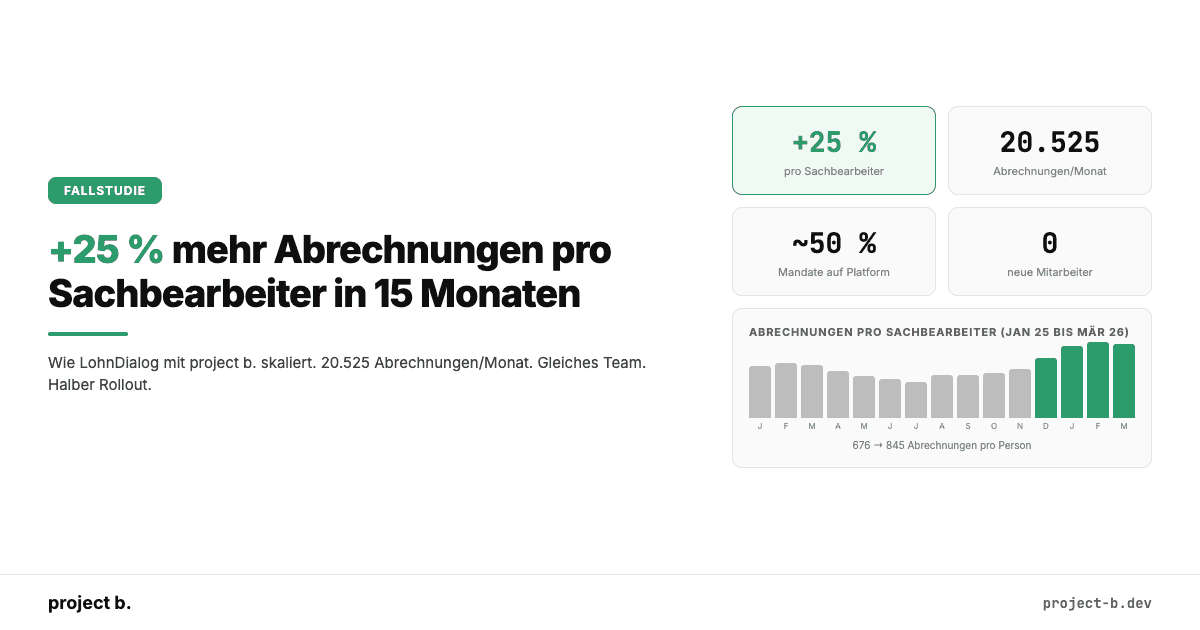
+25 % mehr Abrechnungen pro Sachbearbeiter: Wie LohnDialog mit project b. skaliert
LohnDialog verarbeitet 20.525 Abrechnungen pro Monat mit 24 Sachbearbeitern. Kein neues Personal. +25 % Effizienz nach 15 Monaten. Die Zahlen im Detail.
·
AI
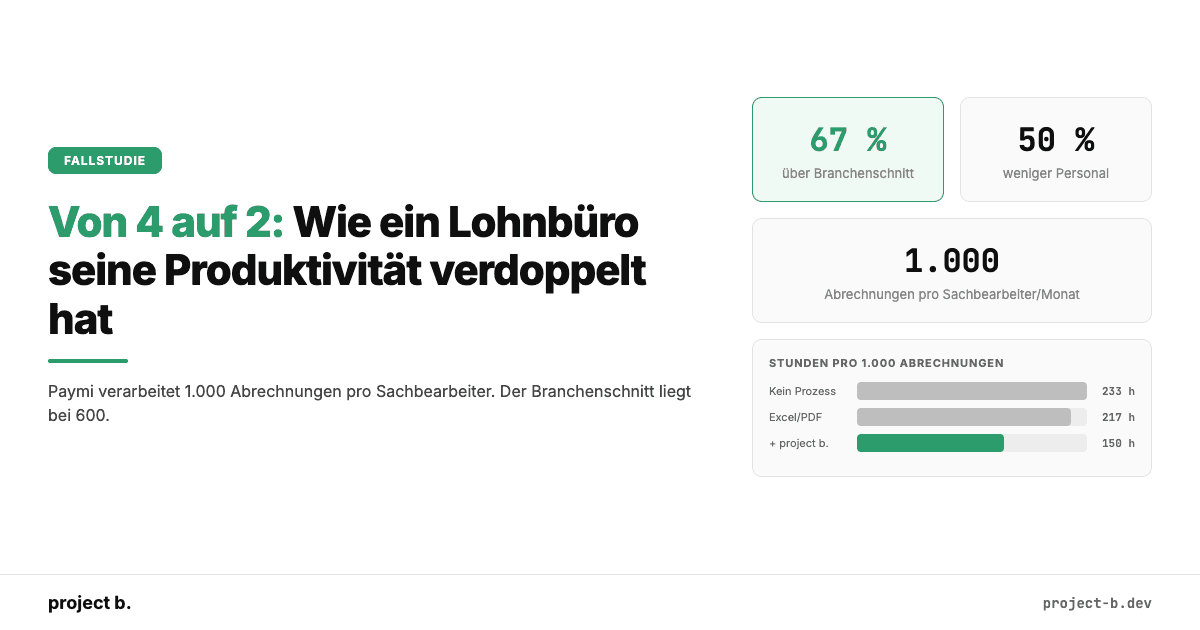
Von 4 auf 2: Wie ein Lohnbüro seine Produktivität verdoppelt hat
Wie der PSP Paymi mit project b. von 4 auf 2 FTEs reduzierte und 1.000 Abrechnungen pro Person verarbeitet. 67 % über Branchenschnitt. Mit Zahlen.
·
Payment
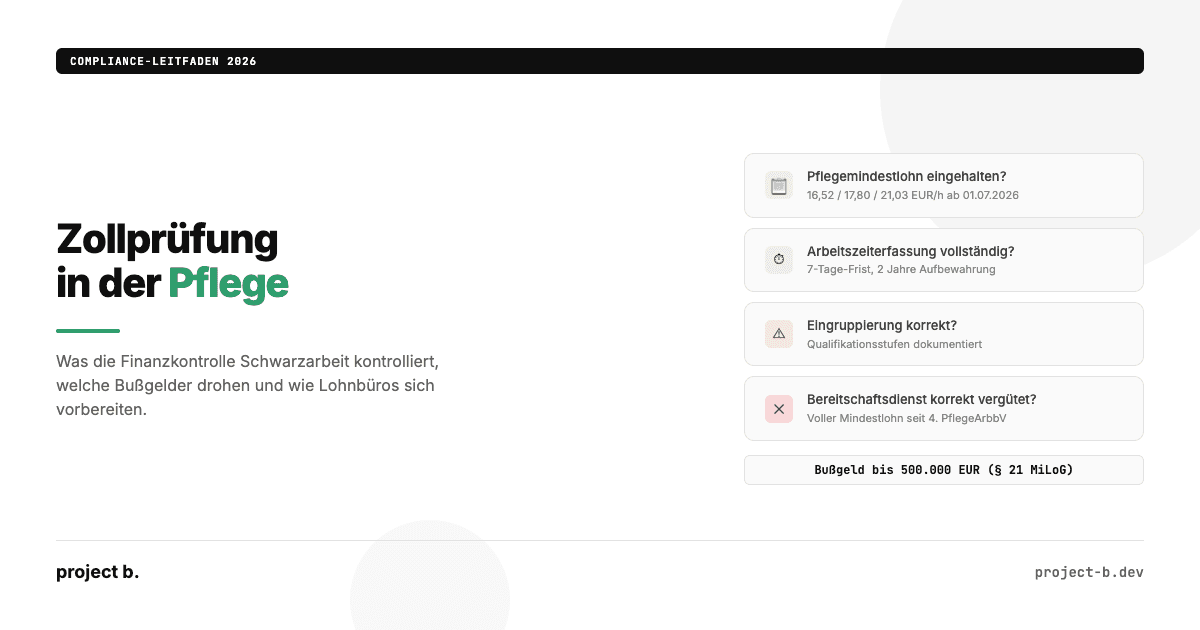
Zollprüfung Pflege 2026: Was die FKS kontrolliert und wie Sie sich vorbereiten
Was die Finanzkontrolle Schwarzarbeit in Pflegeeinrichtungen prüft: Mindestlohn, Arbeitszeiterfassung, Dokumentation. Bußgelder bis 500.000 EUR und wie Sie sich schützen.
·
Payment
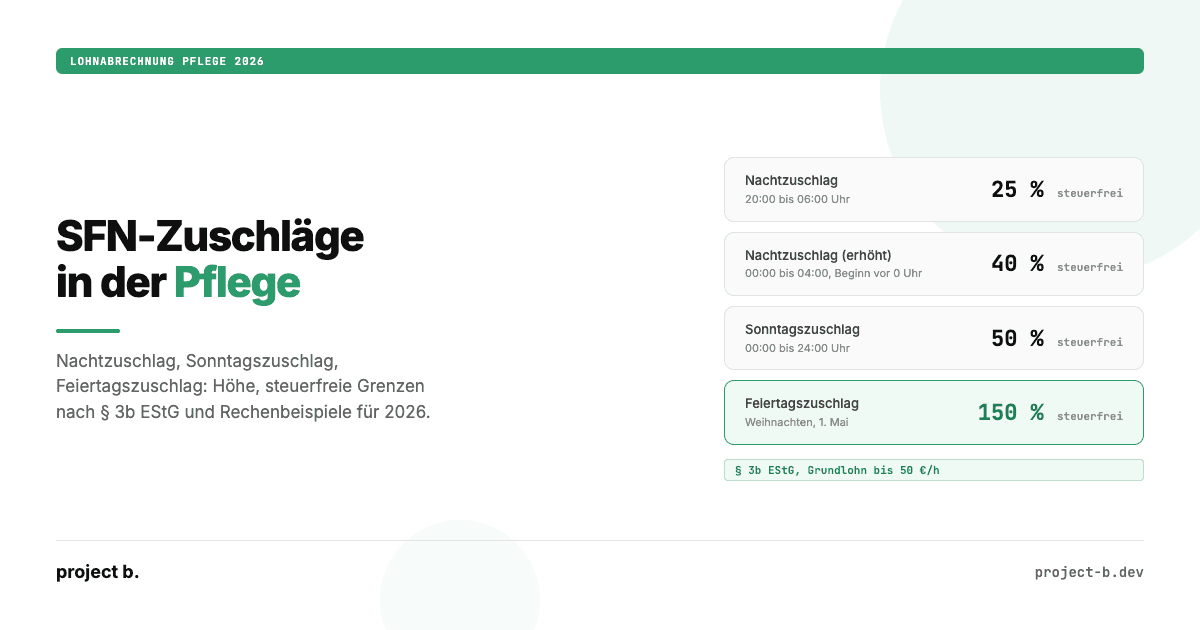
Zuschläge Pflege 2026: Nacht-, Sonntags- und Feiertagszuschläge korrekt abrechnen
Nachtzuschlag, Sonntagszuschlag, Feiertagszuschlag in der Pflege 2026: Höhe, steuerfreie Grenzen nach § 3b EStG, Rechenbeispiele und typische Abrechnungsfehler.
·
Payment
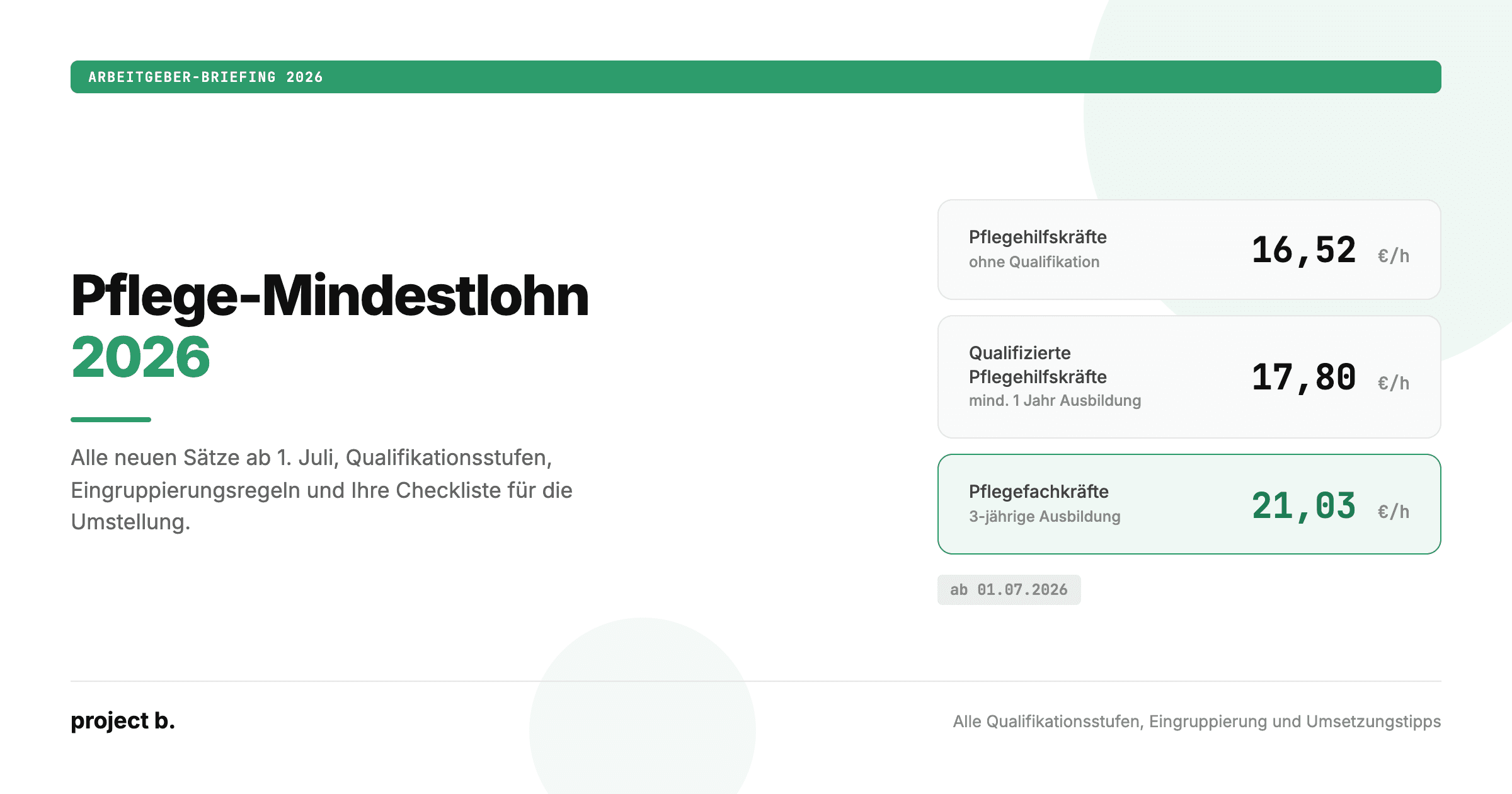
Pflegemindestlohn 2026: Alle neuen Sätze, Tabellen und Eingruppierungsregeln
Pflegemindestlohn 2026 ab 1. Juli: 16,52 bis 21,03 Euro pro Stunde. Alle drei Qualifikationsstufen, Eingruppierungsregeln und was Arbeitgeber jetzt umsetzen müssen.
·
Outsourcing
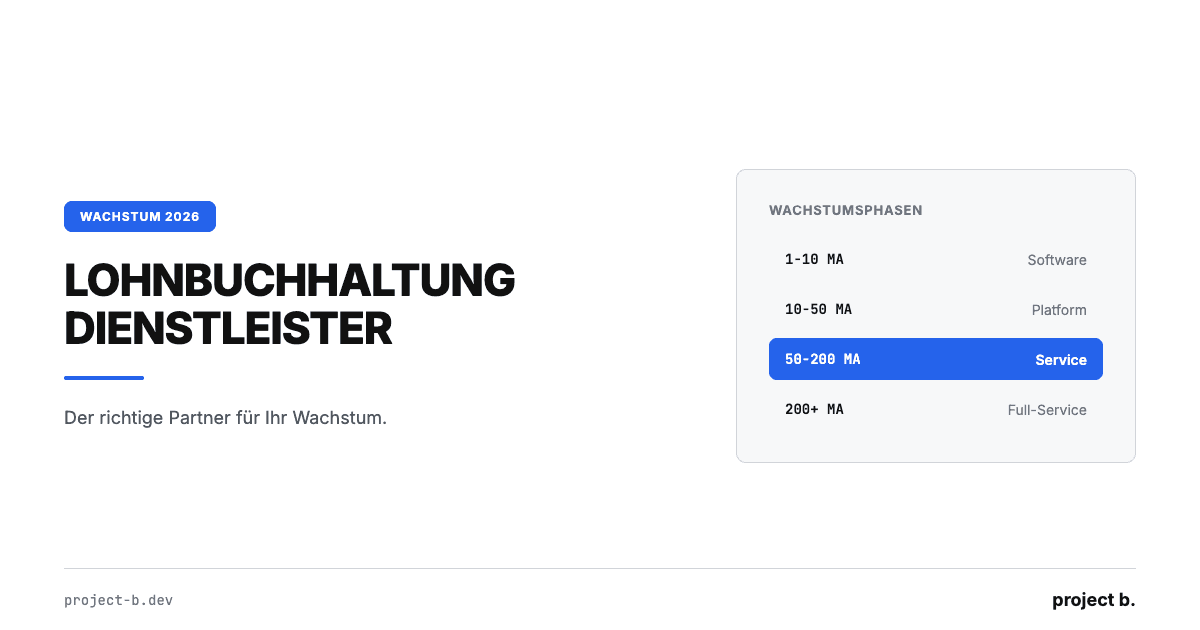
Lohnbuchhaltung Dienstleister: Der richtige Partner für Ihr Wachstum
Lohnbuchhaltung Dienstleister finden, der mit Ihrem Unternehmen wächst. Kosten, Phasenmodell und 5 Kriterien für skalierbare Lohnabrechnung ab 4 €/MA.
·
Outsourcing
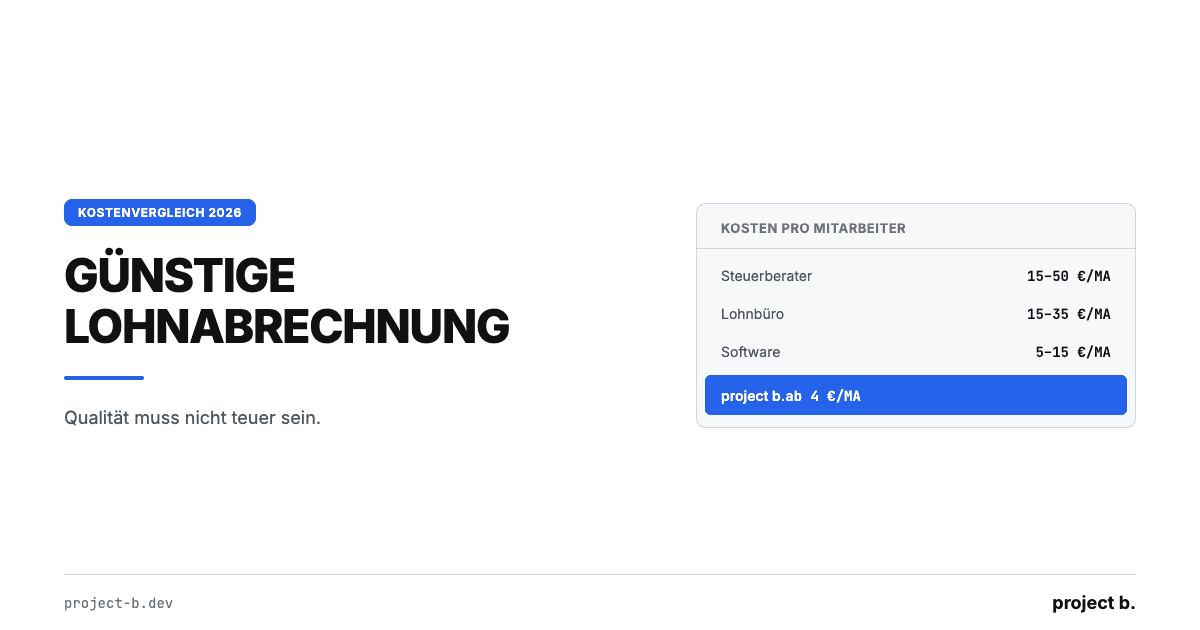
Günstige Lohnabrechnung: Qualität muss nicht teuer sein
Günstige Lohnabrechnung ab 4 €/Mitarbeiter: Kostenvergleich Software, Steuerberater und Outsourcing mit TCO-Rechnung und konkreten Spartipps für KMU.
·
Outsourcing
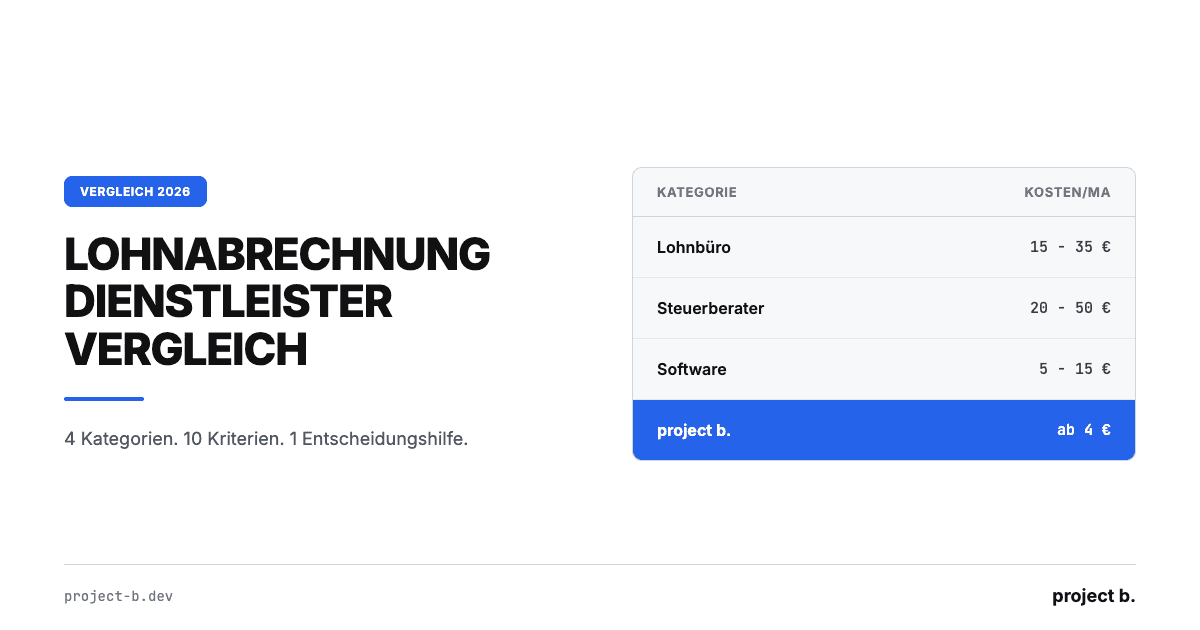
Lohnabrechnung Dienstleister Vergleich: Die Optionen 2026
Lohnabrechnung Dienstleister Vergleich 2026: 4 Kategorien, 10 Kriterien, echte Preise ab 4€/MA. Finden Sie den passenden Payroll-Partner für Ihr Unternehmen.
·
Outsourcing
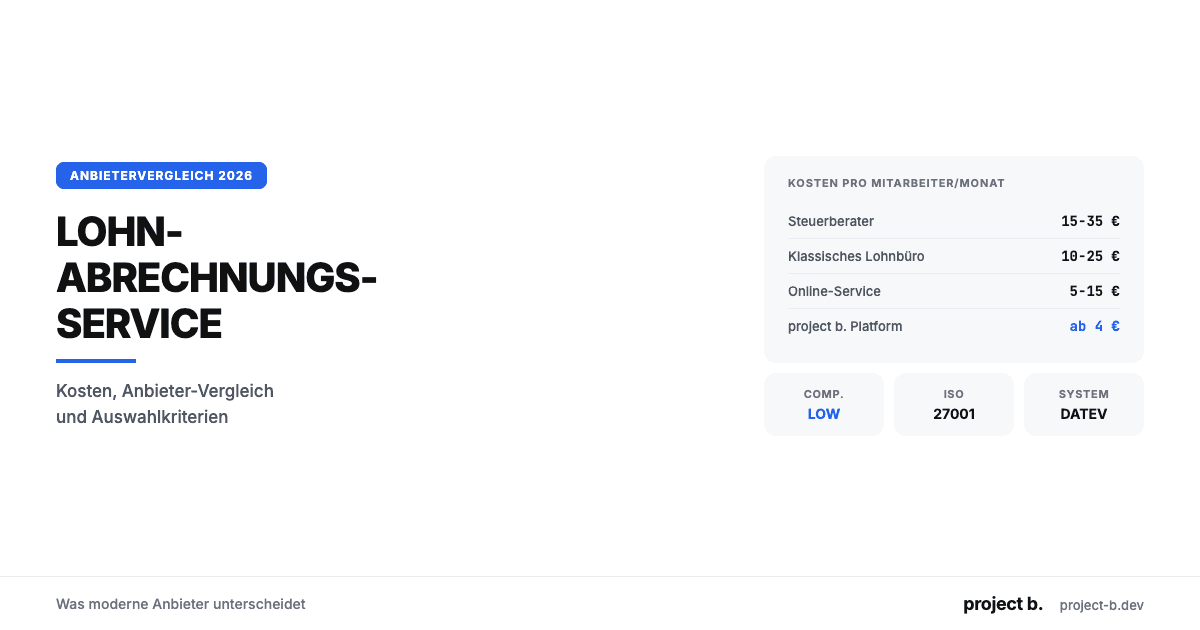
Lohnabrechnungsservice: Was moderne Anbieter unterscheidet
Lohnabrechnungsservice gesucht? Kosten ab 6 €/MA, Anbieter-Vergleich, Online vs. vor Ort und worauf Sie bei der Auswahl achten sollten. Jetzt informieren.
·
Outsourcing
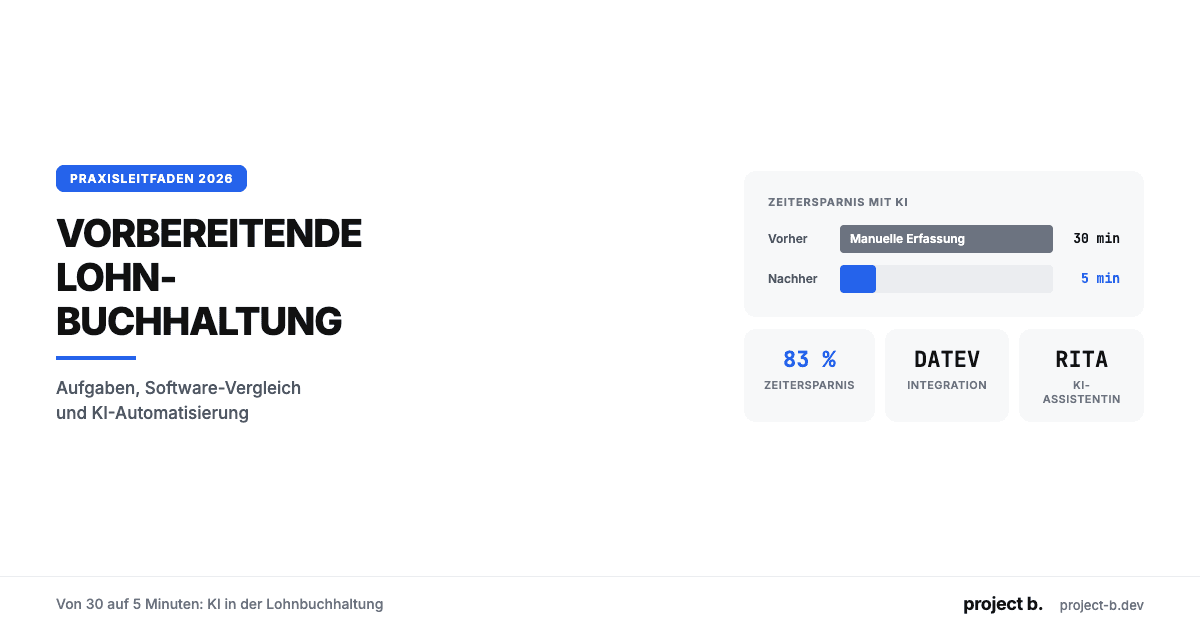
Vorbereitende Lohnbuchhaltung: Von 30 auf 5 Minuten
Was ist vorbereitende Lohnbuchhaltung? Aufgaben-Checkliste, DATEV-Integration, Software-Vergleich und wie KI den Zeitaufwand von 30 auf 5 Minuten senkt.

·
Outsourcing
Lohnbüro Berlin: Professionelle Lohnabrechnung in der Hauptstadt
Lohnbüro in Berlin gesucht? Leistungen, Kosten (ab 6 €/MA), 7-Punkte-Checkliste und warum LohnDialog mit project b. Technologie die smarte Wahl ist.
·
Outsourcing
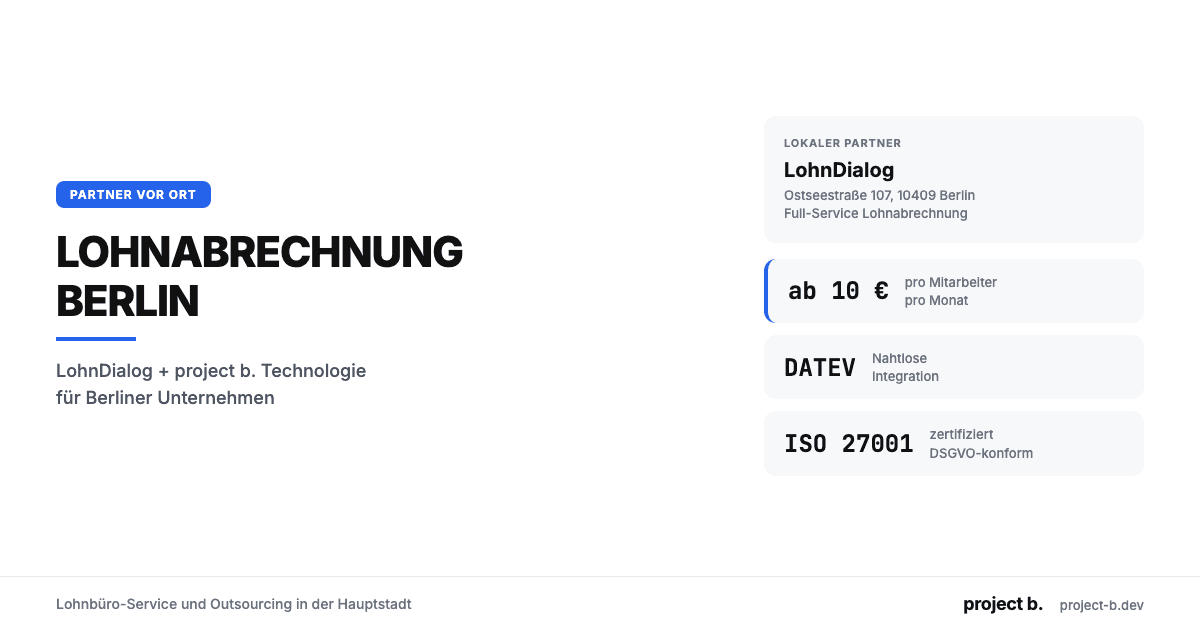
Lohnabrechnung Berlin: Ihr Payroll-Partner in der Hauptstadt
Lohnabrechnung in Berlin mit LohnDialog und project b. Lohnbüro-Service, DATEV-Integration, ab €10/MA. Persönliche Betreuung vor Ort.
·
Outsourcing
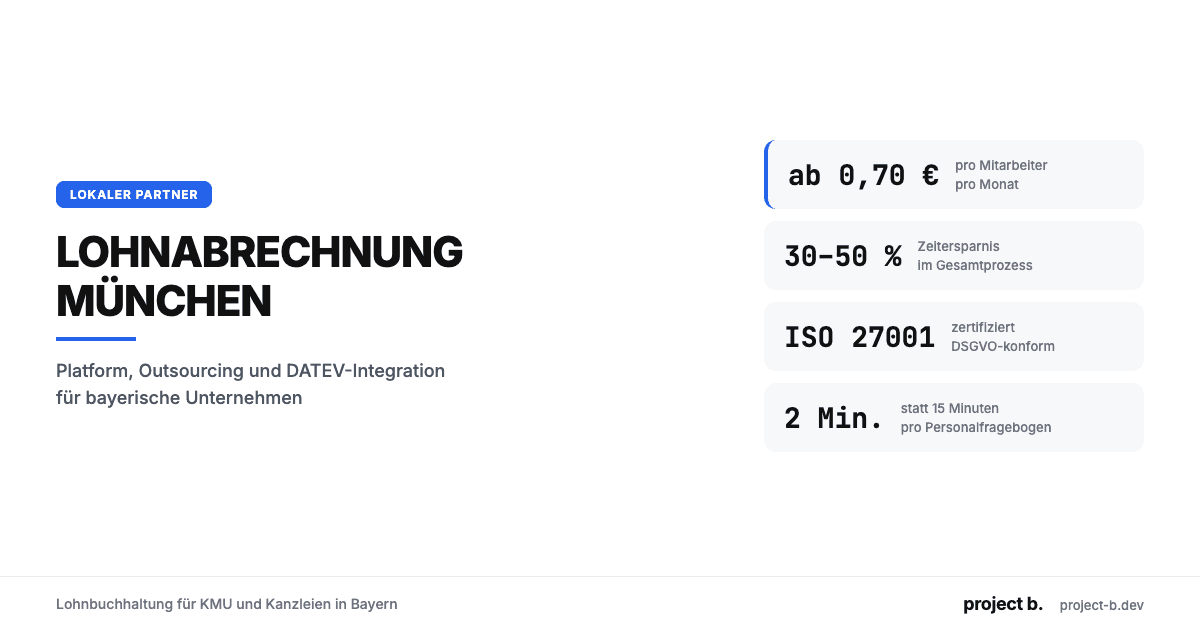
Lohnabrechnung München: Lohnbuchhaltung für KMU & Kanzleien
Lohnabrechnung in München ab €0,70/MA/Monat. Platform oder Outsourcing, DATEV-Integration, ISO 27001. So finden Sie den richtigen Partner.
·
Outsourcing
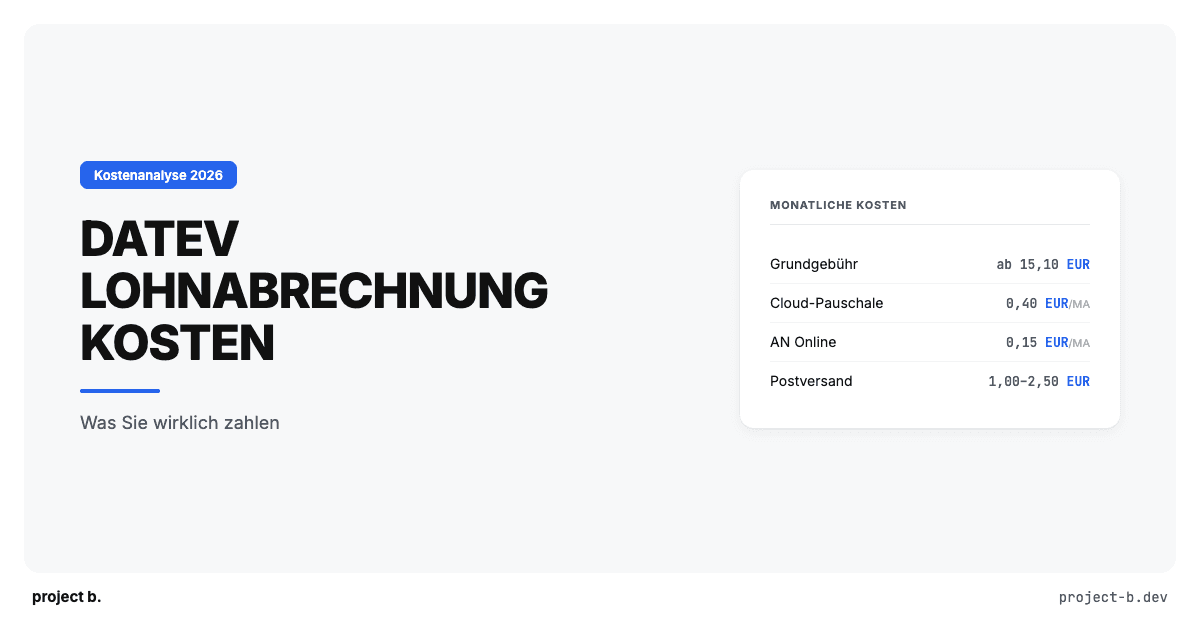
DATEV Lohnabrechnung Kosten: Was Sie wirklich zahlen
Was kostet eine Lohnabrechnung mit DATEV? Preise pro Mitarbeiter, versteckte Zusatzkosten, Vergleich mit Alternativen. Mit konkretem Rechenbeispiel.
·
Outsourcing
Steuerberater Lohnbuchhaltung: Mehr Mandate ohne mehr Personal
Als Steuerberater mehr Lohnmandate betreuen, ohne proportional Personal aufzubauen? So reduzieren digitale Vorsysteme den Aufwand pro Mandat.
·
Outsourcing
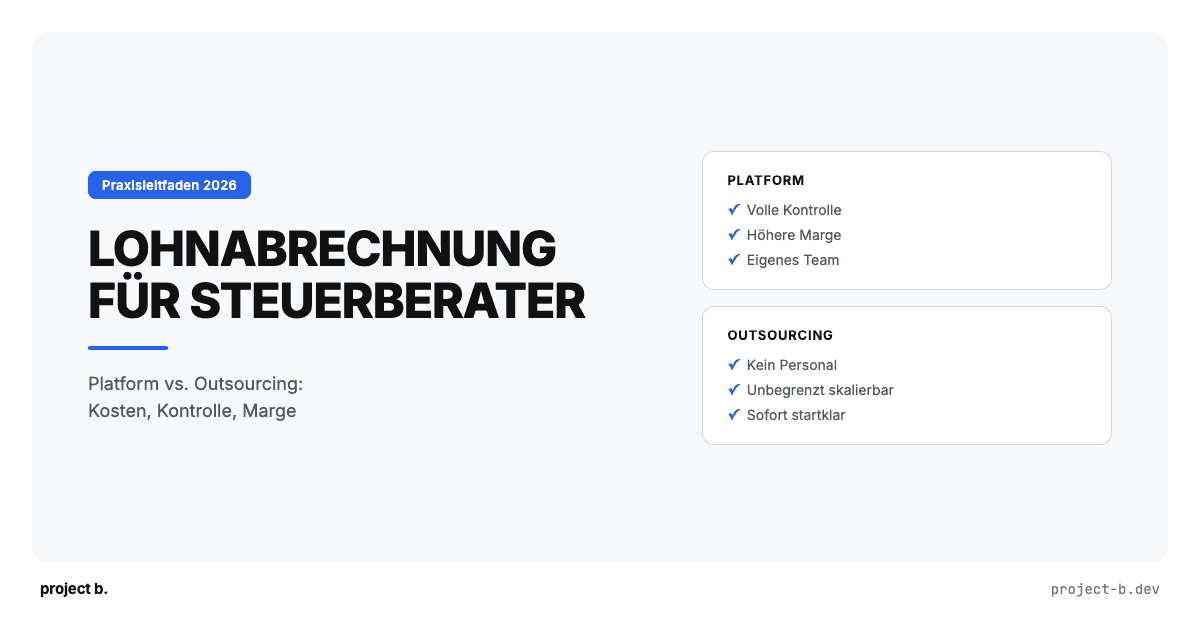
Lohnabrechnung für Steuerberater: Platform vs. Outsourcing
Lohnabrechnung als Steuerberater selbst abrechnen oder auslagern? Vergleich beider Modelle mit Kosten, Aufwand und Praxisbeispiel.
·
Outsourcing
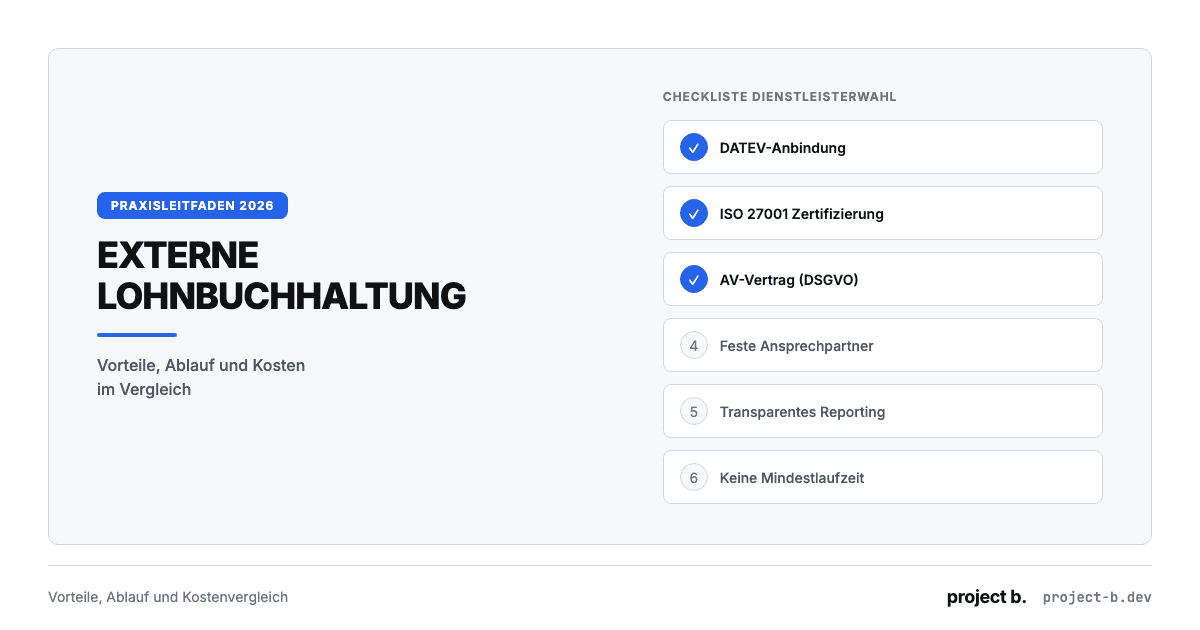
Externe Lohnbuchhaltung: Vorteile, Ablauf und Kosten
Externe Lohnbuchhaltung ab 10 EUR pro Mitarbeiter. Vorteile, typischer Ablauf, Kostenvergleich und worauf Sie bei der Auswahl des Dienstleisters achten sollten.
·
Outsourcing
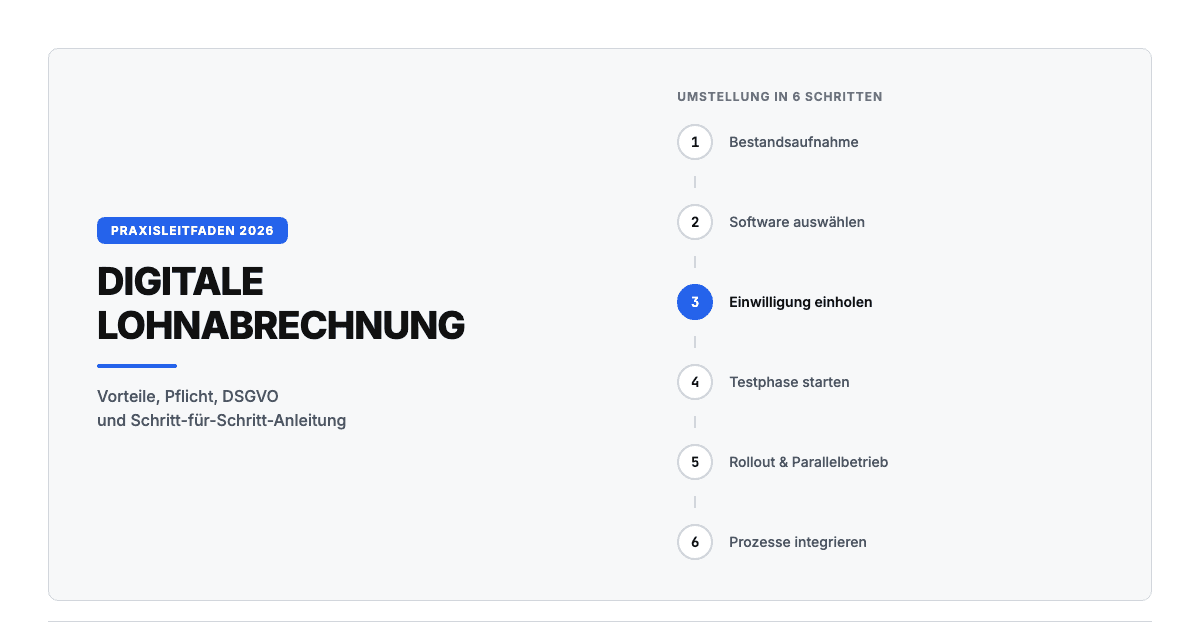
Digitale Lohnabrechnung: So funktioniert sie in der Praxis
Digitale Lohnabrechnung rechtssicher einführen. Vorteile, DSGVO-Anforderungen, Software-Vergleich und Schritt-für-Schritt-Anleitung für die Umstellung 2026.
·
Outsourcing
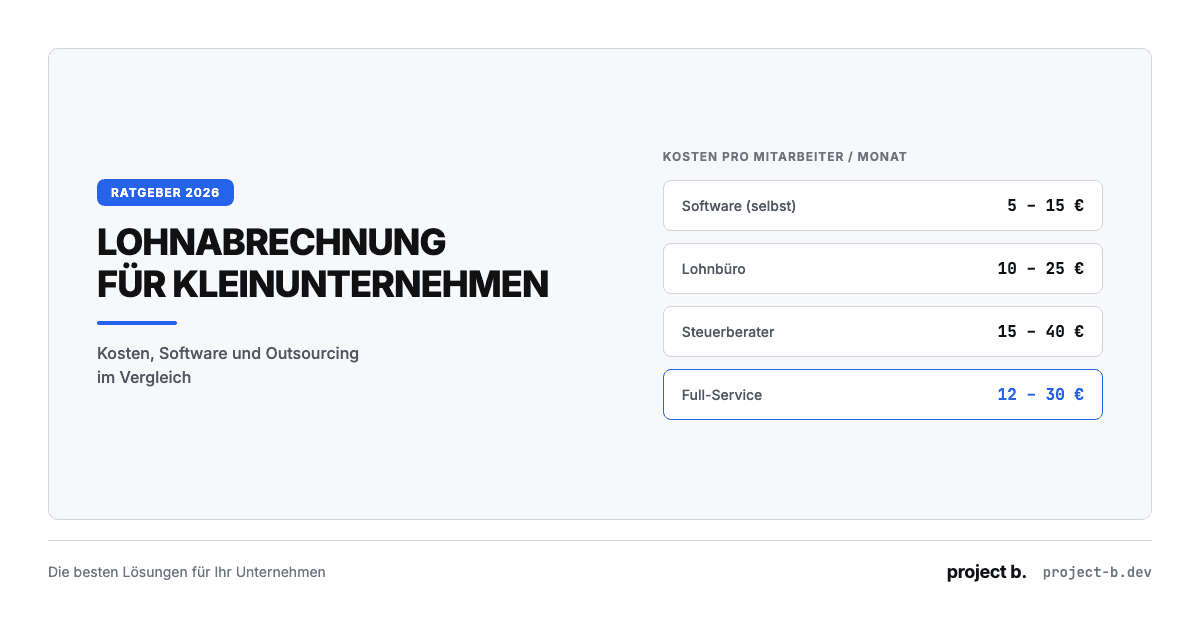
Lohnabrechnung für Kleinunternehmen: Die besten Lösungen 2026
Lohnabrechnung für Kleinunternehmen ab 5 EUR pro Mitarbeiter. Vergleich: selber machen, Software oder outsourcen. Mit Kostenrechnung und Entscheidungshilfe.
·
Outsourcing
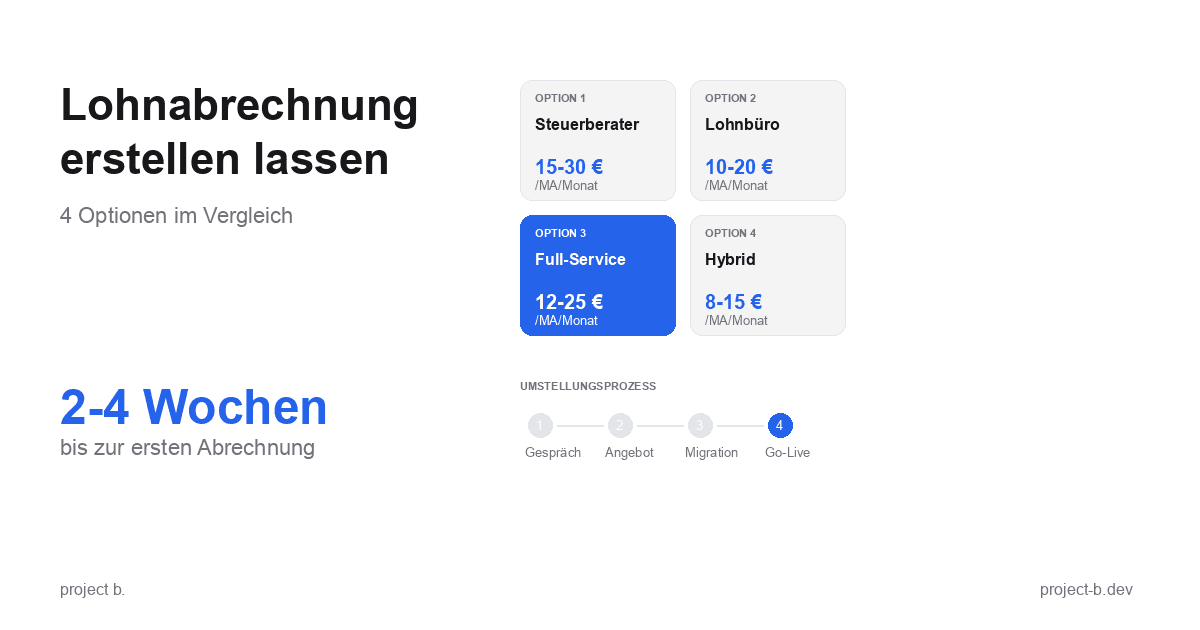
Lohnabrechnung erstellen lassen: Ihre Optionen im Vergleich
Lohnabrechnung erstellen lassen statt selbst kämpfen? Erfahren Sie, welche Optionen Sie haben, was es kostet und wie schnell Sie starten können.
·
Payment
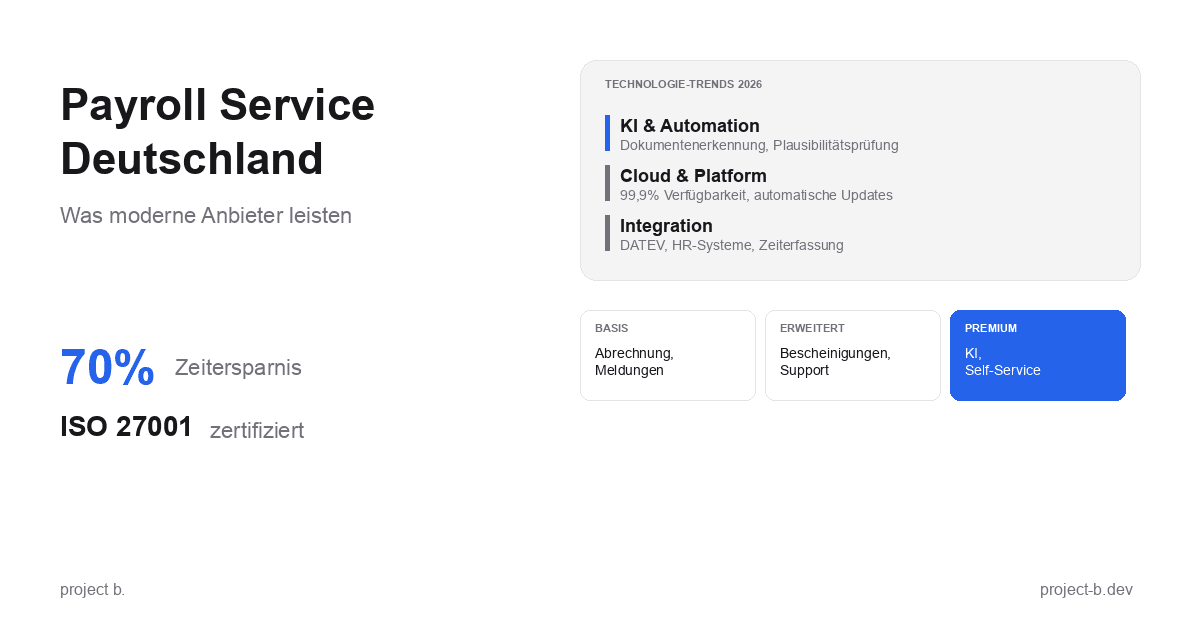
Payroll Service Deutschland: Was moderne Anbieter leisten
Payroll Service in Deutschland gesucht? Erfahren Sie, was moderne Anbieter leisten, welche Technologien sie nutzen und worauf Sie bei der Auswahl achten sollten.
·
Outsourcing
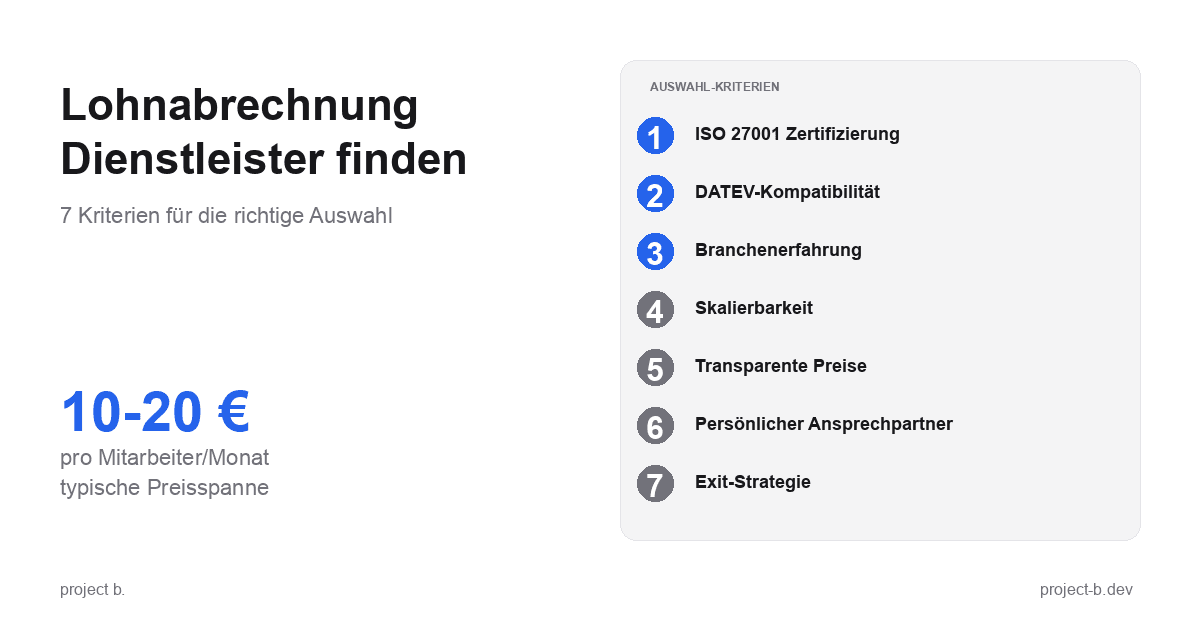
Lohnabrechnung Dienstleister: So finden Sie den richtigen Partner
Lohnabrechnung Dienstleister gesucht? 7 Kriterien für die Auswahl, Preisvergleich und Checkliste fürs Erstgespräch. Finden Sie den Partner, der zu Ihnen passt.
·
Outsourcing
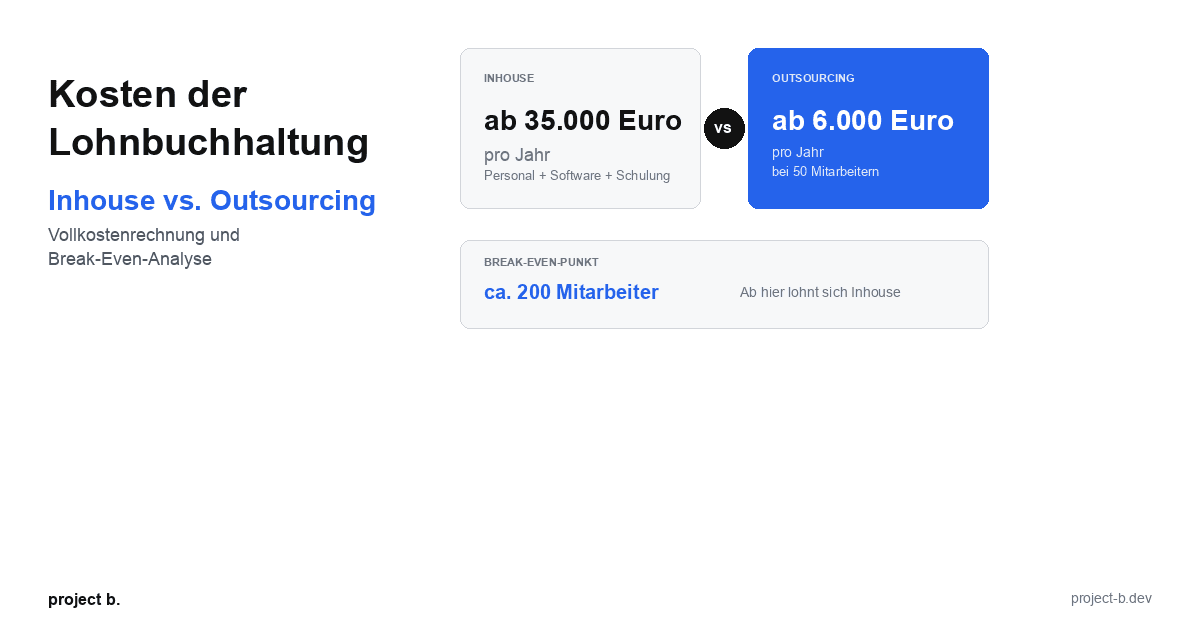
Kosten der Lohnbuchhaltung: Inhouse vs. Outsourcing im Vergleich
Lohnbuchhaltung Kosten: Inhouse ab 35.000 Euro/Jahr vs. Outsourcing ab 6.000 Euro/Jahr. Break-Even-Analyse, ROI-Rechnung und Entscheidungshilfe.
·
Outsourcing
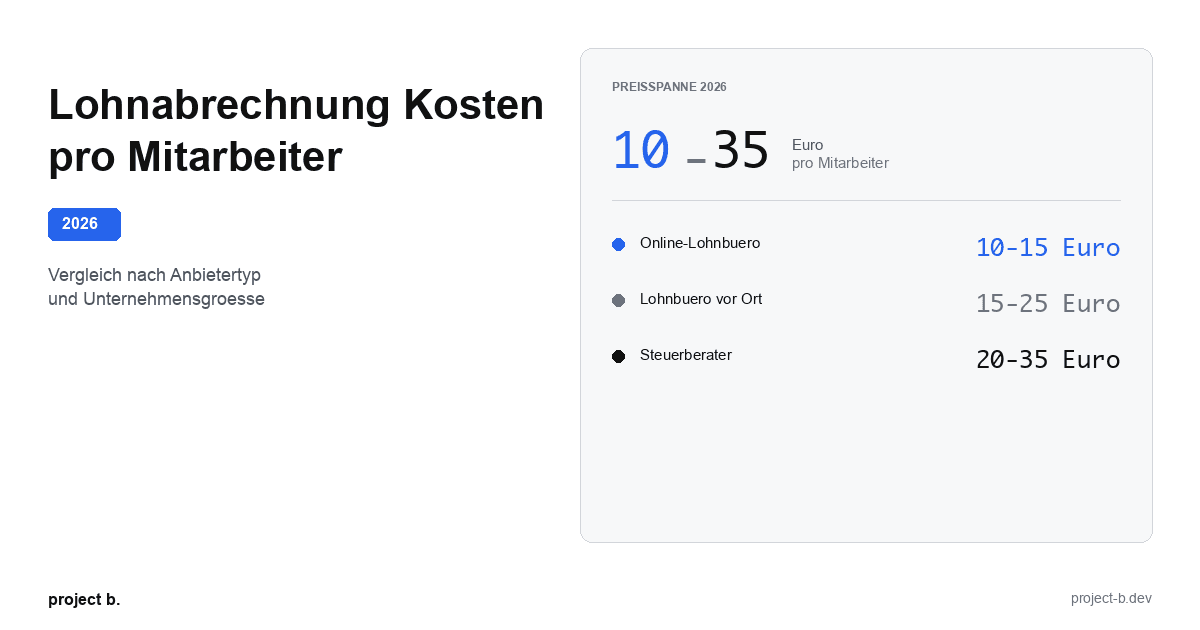
Lohnabrechnung Kosten pro Mitarbeiter: Was Sie 2026 zahlen
Lohnabrechnung Kosten 2026: 10-35 Euro pro Mitarbeiter je nach Anbieter. Vergleich nach Unternehmensgroesse, Branche und versteckte Kosten aufgedeckt.
·
Outsourcing
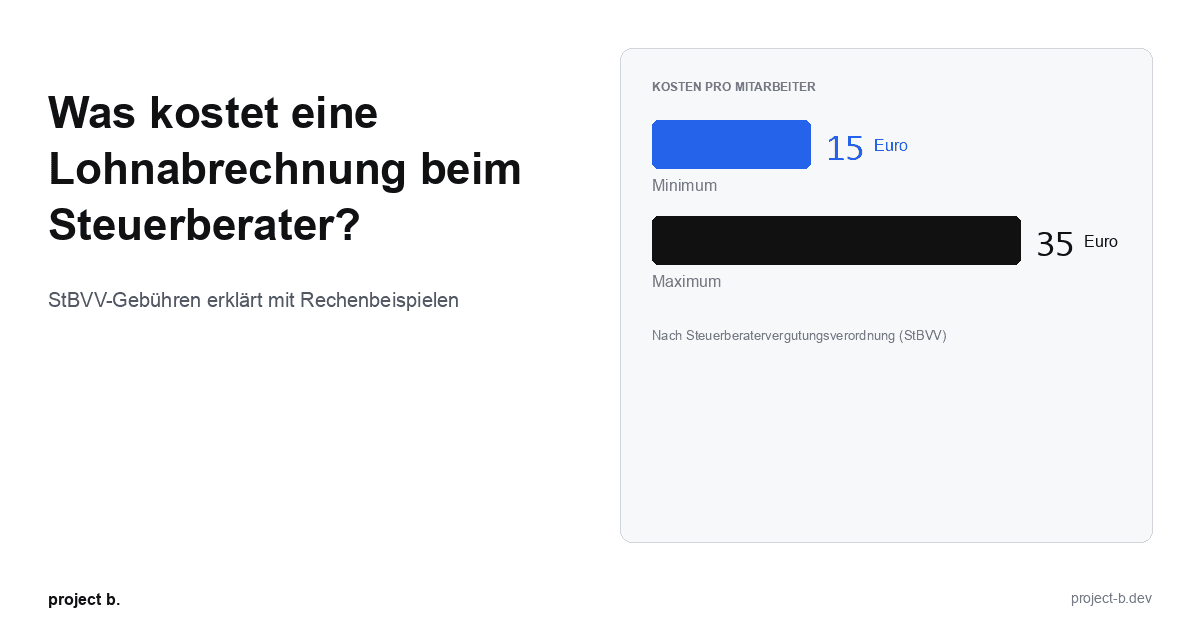
Was kostet eine Lohnabrechnung beim Steuerberater?
Lohnabrechnung beim Steuerberater: Kosten von 15-35 € pro Mitarbeiter. StBVV-Gebühren erklärt, Preisvergleich und Rechenbeispiele für 10, 50, 100 Mitarbeiter.
·
Outsourcing
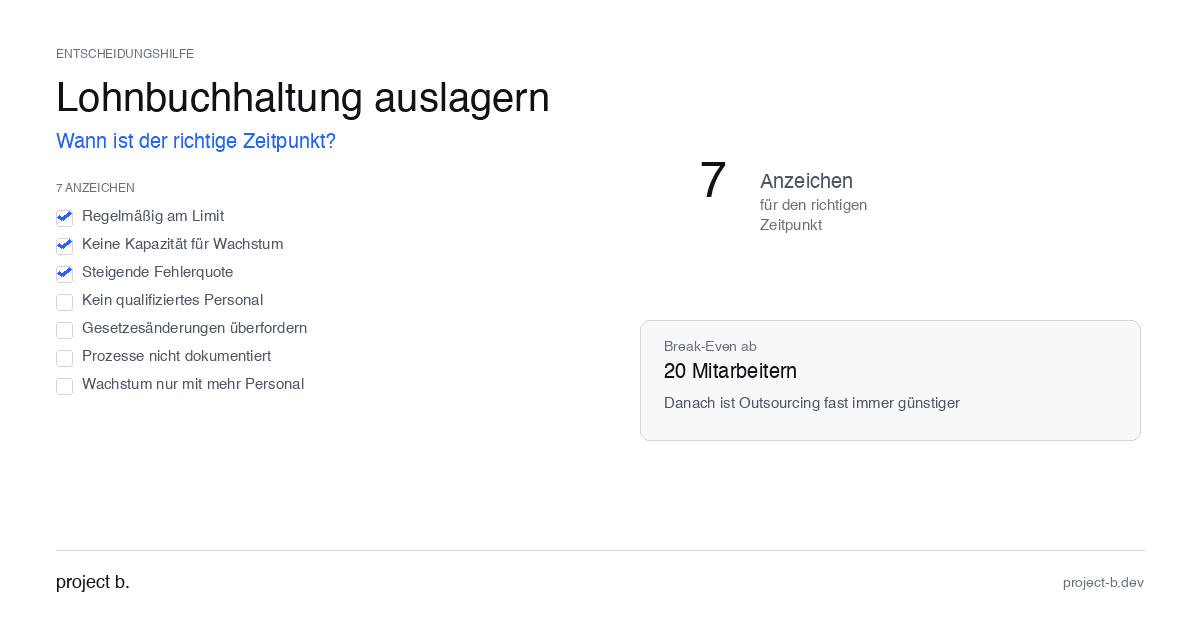
Outsource payroll accounting: When is the right time?
Outsourcing payroll: 7 clear signs that now is the right time. Including break-even analysis and DATEV integration check.
·
Outsourcing
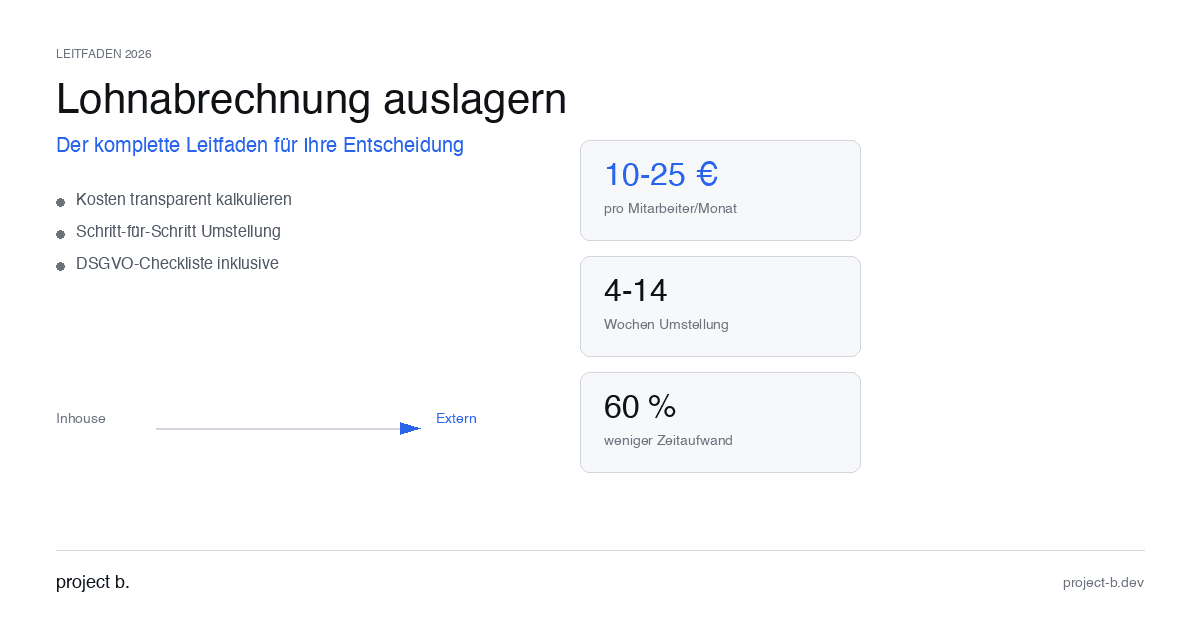
Outsourcing payroll accounting: The complete guide for 2026
Outsource payroll processing 2026: Costs from €10 per employee, step-by-step guide and GDPR checklist. This is how to make the transition without risk.
·
Outsourcing
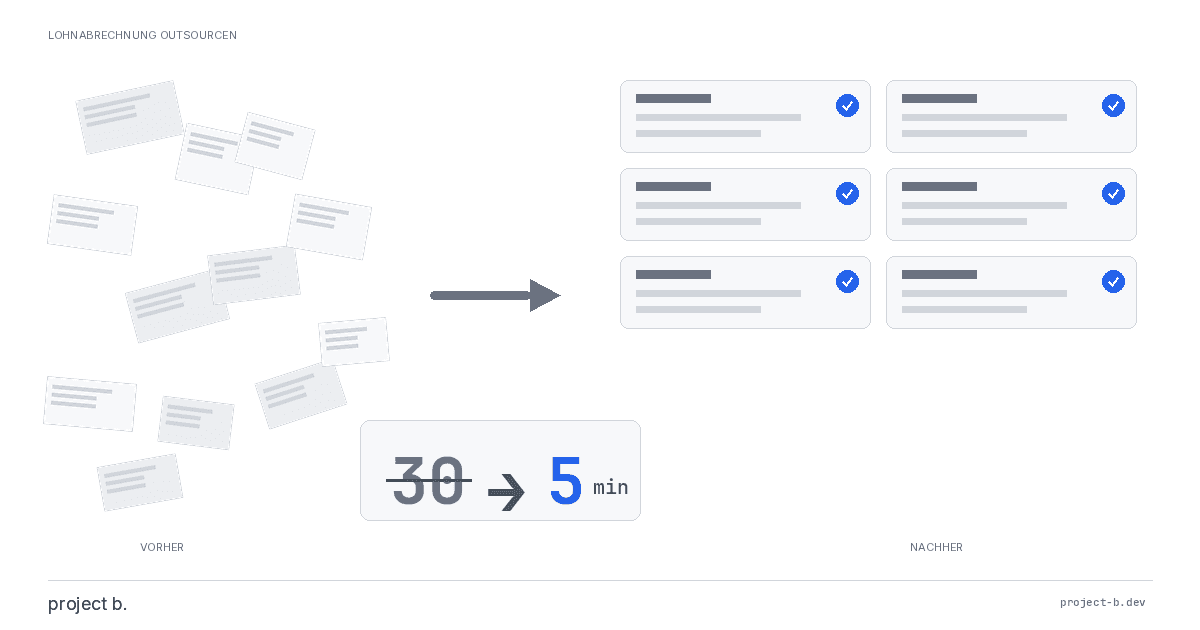
Outsourcing payroll: Costs, benefits, and providers at a glance
Outsource payroll accounting from €10 per employee. Learn about the benefits of outsourcing, its costs, and how to find the right provider.
·
AI
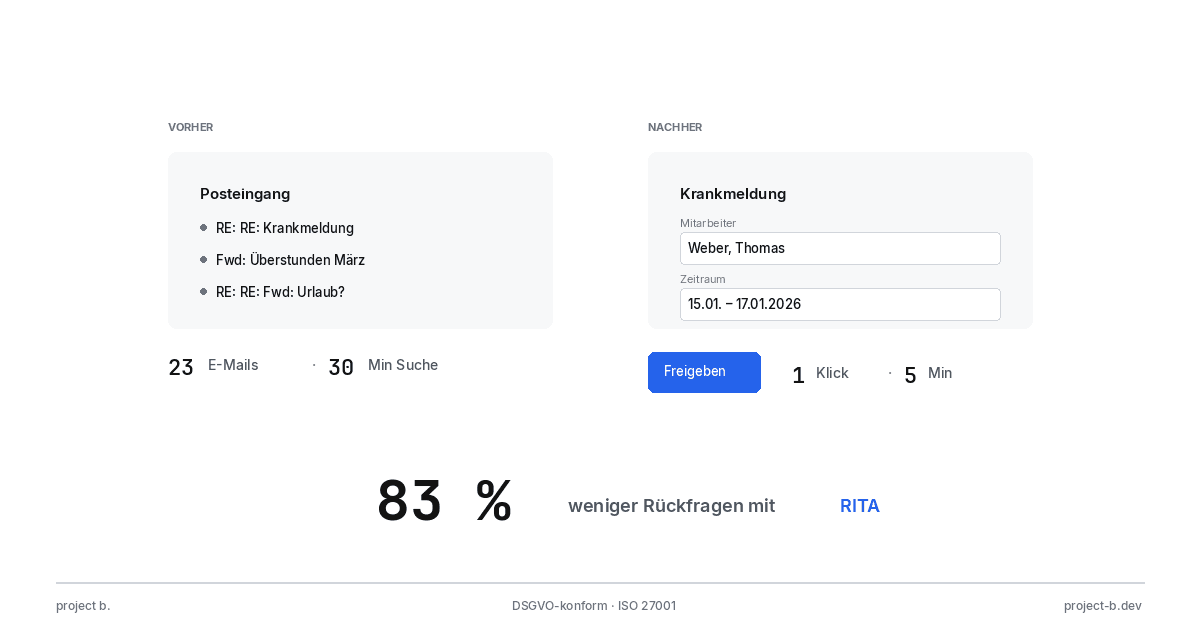
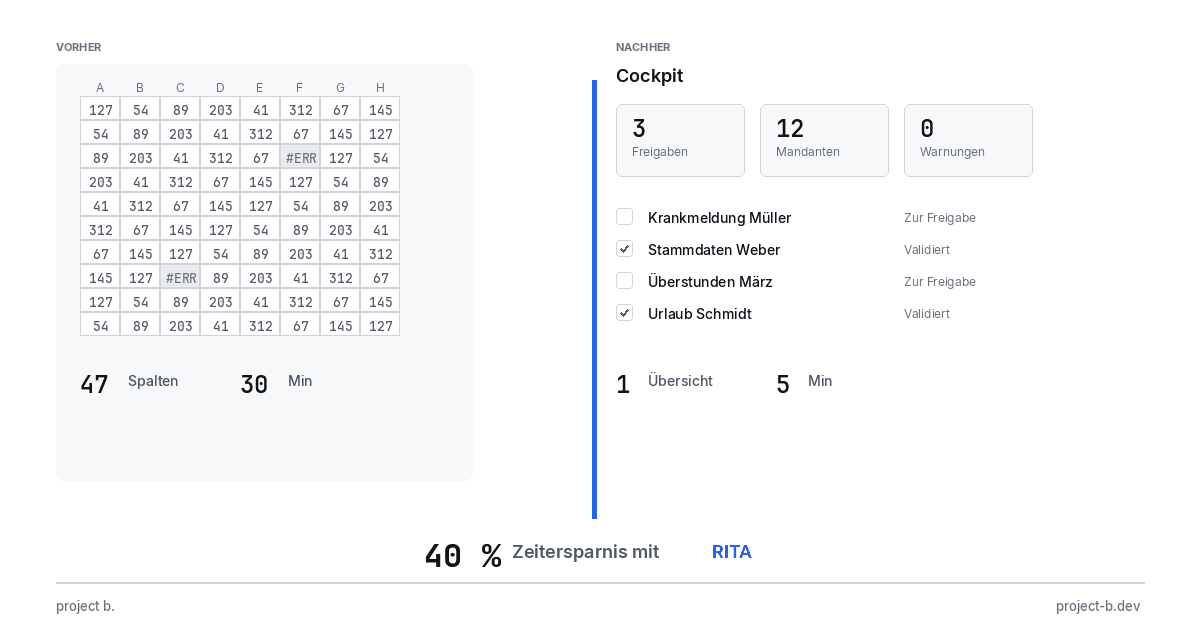
Client portal vs. Email chaos: What modern payroll processing is all about
Payroll statements by email pose a GDPR risk. With the project b. Portal and RITA, you save 1,400 hours/year. This is how secure data exchange works.
·
AI
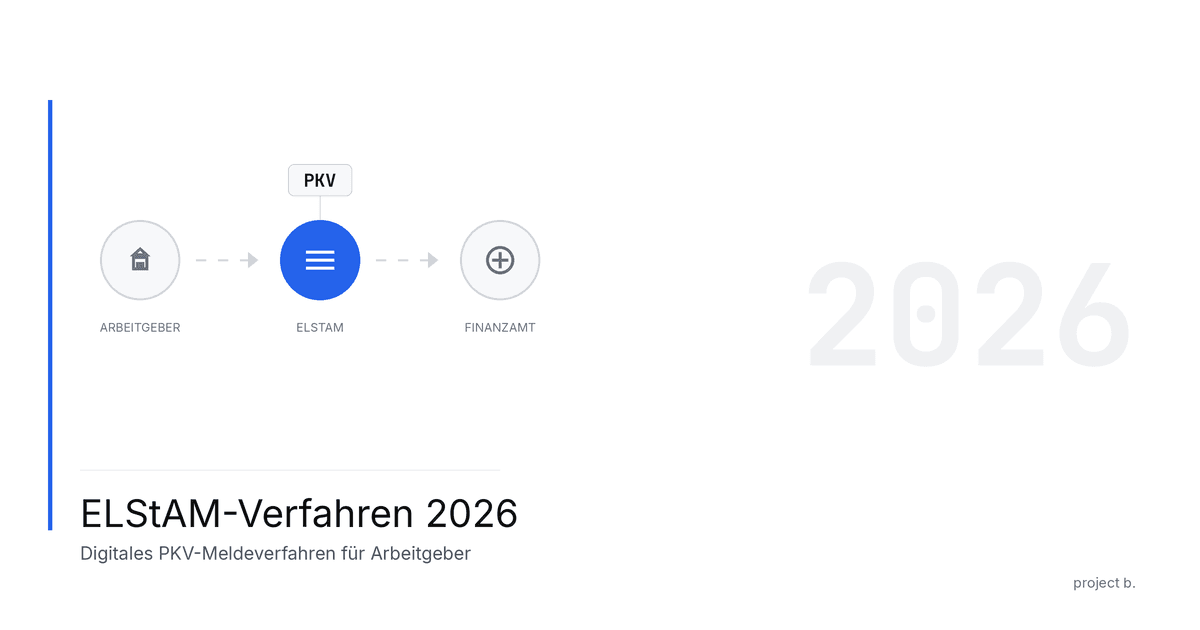
From Excel to the Cockpit: How Payroll Offices Will Make the Leap into Digitalization in 2026
Digital payroll instead of Excel: With RITA and the project b. cockpit, payroll offices save 40% time without switching to DATEV. Practical guide with checklist.
·
Personal
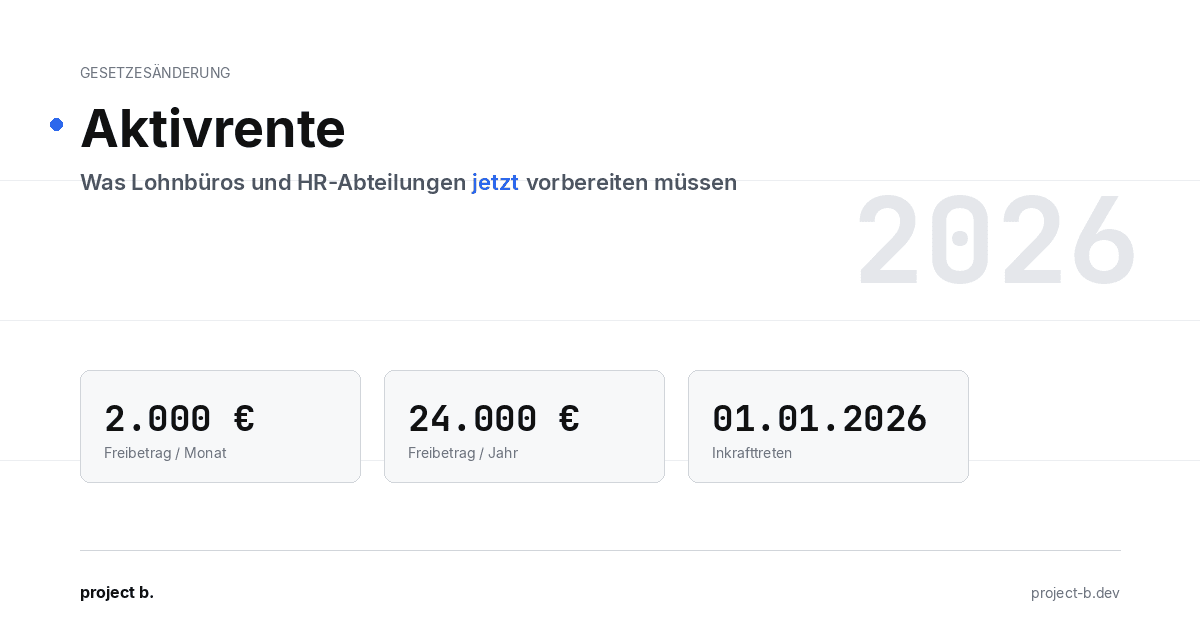
ELStAM Procedure 2026: This is how the new private health insurance notification for employers works
From 2026, employers will report private health insurance contributions digitally via the ELStAM procedure. Find out which systems are affected and how you can prepare now.
·
AI
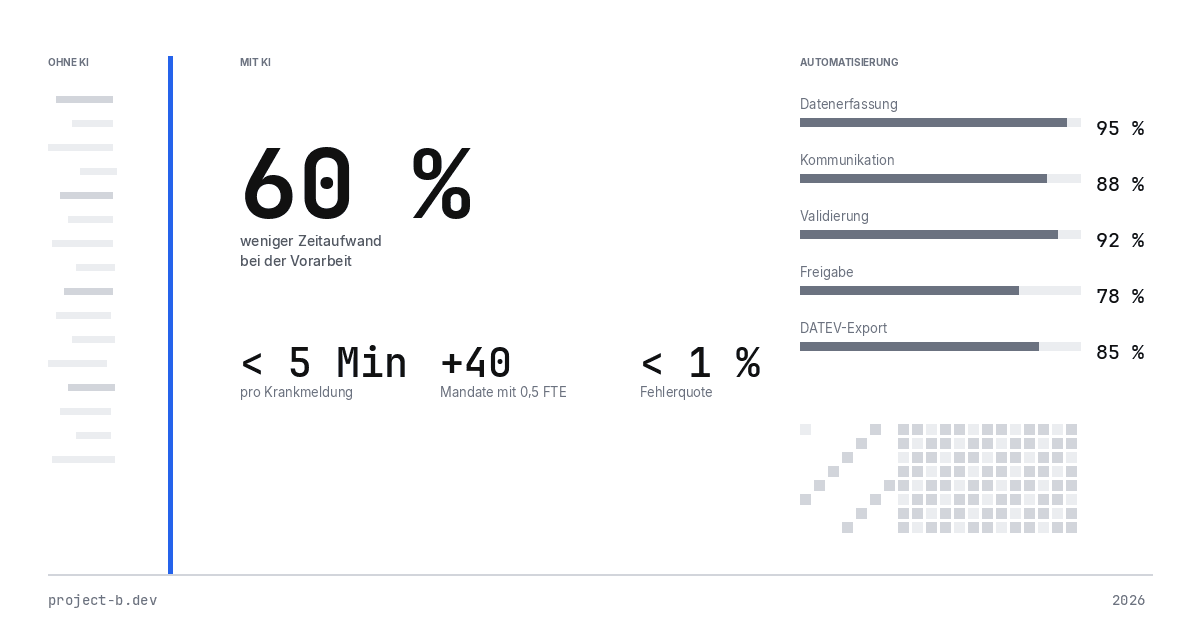
Active pension 2026: What payroll offices and HR departments need to prepare now
Pension from January 2026: Up to €2,000 tax allowance for retirees. Learn about the changes in payroll processes and how AI facilitates implementation.
·
AI
AI-Powered Payroll Software: How Tax Advisors Will Save Time in 2026
AI payroll accounting for tax consultants: Learn how project b. reduces manual work by 80% with RITA and helps combat the skilled labor shortage.
·
Payment
Personio vs. project b.: Which tool really fits your payroll?
Personio or project b.? Comparison for StartUps & Scaleups: DATEV integration, AI automation, costs. Why specialized payroll tools are gaining traction.
·
AI
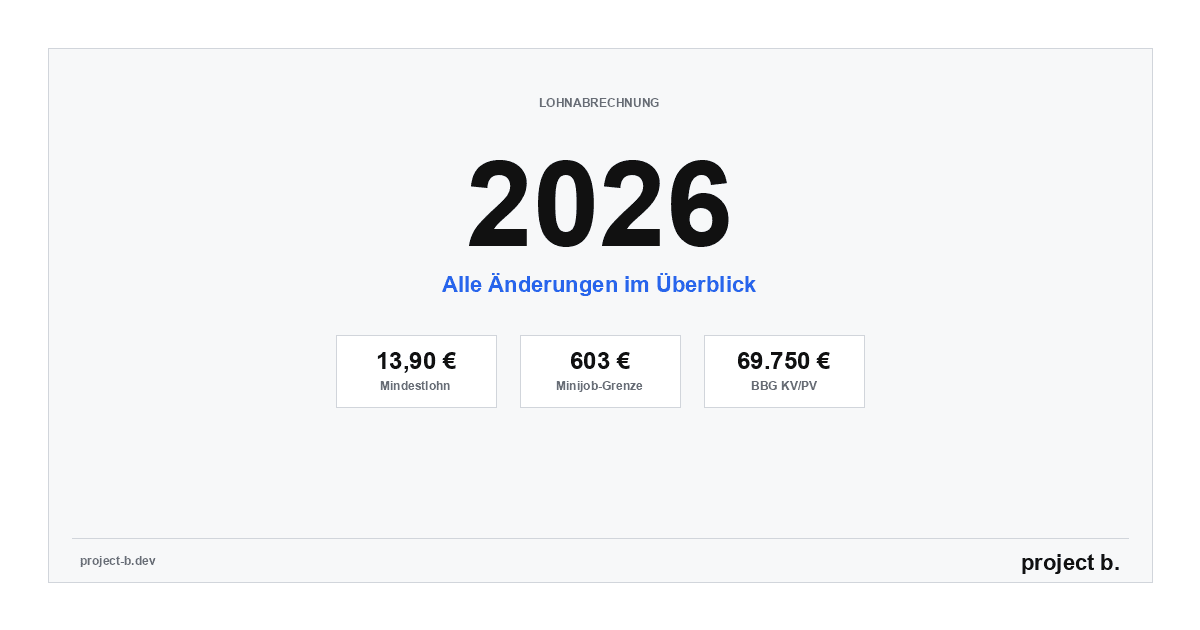
Payroll 2026: All Changes at a Glance (with AI Automation)
Minimum wage €13.90, mini-job limit €603, new contribution assessment ceilings: An overview of all changes for payroll in 2026. Learn how AI automatically implements these updates.
·
Payment
Power outage in Berlin: Why employers still have to pay wages
Power outage Berlin 2026: 2,200 businesses affected. Find out why employers must still pay wages according to § 615 BGB - and what applies to payroll.

·
AI
AI in Payroll: Hype or Help?
AI in payroll processing: What is behind it? A guide for anyone who wants to understand the topic before making a decision.

·
AI
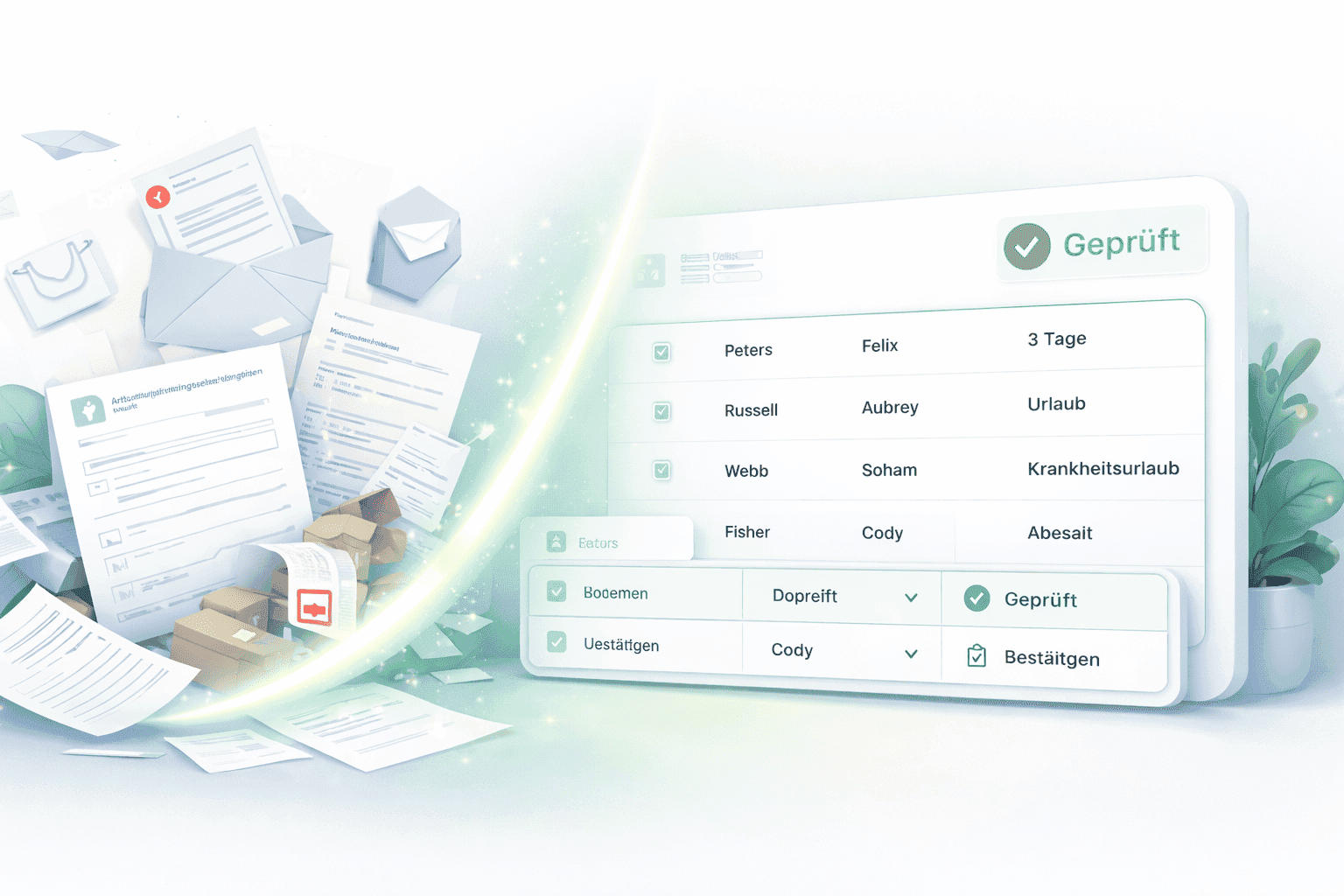
Payroll without professionals? This is how AI will help in 2026
AI in payroll: 70% less routine work, 0.1% error rate. This is how companies are solving the skilled labor shortage in payroll accounting in 2026.
·
AI
This is how you use AI in payroll.
Enough with manual data collection: This is how AI supports payroll accounting in case of sickness notifications, master data, and billing - without loss of control.
·
AI
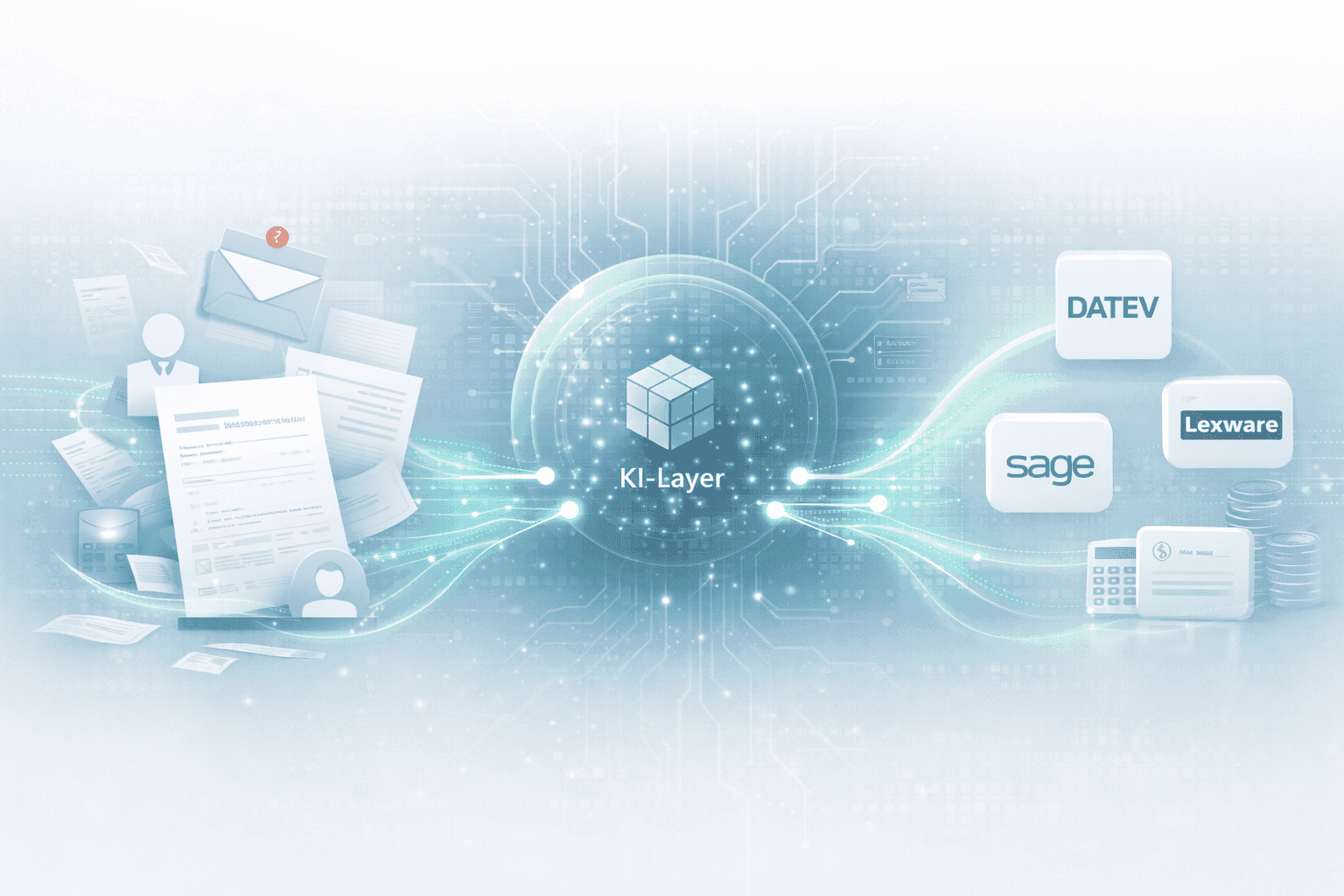
How an AI layer works in payroll.
Digital payroll, but manual data entry? An AI layer closes the gap between employees, HR, and DATEV & Co.
·
AI
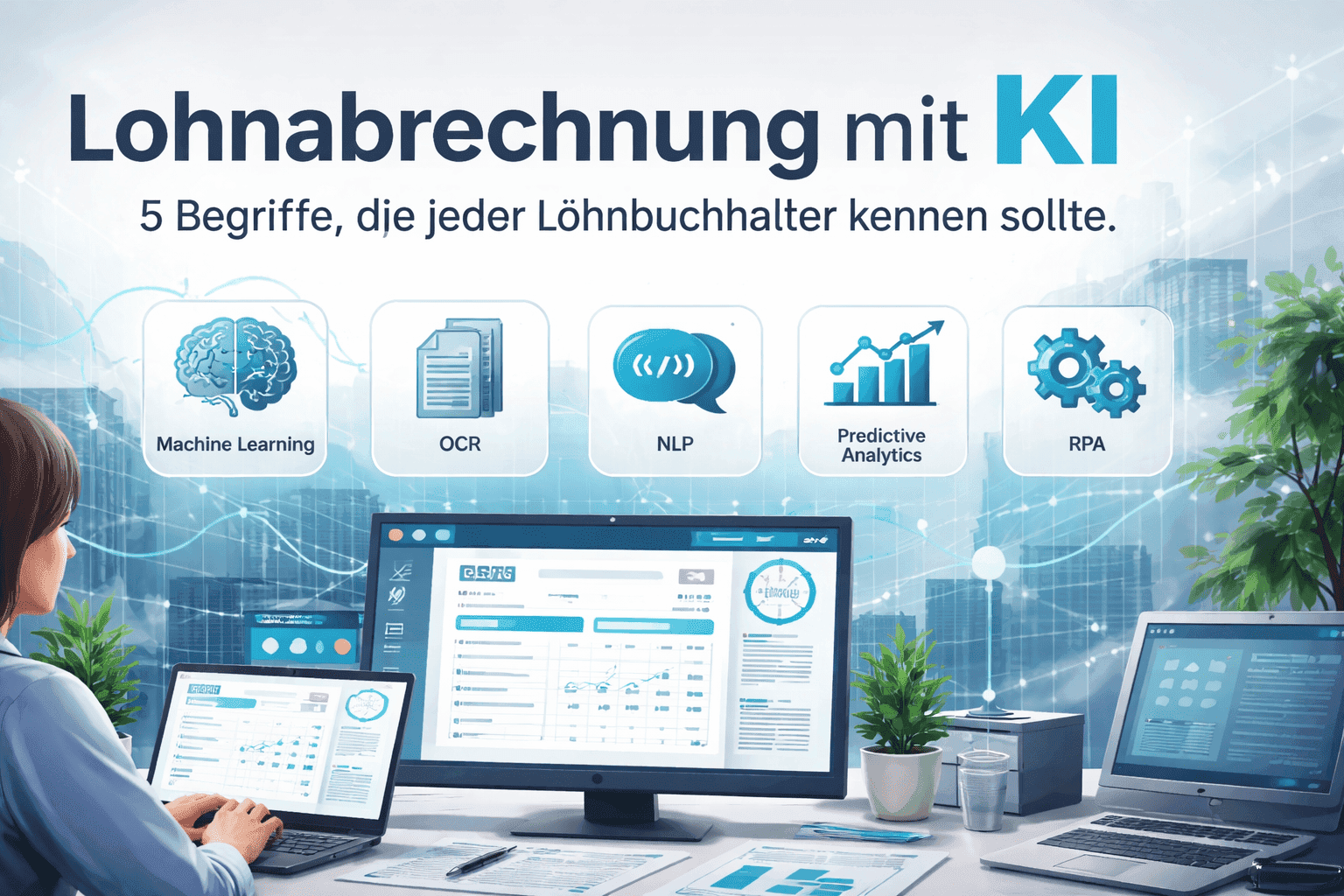
Payroll accounting with AI: 5 terms that every payroll clerk should know
Payroll processing explained clearly with AI: These 5 key AI terms payroll accountants should know to automate processes, reduce errors, and work more efficiently.

·
AI
How companies automate payroll accounting with Rita
Learn how Rita from project b. has automated the preliminary payroll accounting. From data collection to DATEV integration: This is how payroll agencies and tax consultants save up to 70% time.
·
AI
AI Software for Payroll Accounting: The Ultimate Selection Guide
Discover the ultimate selection guide for AI software in payroll. Compare AI tools and find the best payroll software for your business.
·
AI
10 processes in payroll that AI is already handling today
Discover 10 payroll processes that AI has already automated: from master data validation to compliance monitoring. Save up to 94% time on digital payroll.

·
Payment
The story of DATEV and how it became an unshakable power in German accounting.
DATEV is more than software – it is the infrastructural foundation of German accounting. The text shows how a cooperative of tax advisors became the central backbone of accounting and payroll through regulatory entanglement, standardization, and decades of trust-building. At the same time, it explains why this very structure is hindering innovation today: closed data architectures, high switching costs, and a system built for stability rather than AI-based automation. A look at how the past and present shape digital progress.
·
Payment
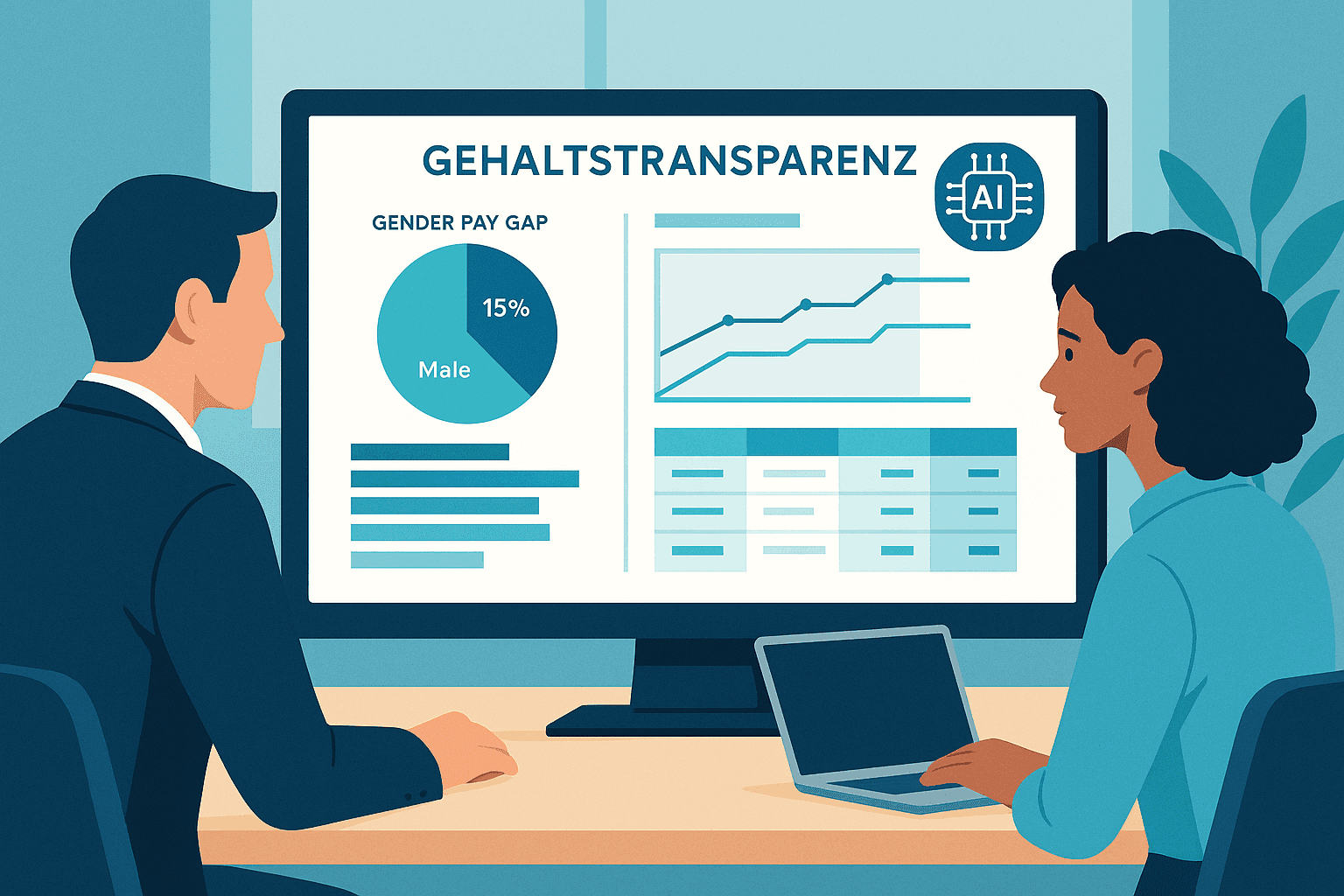
EU Salary Transparency Directive: How to Prepare Your Payroll for June 2026
Discover the best tools for implementing the EU Pay Transparency Directive – including AI solutions like project b. for fair and data-driven salary analyses.
·
AI
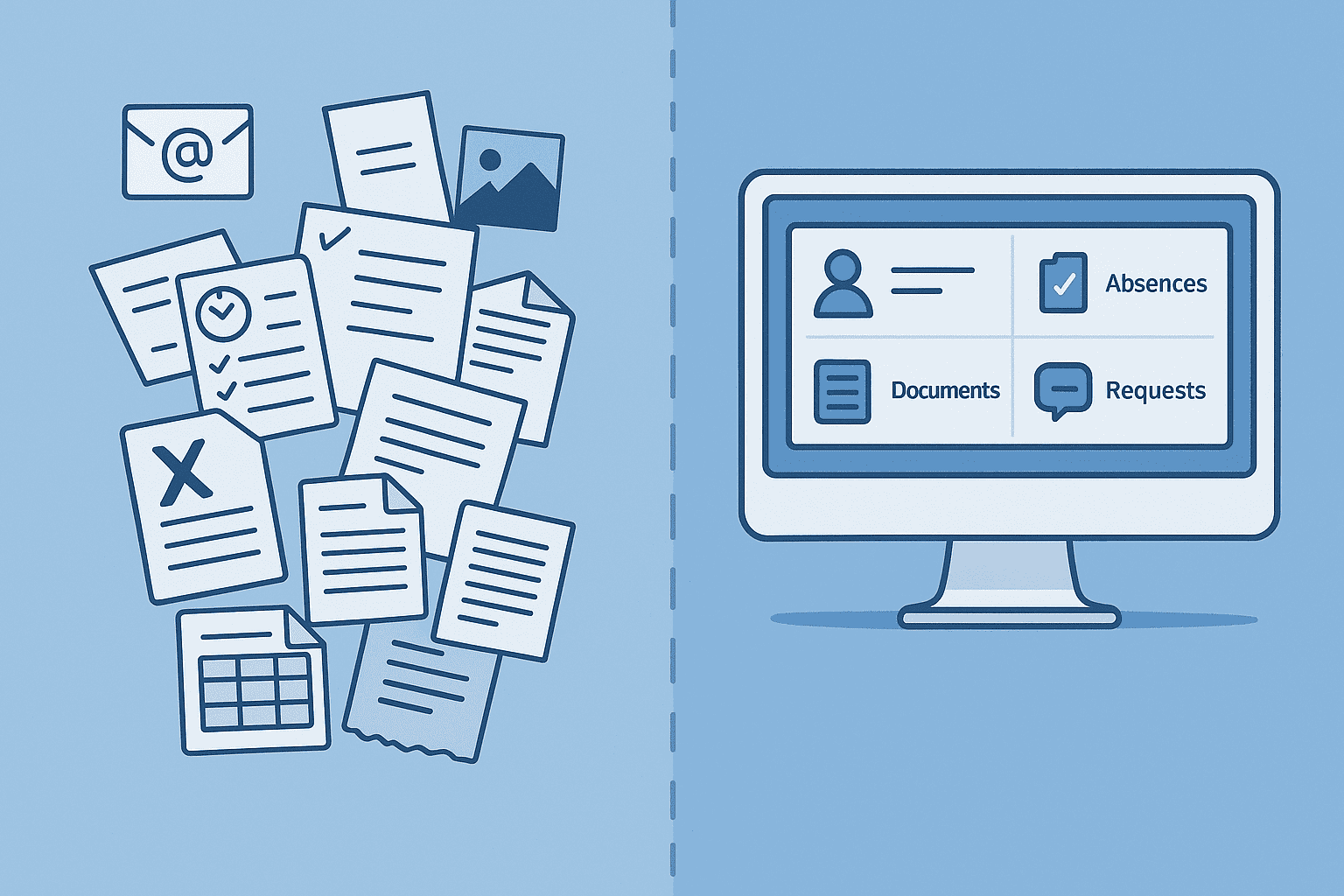
5 Reasons for Payroll Processing with project b.
Discover 5 reasons why tax consultants and payroll offices digitize their preparatory payroll accounting with project b. AI-assisted data collection, fewer queries, full DATEV integration.
·
AI
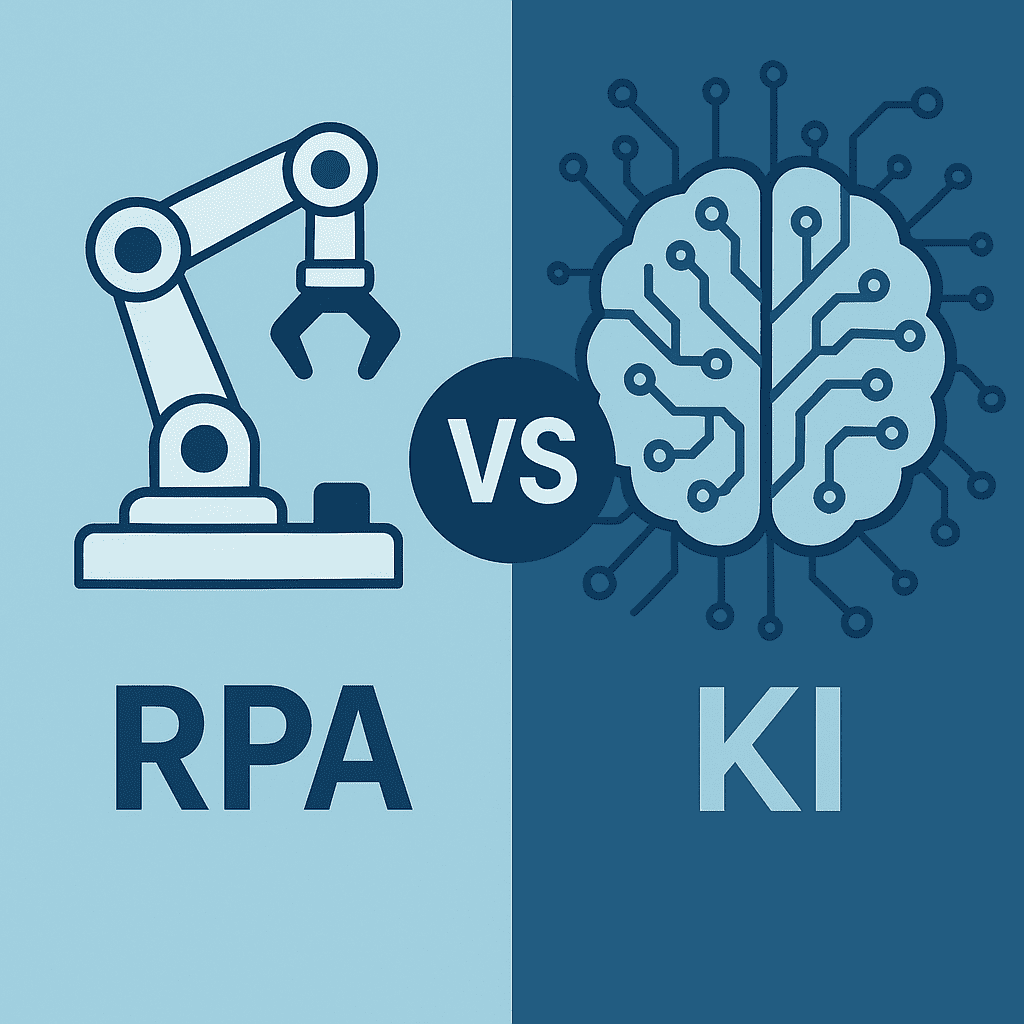
RPA vs. AI in Payroll: The Ultimate Technology Comparison 2026
RPA or AI in payroll accounting? The major comparison for 2026 shows advantages, costs, areas of application, and practical examples for the right automation strategy.

·
AI
AI in payroll processing: What will be possible in 2026 and what will not?
AI in Payroll 2026: What can artificial intelligence really achieve in payroll? Reality check with maturity assessment, practical examples, and an honest analysis of the limits. For payroll offices, tax advisors, and SMEs.

·
AI
5 Easy Ways to Automate Payroll in 2026
5 practical ways to automate payroll: from digital time tracking to AI-driven software. With cost-saving examples for medium-sized businesses, tax consultants, and payroll offices.
·
Payment
Pension flat-rate reform 2026: What employers need to adjust in their payroll software now
Major income tax reform from 2026: The retirement allowance will be recalculated. Learn how this affects net wages, payroll software, and employers.
·
Payment
Predictive Analytics in Payroll: How Tax Advisors Avoid Costly Mistakes
Discover how predictive analytics reduces error rates in payroll, saves costs, and transforms your payroll from reactive to proactive.
·
Payment
Continuous Payroll 2026: How Real-Time Payroll Processing is Replacing Monthly Payroll Statements
Continuous Payroll revolutionizes payroll processing: real-time salary data, on-demand pay, and fewer errors. This is how SMEs and HR teams benefit in 2026.